To-Do App in Flutter
setState does not update the screen — it marks a subtree dirty, and the difference is the whole model.
- Flutter
- Dart
About this project
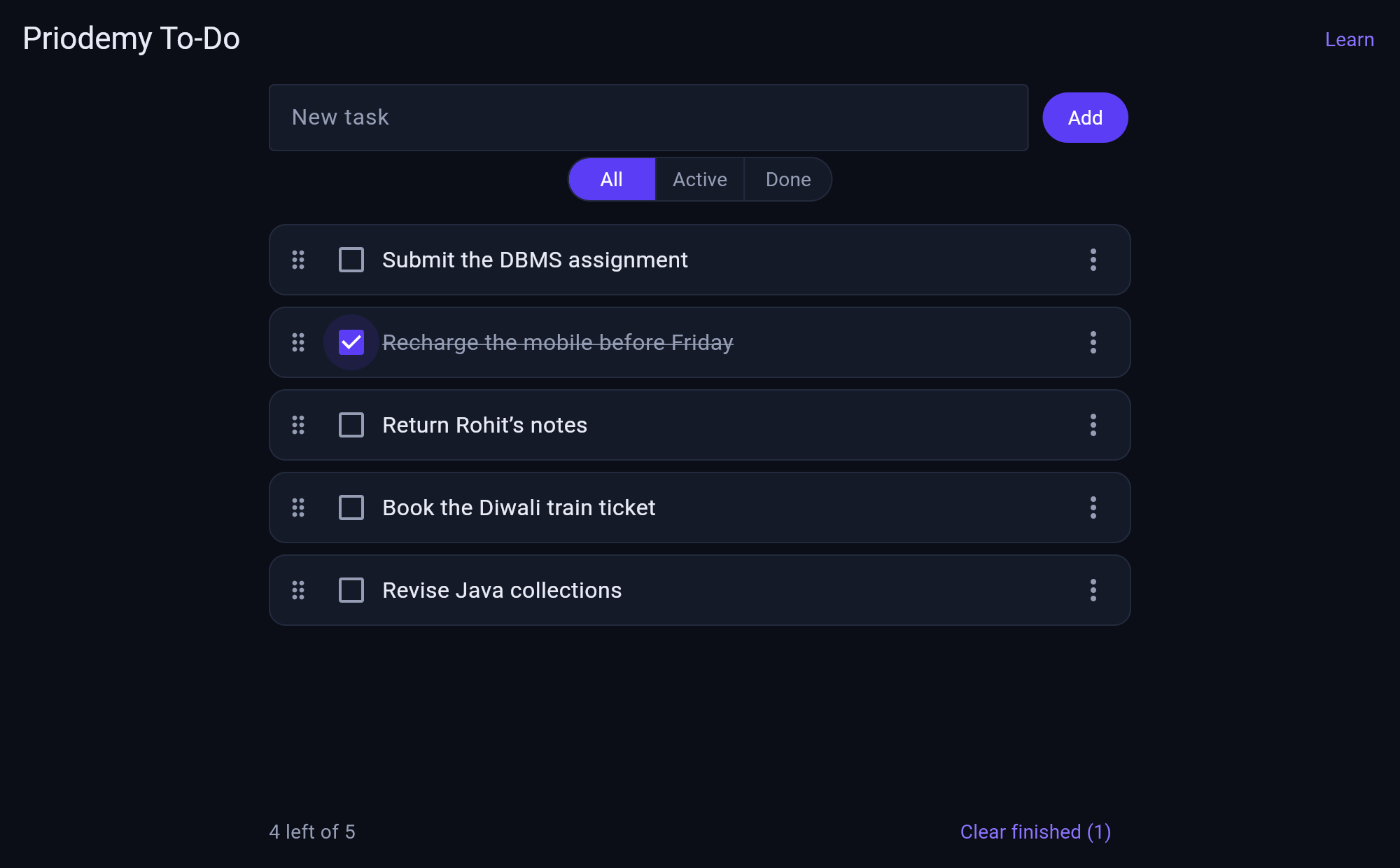
A to-do app in Flutter: add, complete, edit, delete, filter and reorder tasks, saved to disk so they survive a restart. It runs on Android, on Windows and in a browser from the same source.
The idea it is built around is what setState actually does. It does not update the interface — it marks the element dirty so the framework rebuilds that subtree on the next frame. That distinction is the whole Flutter mental model, and it explains why rebuilding is cheap when your build method is pure and expensive when it is not. The project counts its own builds, so you can watch a const constructor stop one rather than take it on trust.
The second theme is lifting state up. It starts with state living inside a task tile, shows that the filter and the counter cannot see it, then lifts it into one store the whole tree reads from. That is the same conclusion the JavaScript to-do project in this catalogue reaches from the other direction, and the README says so — meeting an idea twice in two languages is how it stops being framework trivia and starts being a principle.
What you will learn
- Know what setState actually does, and why a rebuild is cheap when build() is pure
- Choose between StatelessWidget and StatefulWidget for a real reason
- Lift state out of a tile into a store the whole tree can read
- Use const constructors to stop rebuilds, and prove it by counting them
- Write widget tests that assert real behaviour, including layout at 360px
Before you start
- Some programming experience — Dart is picked up as you go
- Flutter 3.19 or newer, and any one target: Android, Windows, or just Chrome
Academic integrity notice
These projects are provided for learning, experimentation and reference. Understand the code, modify it for your own requirements, and acknowledge external work according to your institution’s academic policies. Priodemy does not supply work to be submitted as your own.
Features
- Add, complete, edit, delete, filter and drag to reorder
- Saved to disk, so the list survives a restart
- A build counter, so you can see rebuilds happen and see const stop them
- A Learn screen inside the app explaining the widget tree it just drew
- A real test suite covering behaviour, 360px layout and focus visibility
- Passes flutter analyze with zero warnings
Technology stack
Track: Mobile · Level: Starter
What is included
- A complete Flutter project — models, store, widgets and tests, commented throughout
- A README on setState, the element tree, const constructors and lifting state
- Suggested extensions, including due dates and a second screen
Delivered as a 105 KB ZIP. SHA-256 published under Changelog so you can verify it.
System requirements
- Operating system
- Windows, macOS or Linux
- Runtime
- Flutter 3.19 or newer. flutter pub get, then flutter run.
Licence
Learn from it, change it, and use it in your own coursework and personal projects. Do not resell it or pass it off as your own original work.
- Personal and educational use
- Modifying the code however you like
- Using it as the basis of your own coursework, with honest acknowledgement
- Putting your modified version in a portfolio or on your own GitHub
- Reselling or redistributing the project, modified or not
- Presenting it as your own original work
- Commercial deployment — see the Commercial licence
Support window: 6 months from download.
Frequently asked
Do I need an Android phone or an emulator?
No. Flutter builds the same source for Chrome and for Windows desktop, so flutter run -d chrome is enough to work through the entire project. An emulator is nice to have, not required.
What does setState really do?
It marks the element dirty and schedules a rebuild of that subtree for the next frame. It does not repaint anything itself, and nothing has changed on screen at the moment it returns. Once that is clear, most confusing Flutter behaviour stops being confusing.
Why is there a build counter?
Because "const stops rebuilds" is the kind of claim you should be able to check rather than believe. The counter makes it visible: add a const, watch the number stop climbing.
Changelog
- First release
SHA-2569dd950434f8549051bbf4554123d8c2f981f91df3a7eb179ee838494efbc8942
You might also like
 Free
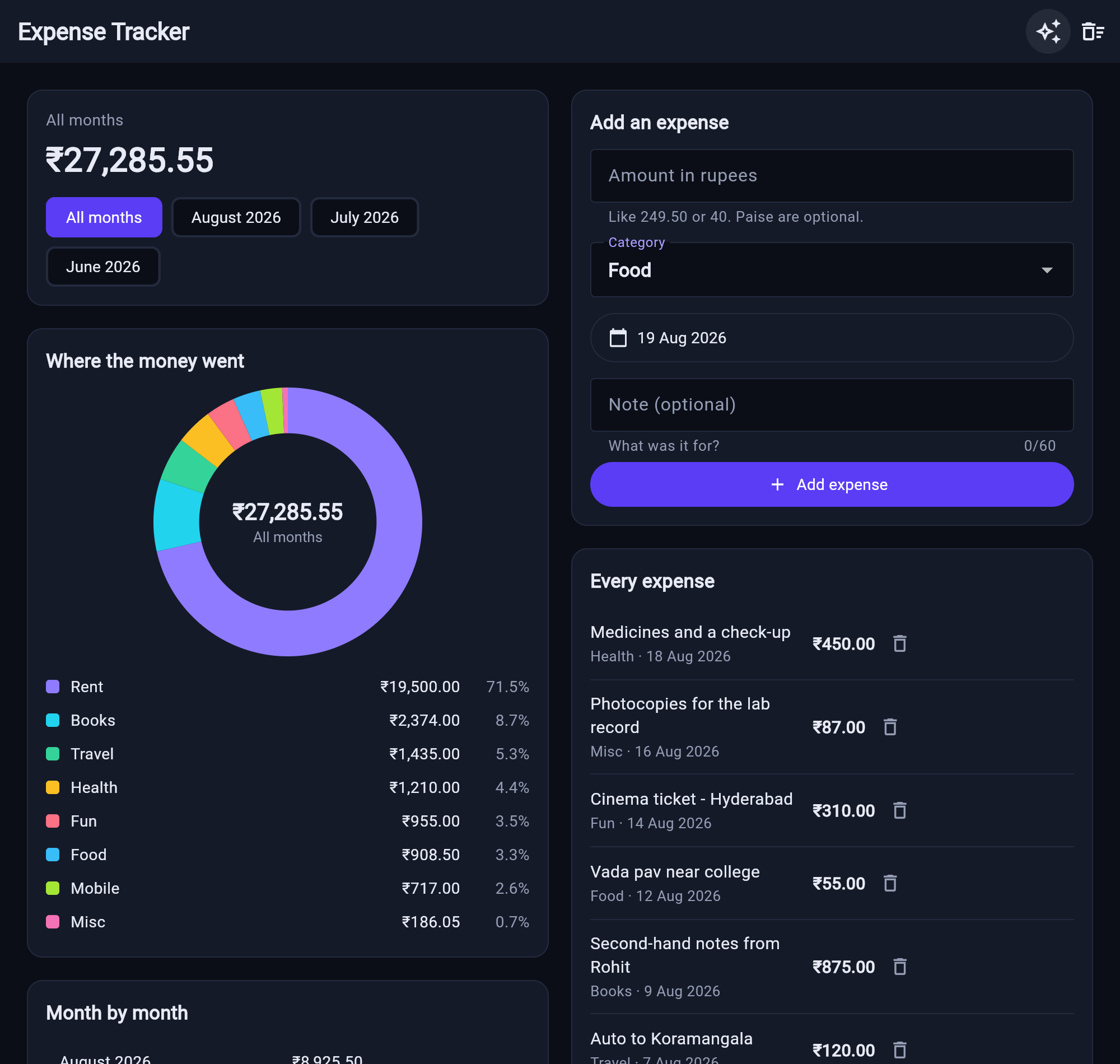
Free Expense Tracker in Flutter
Dart’s int becomes a JavaScript number on the web — the app tells you which one it is running on.
- Flutter
- Dart
- CustomPainter
 Premium
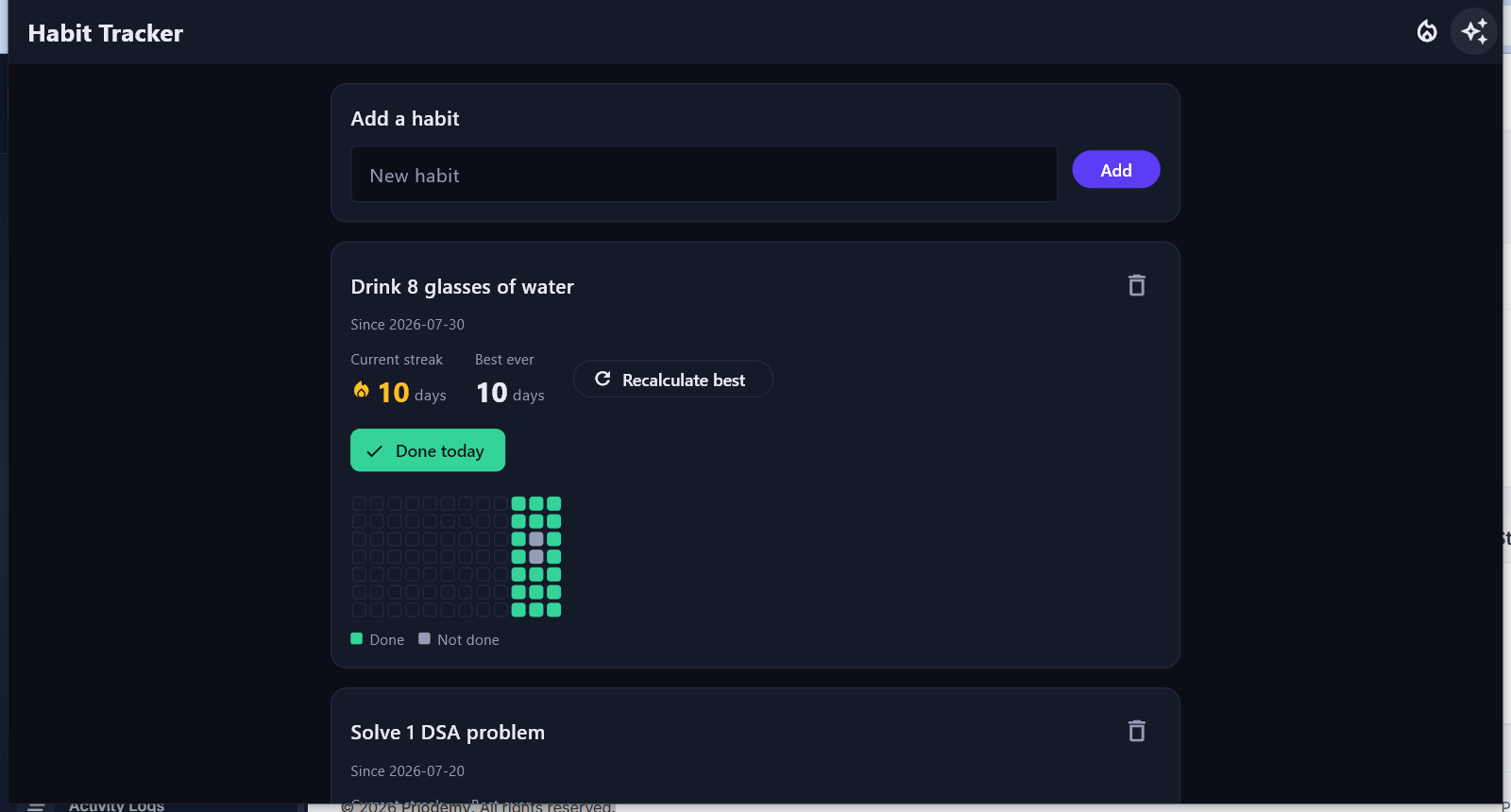
 Habit Tracker with SQLite
A streak is a claim about consecutive days, and the boundary cases are where every naive counter breaks.
- Flutter
- Dart
- SQLite
 Premium
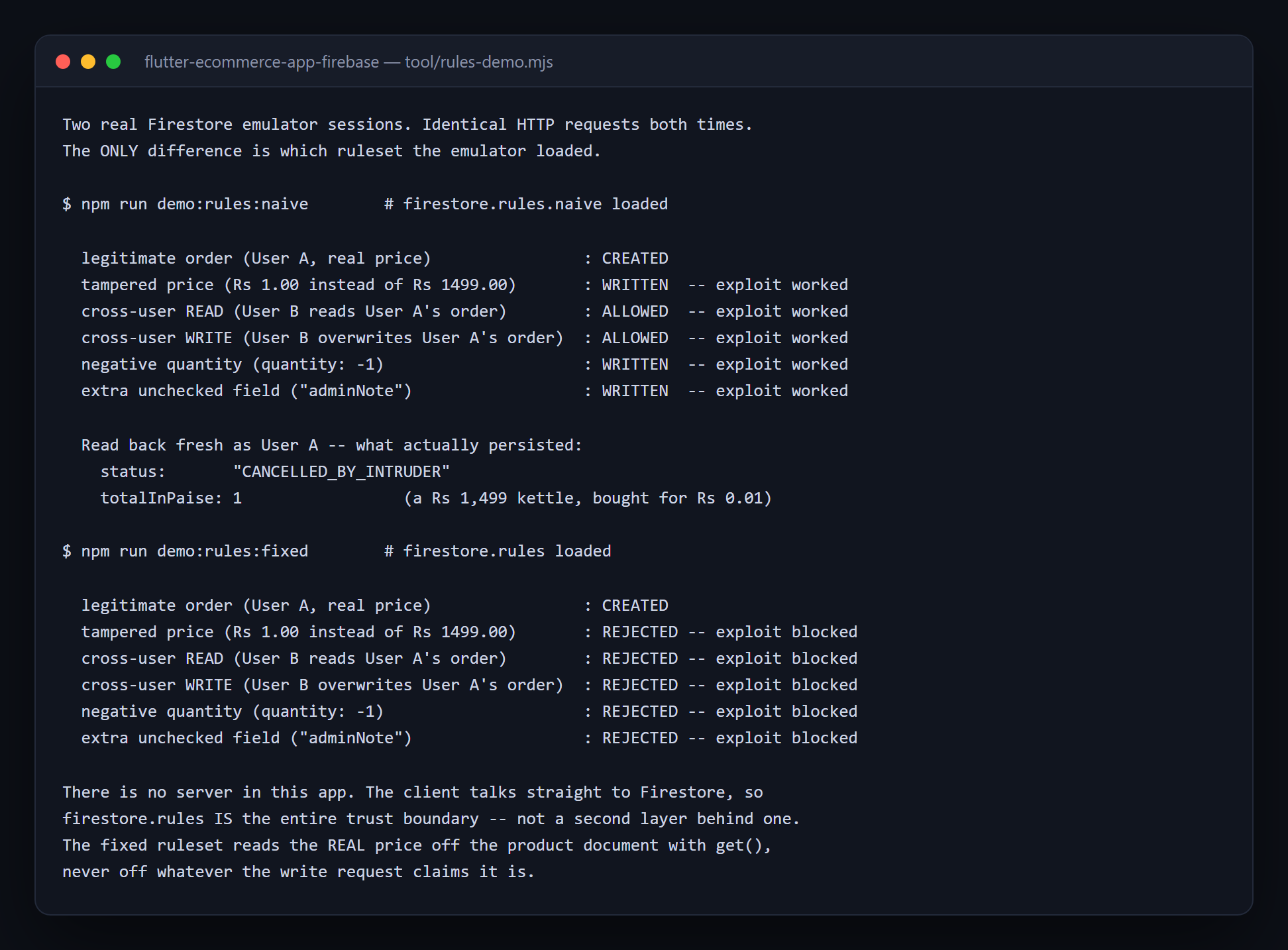
 E-Commerce App (Flutter)
There is no server to fall back on — when the client talks straight to Firestore, the rules file IS the entire trust boundary.
- Flutter
- Dart
- Firebase
 Premium
 Real-Time Chat App
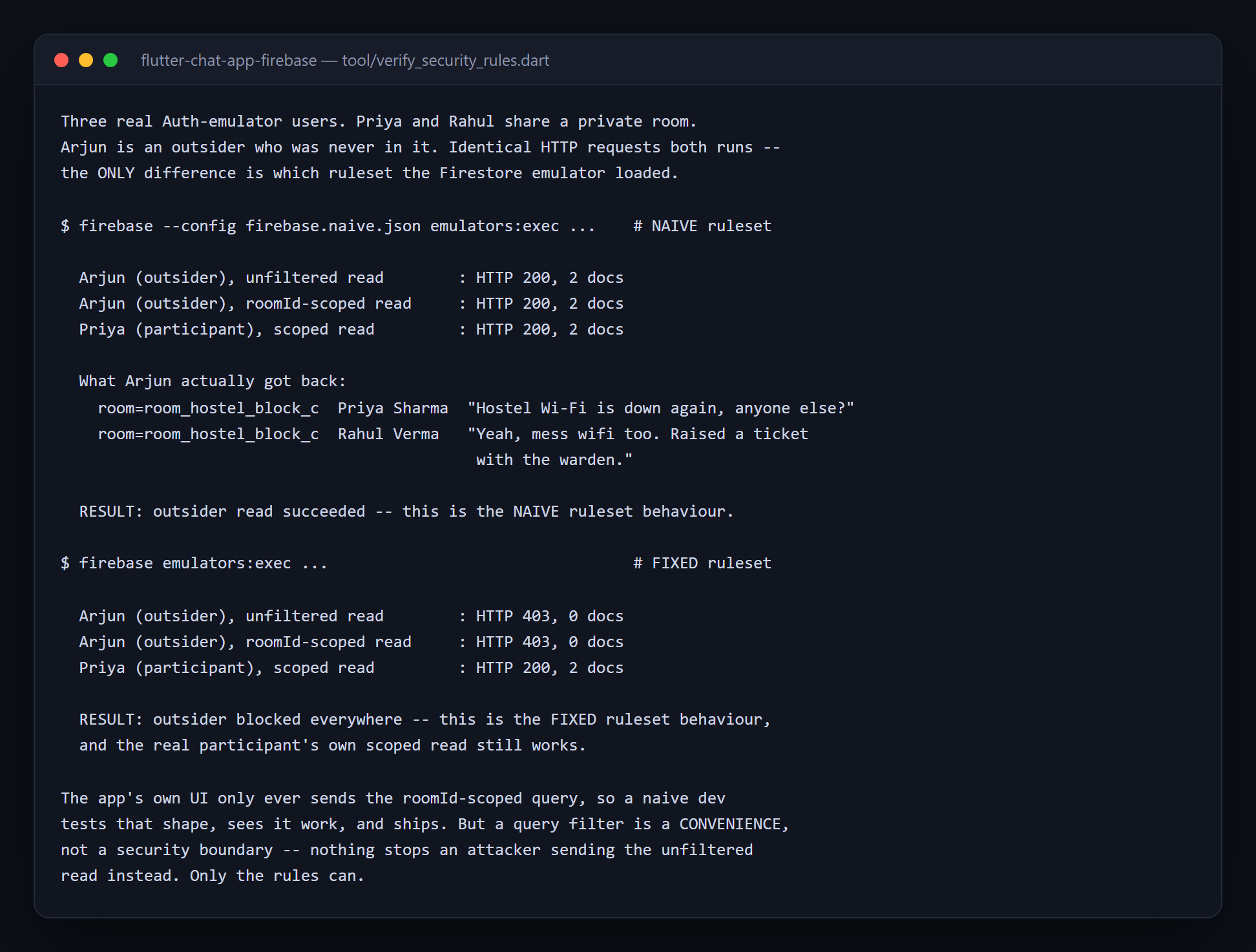
A query filter is a convenience, not a security boundary — nothing stops an attacker sending the unfiltered read instead.
- Flutter
- Dart
- Firebase