Snake Game
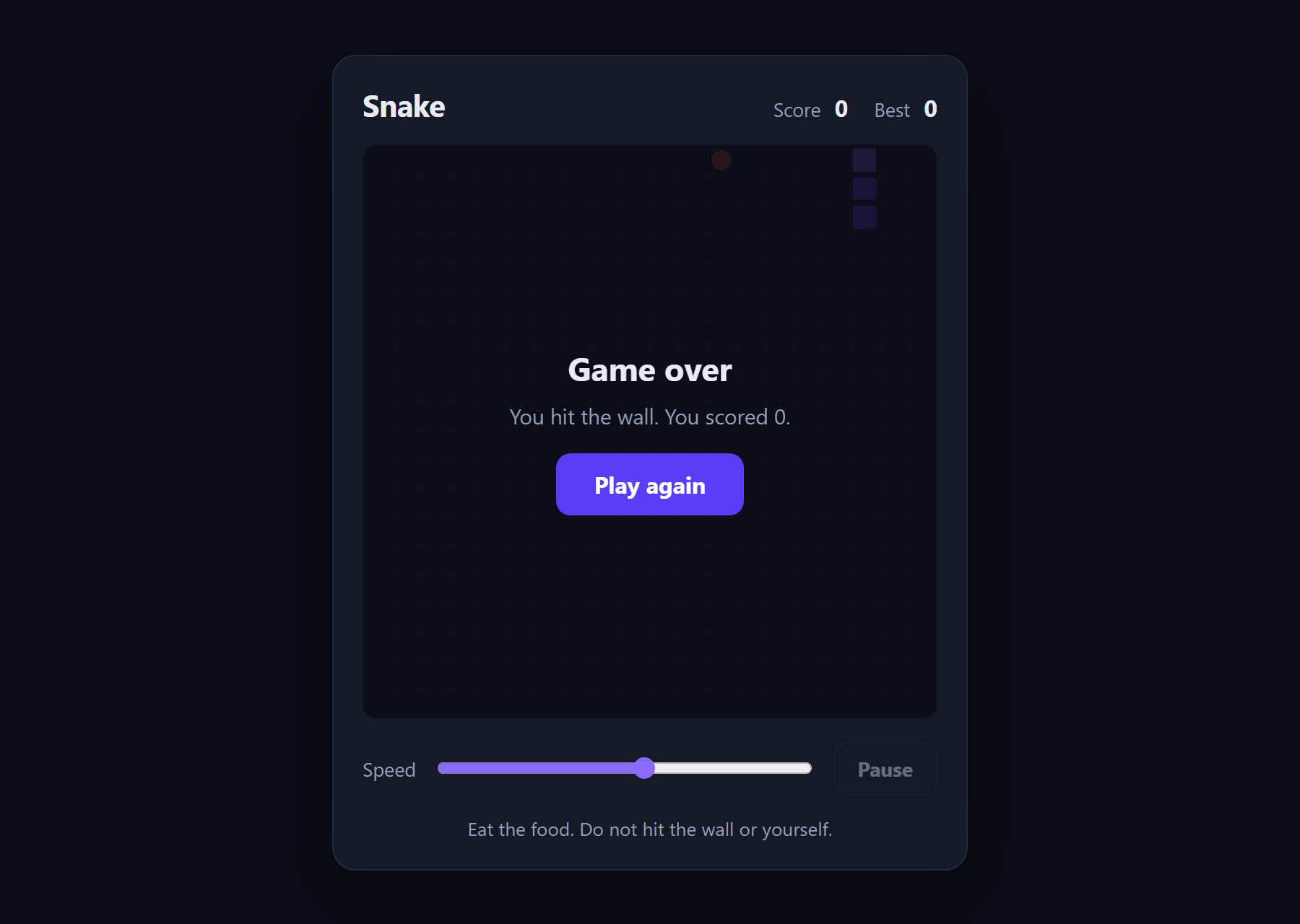
The classic game in about 180 lines of plain JavaScript and a canvas.
- JavaScript
- Canvas
- HTML
About this project
Snake, written to be read. Arrow keys or WASD, a speed slider, a pause, a high score that survives a refresh, and touch controls that only appear on a device without a mouse.
The idea worth taking from it is that the board is a GRID, not pixels. The snake lives at {x: 7, y: 4} — a cell. Pixels appear in exactly one function, where a cell is multiplied by the cell size. Keep that separation and collision detection is comparing two integers; work in pixels instead and it becomes overlapping-rectangle maths that is easy to get subtly wrong.
What you will learn
- Model a game board as a grid of cells rather than pixels, and see why collision detection becomes trivial
- Move a snake by adding a head and dropping a tail — two lines that describe all of its motion
- Queue input so a fast player cannot reverse into themselves between frames
- Draw to a canvas, and scale it with CSS without blurring the drawing buffer
- Keep a high score in localStorage
Before you start
- JavaScript basics — variables, functions, arrays
- A browser and a text editor. Nothing to install.
New to JavaScript? The free JavaScript course covers everything this project assumes.
Academic integrity notice
These projects are provided for learning, experimentation and reference. Understand the code, modify it for your own requirements, and acknowledge external work according to your institution’s academic policies. Priodemy does not supply work to be submitted as your own.
Features
- Grid-based movement and collision — no pixel maths anywhere but the draw call
- Growing is simply not dropping the tail: no separate grow path
- Turns queued per tick, so a fast double-press cannot reverse the snake into itself
- Speed slider that takes effect mid-game
- Pause with the space bar
- High score kept in localStorage
- Touch D-pad shown only on devices without a fine pointer
- Win condition for filling the board, so food placement can never spin
Technology stack
Track: Web Development · Level: Starter
What is included
- index.html, style.css and script.js — commented throughout
- A README explaining the grid model and the input queue
- Five suggested extensions in order of difficulty
Delivered as a 7 KB ZIP. SHA-256 published under Changelog so you can verify it.
System requirements
- Operating system
- Any
- Runtime
- Any modern browser. No install, no build step.
Licence
Learn from it, change it, and use it in your own coursework and personal projects. Do not resell it or pass it off as your own original work.
- Personal and educational use
- Modifying the code however you like
- Using it as the basis of your own coursework, with honest acknowledgement
- Putting your modified version in a portfolio or on your own GitHub
- Reselling or redistributing the project, modified or not
- Presenting it as your own original work
- Commercial deployment — see the Commercial licence
Support window: 6 months from download.
Frequently asked
Do I need to install anything?
No. Double-click index.html and it runs. There is no framework, no build step and no dependencies.
Why does the snake sometimes die when I turn quickly?
It should not — that is exactly the bug the input queue prevents. Turns are stored and applied once per tick, so at most one is honoured per step. If you delete the queue and play at speed 10 you will see the original problem within about thirty seconds, which is a good way to understand why it is there.
Why is the canvas 400x400 in the HTML but smaller on screen?
The width attribute sets the drawing buffer; the CSS scales the result. Changing the attribute instead would stretch a smaller buffer and blur everything.
Changelog
- First release
SHA-25651e290e875174b406c18f129b57284fbe5abad7e8f708dca71b7c01a0a89817d
You might also like
 Free
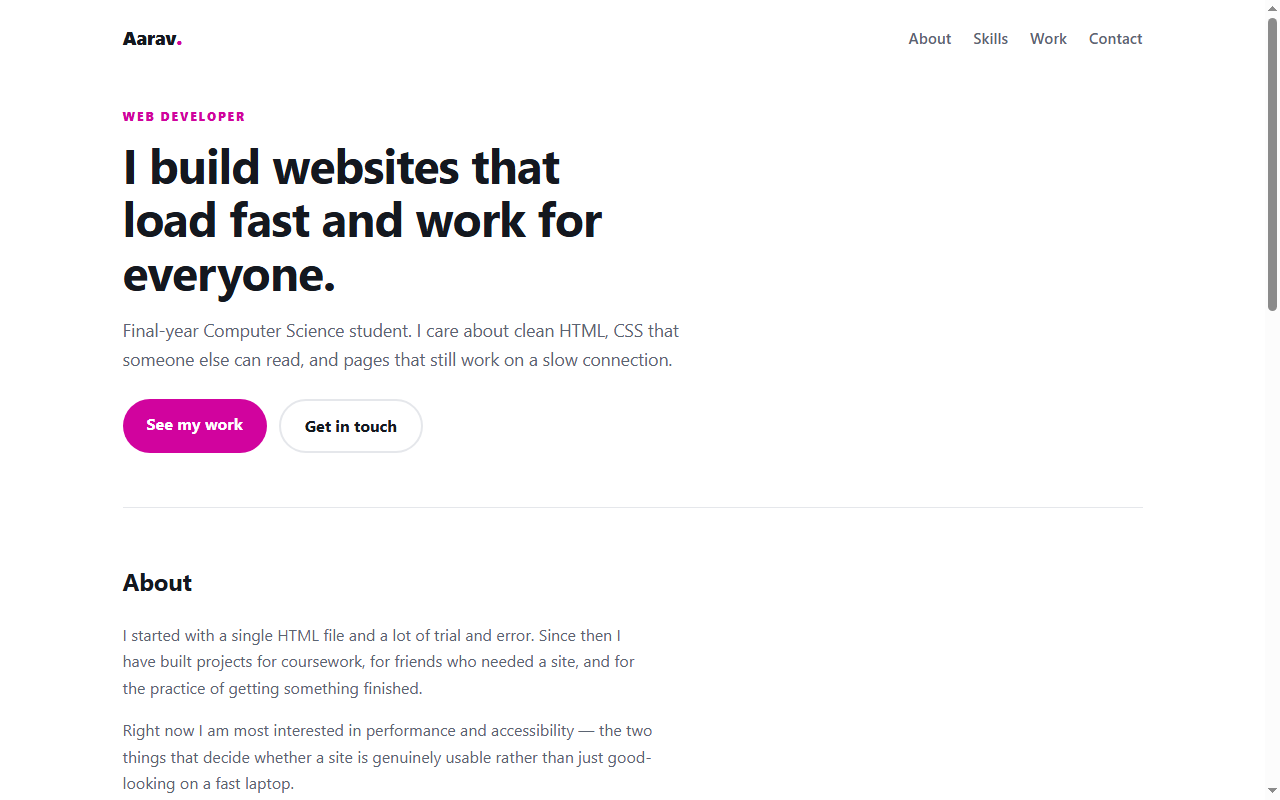
Free Personal Portfolio Website
A responsive portfolio in plain HTML and CSS — no framework, no build step.
- HTML
- CSS
 Free
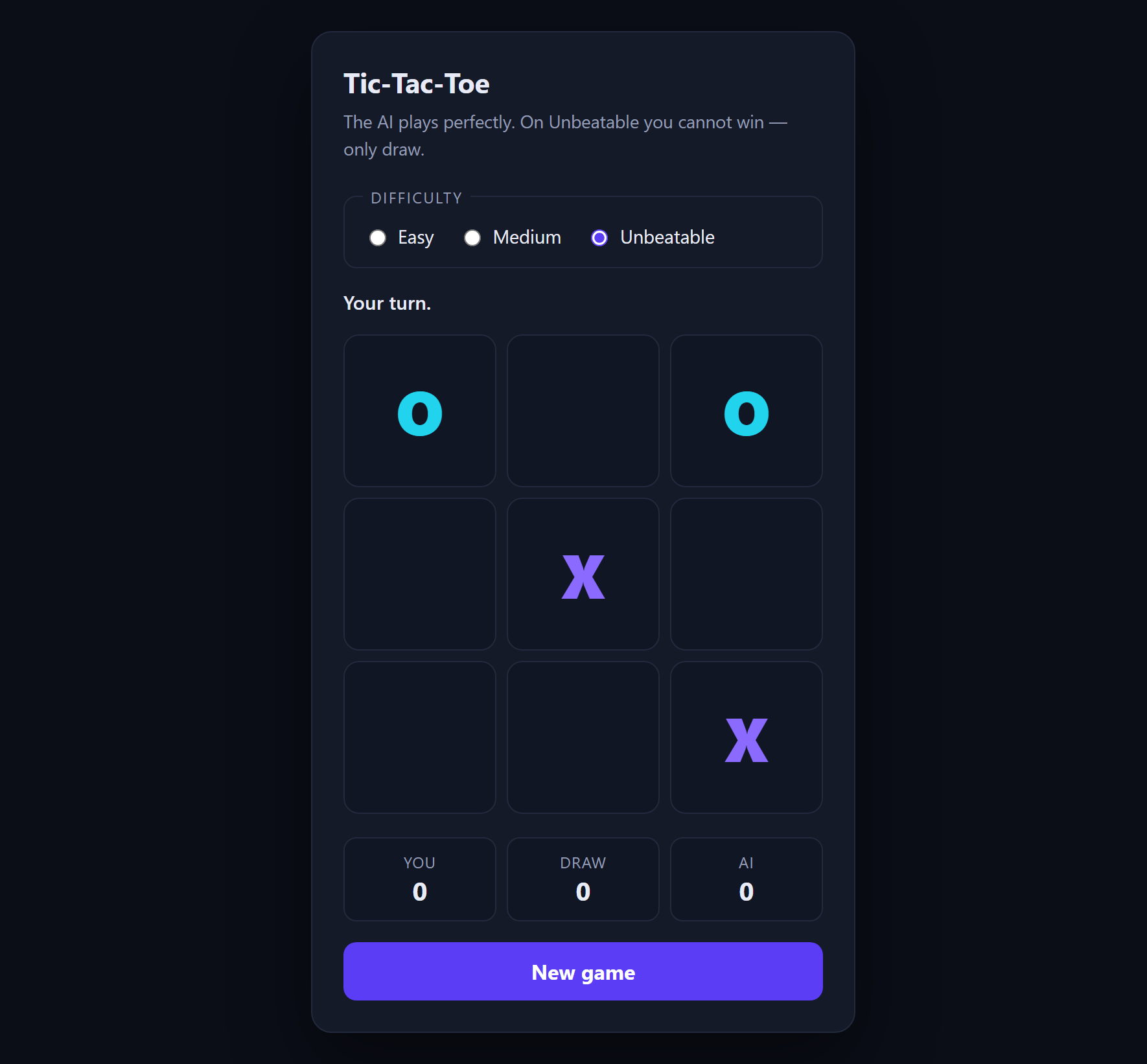
Free Tic-Tac-Toe with AI
An opponent that plays perfectly, using minimax with alpha-beta pruning.
- JavaScript
- Minimax
- HTML
 Free
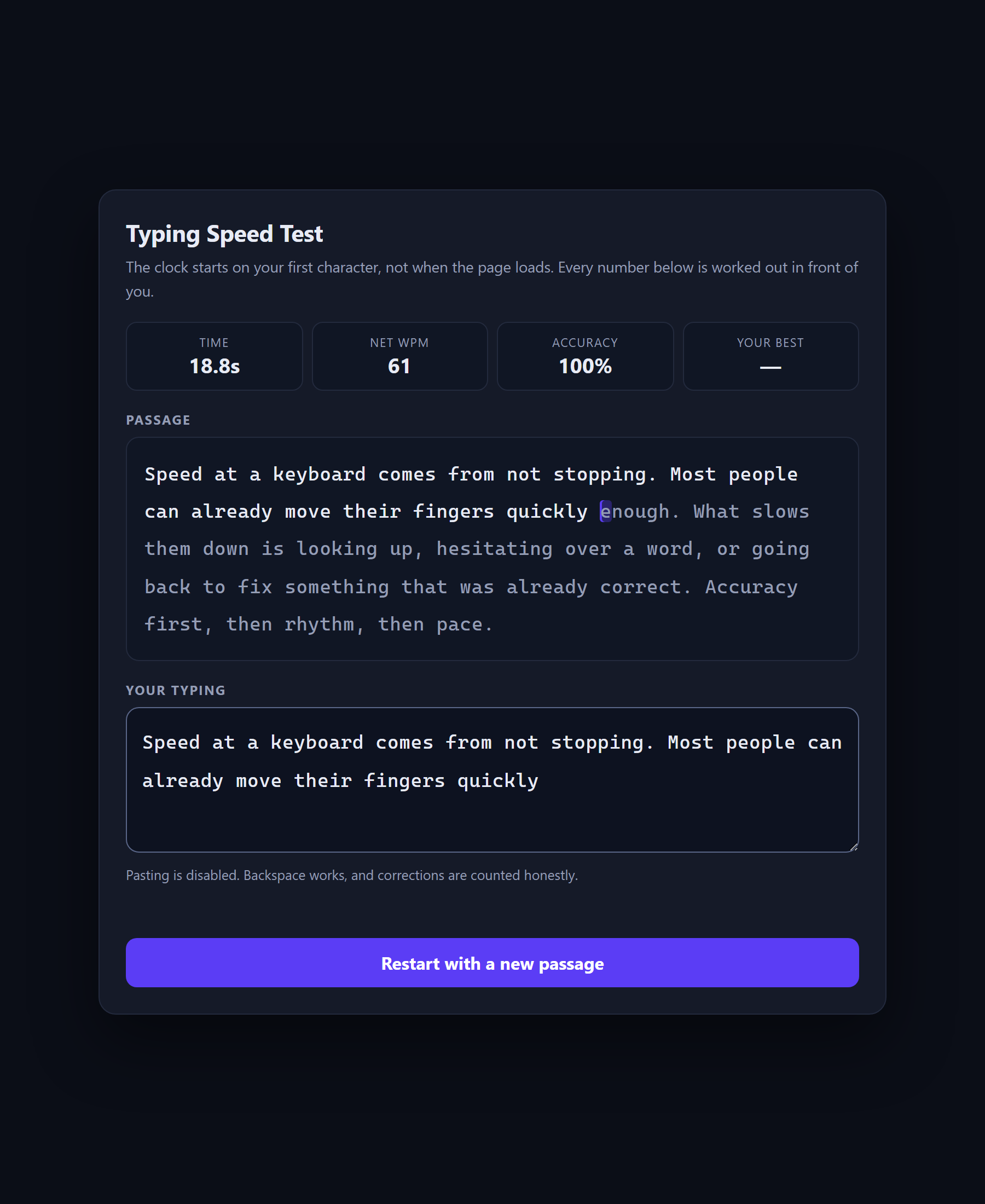
Free Typing Speed Test
A speed test that shows its own arithmetic, because WPM is a definition rather than a measurement.
- JavaScript
- CSS
- HTML
 Free
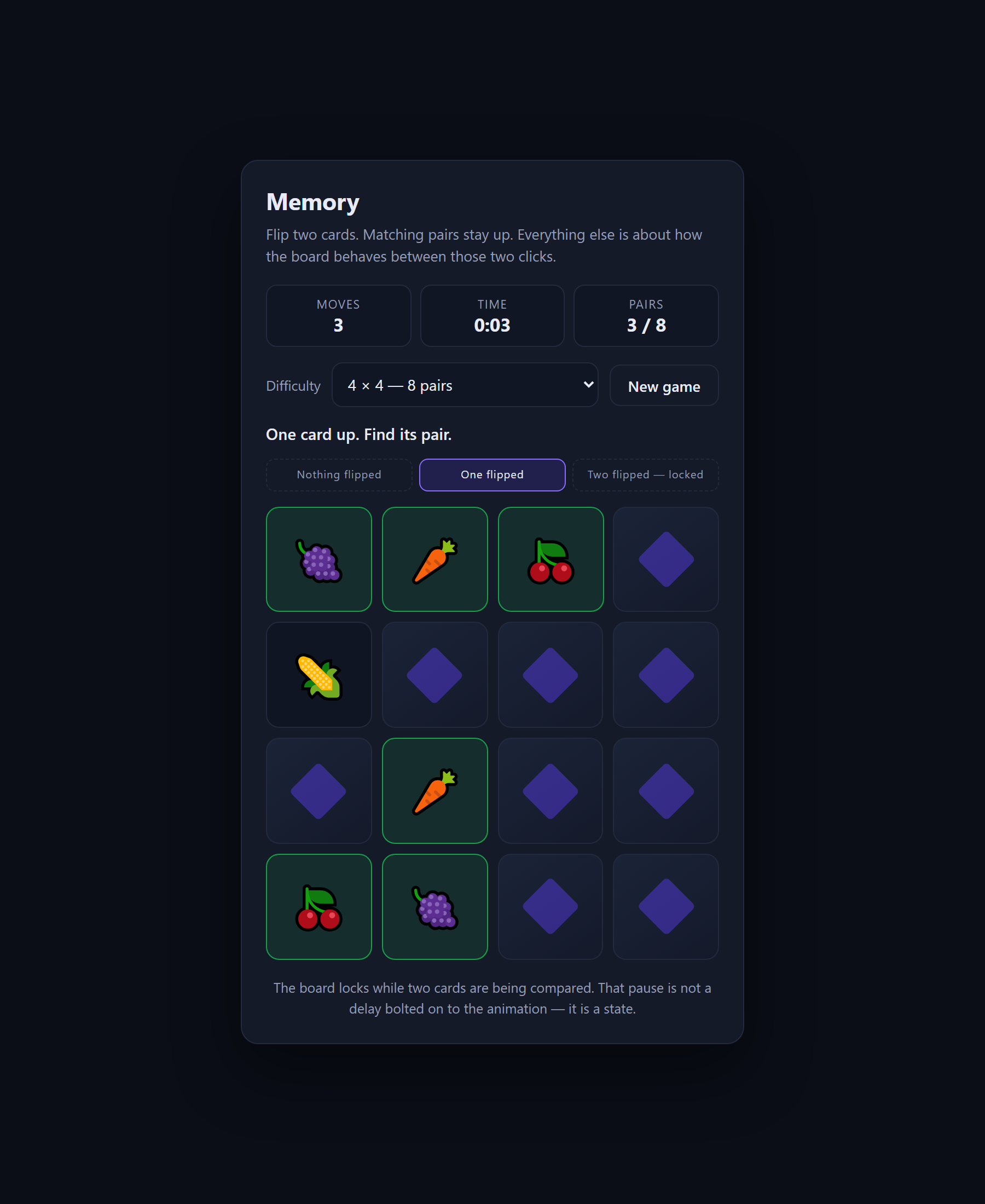
Free Memory Card Game
A concentration game built around the three states that stop fast clicks breaking the board.
- JavaScript
- CSS
- HTML