Typing Speed Test
A speed test that shows its own arithmetic, because WPM is a definition rather than a measurement.
- JavaScript
- CSS
- HTML
About this project
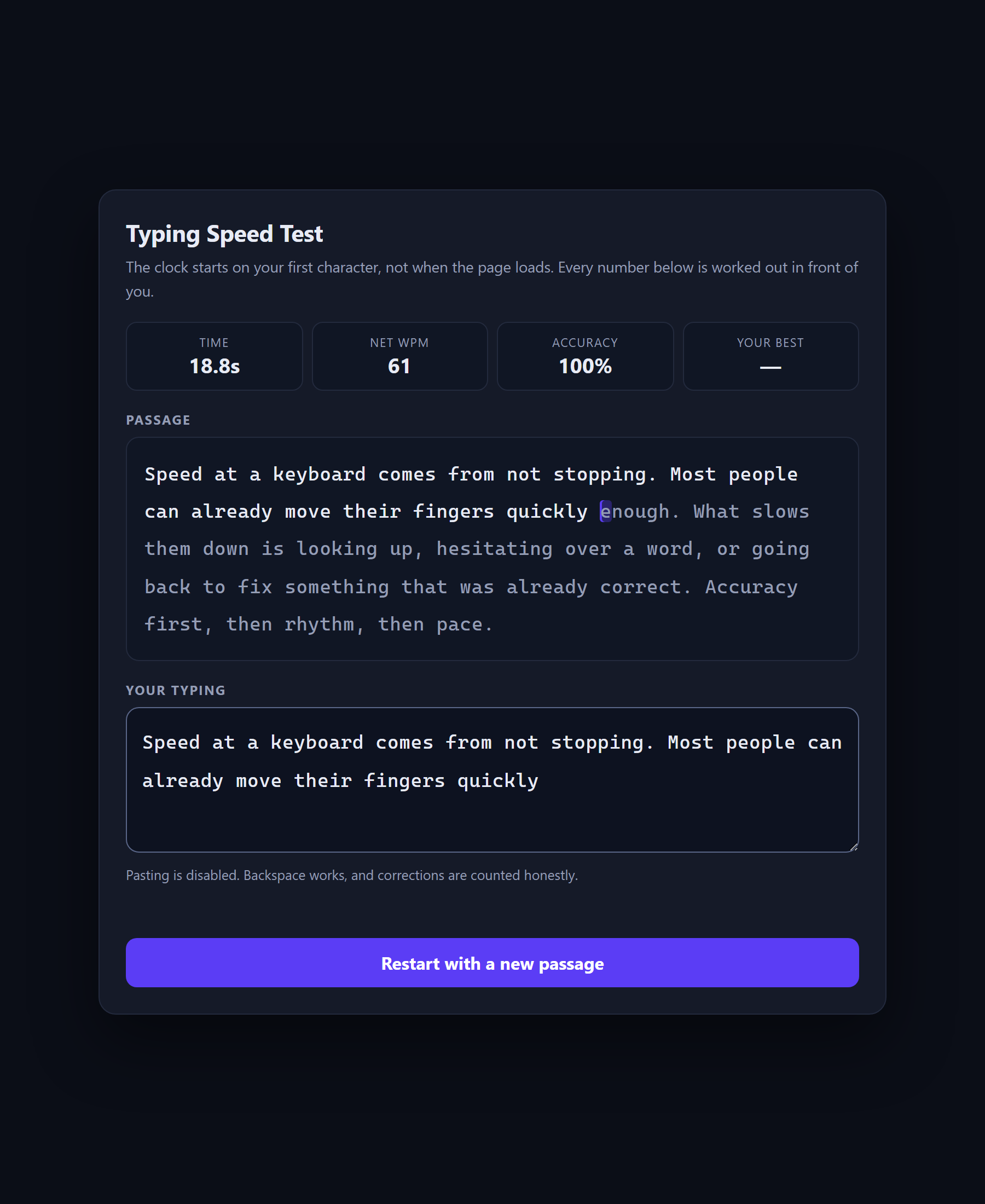
A typing test with live per-character highlighting, a clock that starts on your first keystroke rather than on page load, and a results panel that shows the working behind every number.
The idea underneath it is that words per minute is not a measurement. A stopwatch measures time and a ruler measures length, but nothing about typing measures "words per minute" — because nobody agrees what a word is. So the field picked one: five characters, spaces and punctuation included. Every WPM score you have ever seen rests on that convention, and this project puts the constant on screen where you can change it.
It is also honest about what it cannot see. Some keyboards — most phone keyboards, and every input method editor — report keystrokes without saying which key was pressed. Rather than compute a percentage from whatever partial sample it caught, the project says so.
What you will learn
- Define a metric rather than assume one: a "word" is five characters, and every score depends on that choice
- Start a clock on the first keystroke instead of on page load, and know why the difference matters
- Compare typed text against a target character by character and highlight the result live
- Separate gross speed from net speed, and accuracy of the final text from accuracy of the keystrokes
- Handle input that reports no individual keys at all, which is normal on phone keyboards
Before you start
- JavaScript basics — variables, functions and events
- A browser and a text editor. Nothing to install.
New to JavaScript? The free JavaScript course covers everything this project assumes.
Academic integrity notice
These projects are provided for learning, experimentation and reference. Understand the code, modify it for your own requirements, and acknowledge external work according to your institution’s academic policies. Priodemy does not supply work to be submitted as your own.
Features
- Live per-character highlighting as you type, against a randomly chosen passage
- Clock starts on the first character, not on page load
- Gross WPM, net WPM and accuracy, each shown with the arithmetic that produced it
- Personal best kept in localStorage, with the storage failure cases handled honestly
- Pasting disabled; backspace works and corrections are counted rather than hidden
- Six passages, so a restart is a genuinely different test
Technology stack
Track: Web Development · Level: Starter
What is included
- index.html, style.css and script.js — commented throughout
- A README on why WPM is a convention, and what the five-character word does to your score
- Suggested extensions, including per-character timing and a mistakes heat map
Delivered as a 19 KB ZIP. SHA-256 published under Changelog so you can verify it.
System requirements
- Operating system
- Any
- Runtime
- Any modern browser. No install, no build step.
Licence
Learn from it, change it, and use it in your own coursework and personal projects. Do not resell it or pass it off as your own original work.
- Personal and educational use
- Modifying the code however you like
- Using it as the basis of your own coursework, with honest acknowledgement
- Putting your modified version in a portfolio or on your own GitHub
- Reselling or redistributing the project, modified or not
- Presenting it as your own original work
- Commercial deployment — see the Commercial licence
Support window: 6 months from download.
Frequently asked
Why is my score different from other typing sites?
Because they made different choices. The five-character word is near universal, but whether a mistake costs you the whole word, whether corrections count, and whether the timer starts on load or on your first key all vary. This project shows every one of those decisions in the code, so you can see exactly what your number means.
Why does keystroke accuracy sometimes say it is unavailable?
Because it genuinely is. Phone keyboards and input method editors fire keydown events without naming the key. Computing a percentage from the handful that did report would produce a made-up figure, so the project reports the accuracy of the final text and says plainly that the per-key figure is not available.
Can I use my own passages?
Yes — they are an array of strings at the top of script.js with nothing else depending on them. Swap in code snippets, a language you are learning, or your own text.
Changelog
- First release
SHA-2568246351594621fbbf0ecbcb3957953aa04b665f512c2fb1d2c1091be3e0ec568
You might also like
 Free
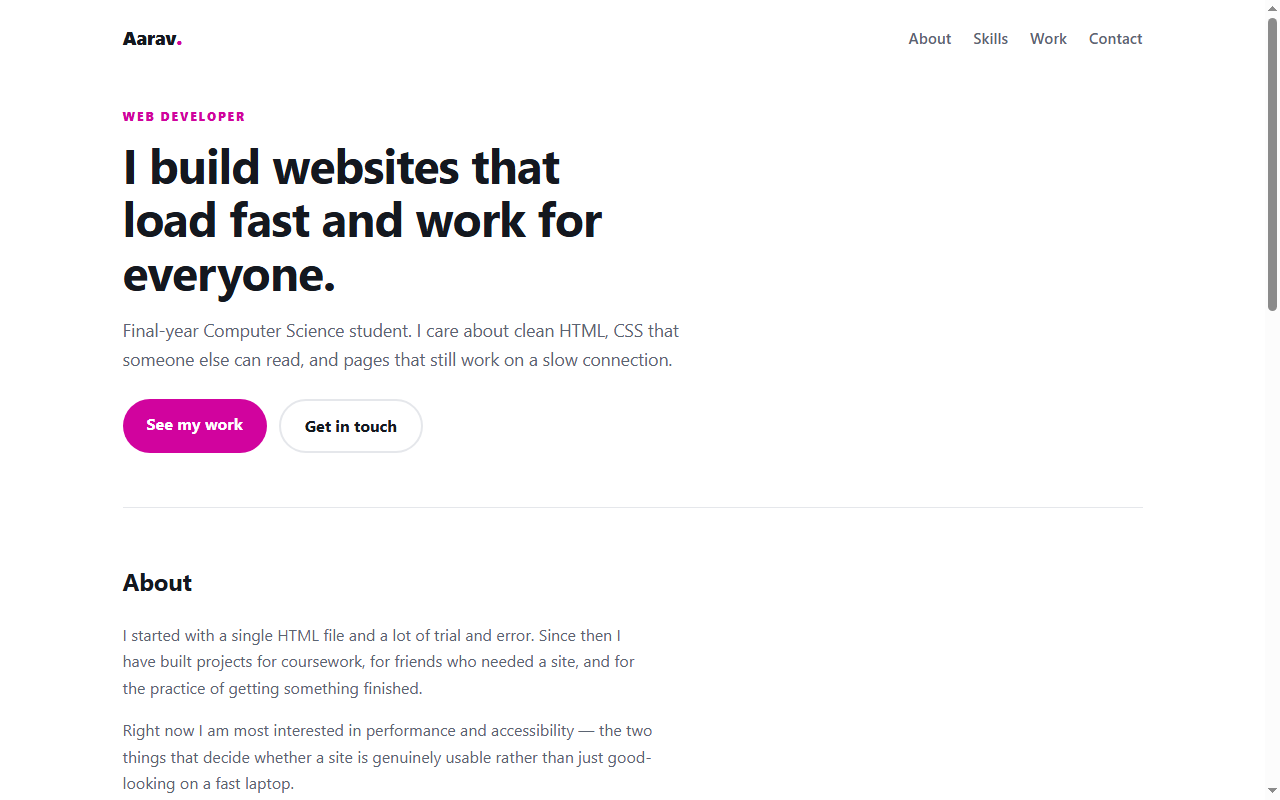
Free Personal Portfolio Website
A responsive portfolio in plain HTML and CSS — no framework, no build step.
- HTML
- CSS
 Free
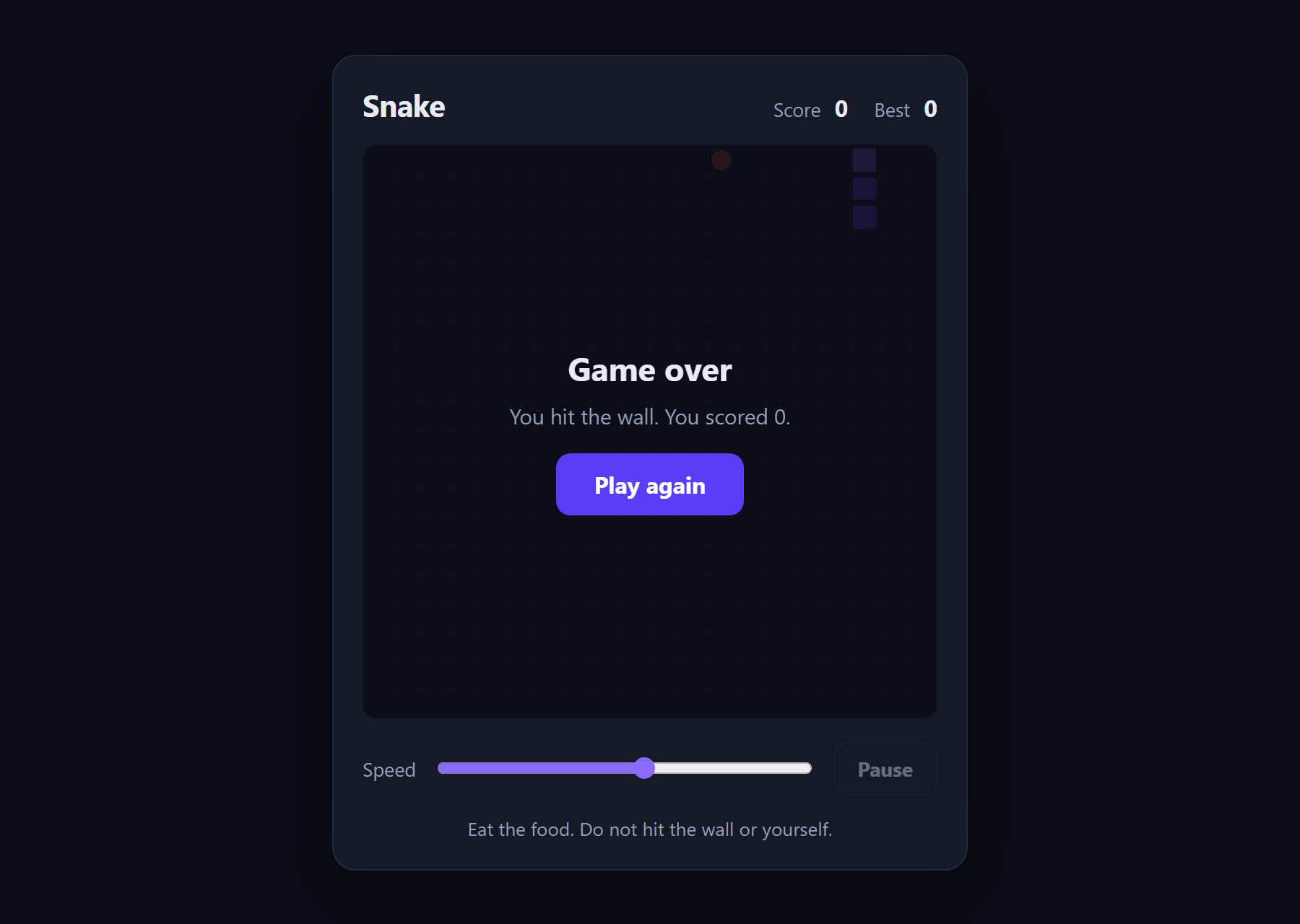
Free Snake Game
The classic game in about 180 lines of plain JavaScript and a canvas.
- JavaScript
- Canvas
- HTML
 Free
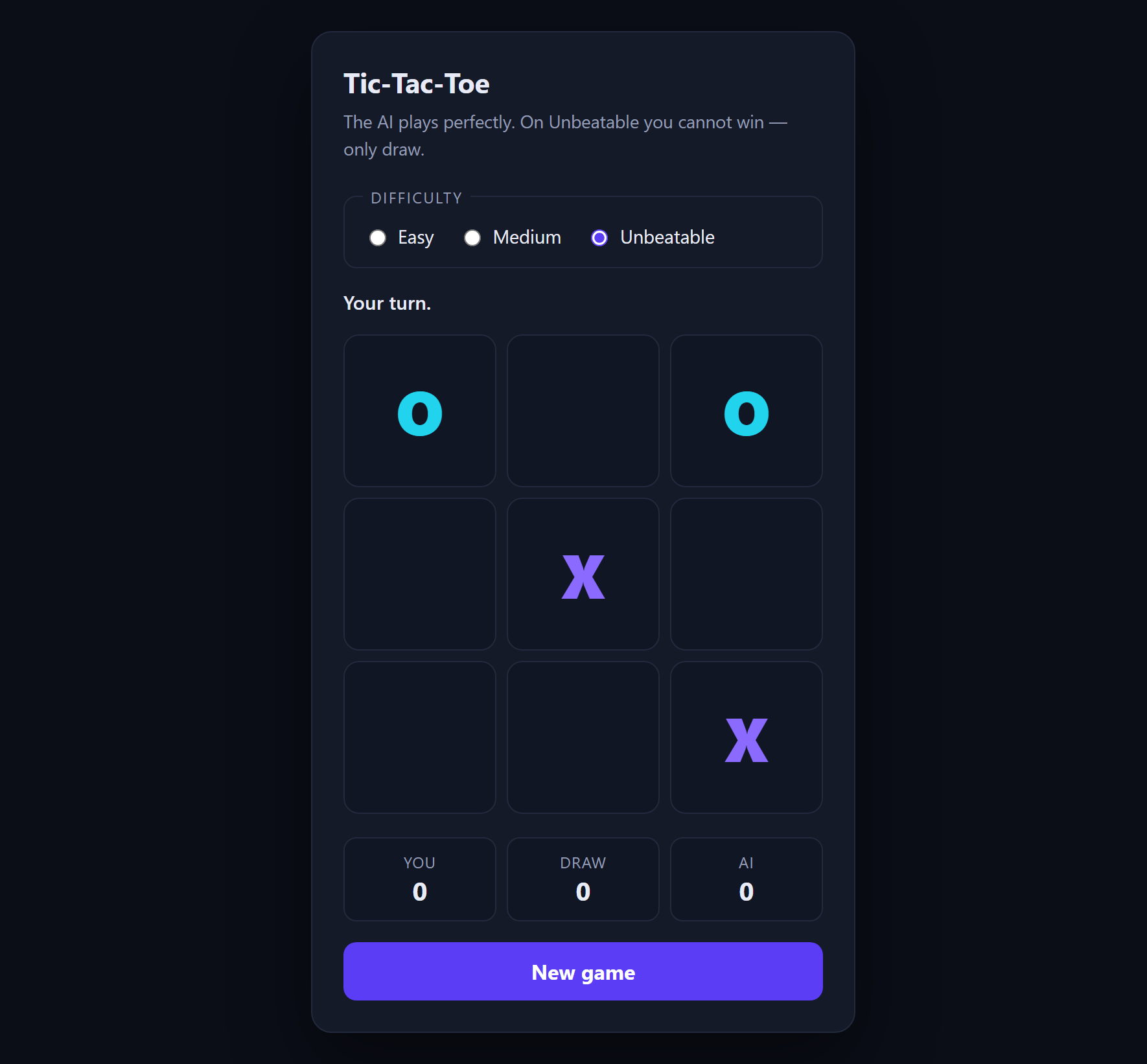
Free Tic-Tac-Toe with AI
An opponent that plays perfectly, using minimax with alpha-beta pruning.
- JavaScript
- Minimax
- HTML
 Free
Free Memory Card Game
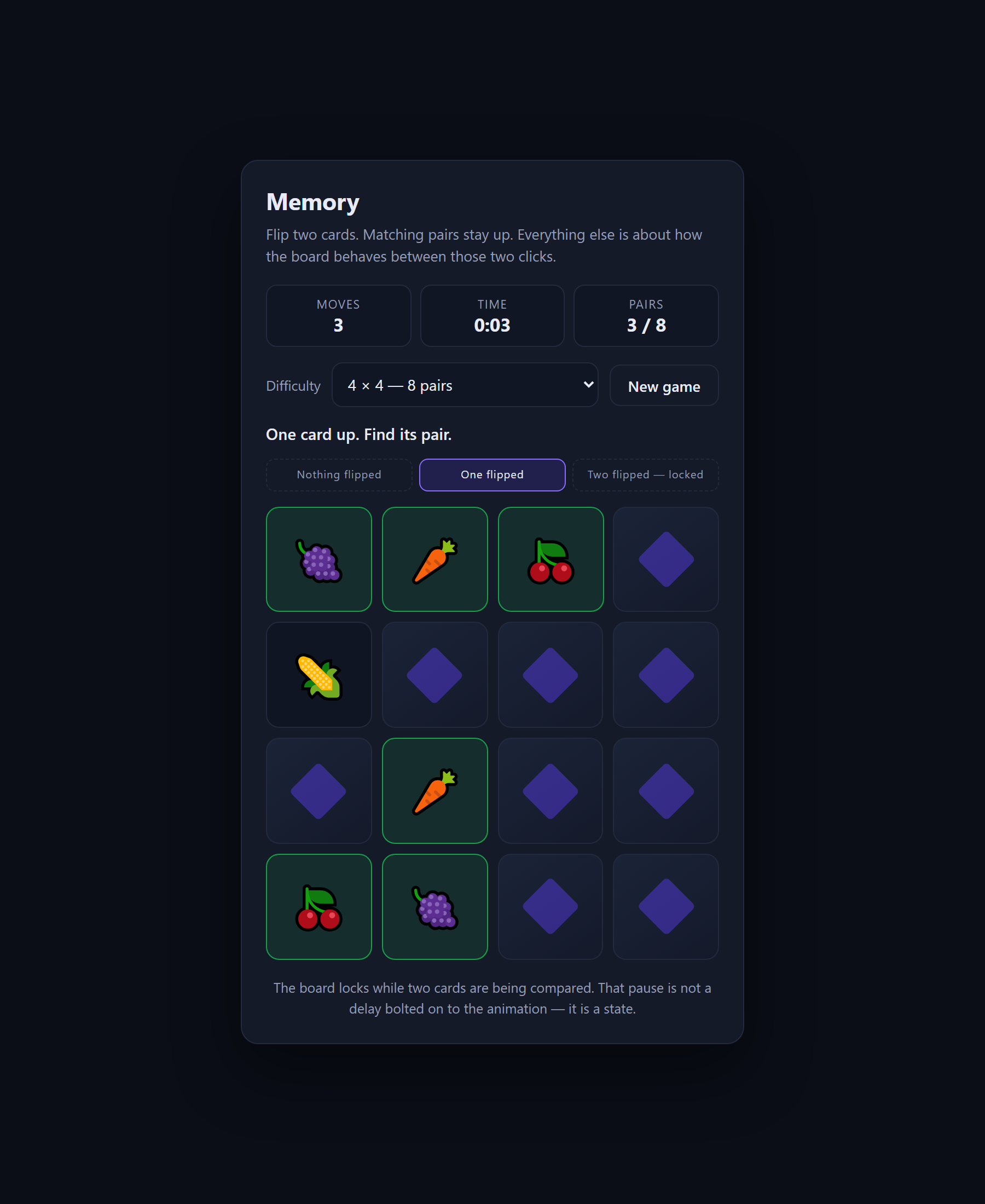
A concentration game built around the three states that stop fast clicks breaking the board.
- JavaScript
- CSS
- HTML