Smart Home Automation
Control lights and a fan from sensors — and run it without owning any hardware.
- Arduino
- C++
About this project
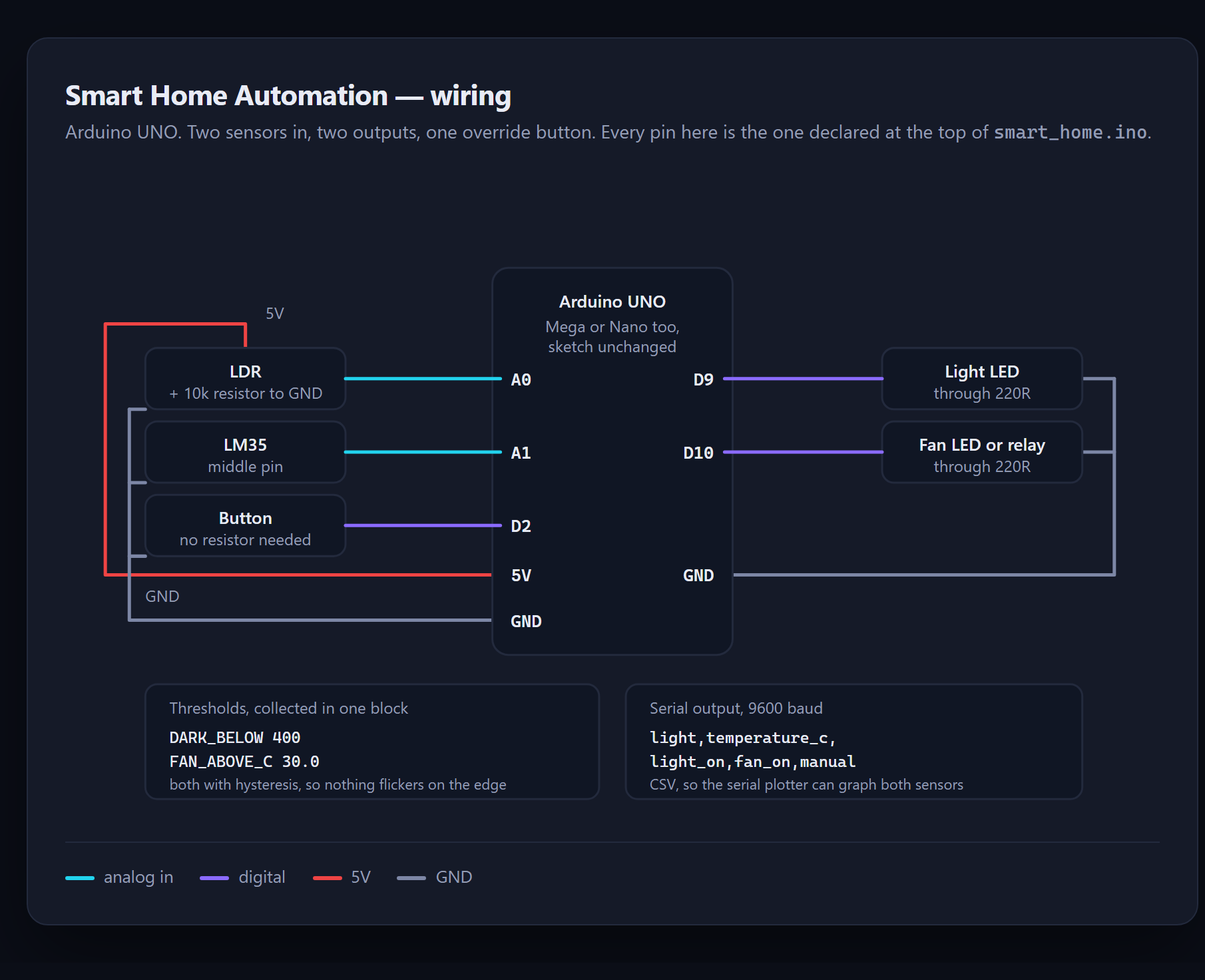
Lights that switch on when the room gets dark, a fan that responds to temperature, and a manual override button. It is the standard first automation project, written to be understood rather than copied.
The part that makes it different: it runs in Priodemy Labs, our free Windows app. You can drag the wiring, watch the LEDs respond and plot the sensor values live without owning an Arduino. When you do get the hardware, the same sketch uploads unchanged.
What you will learn
- Read a sensor and drive an output based on what it says
- Understand digital versus analog pins, and when each is the right choice
- Debounce a real-world input instead of trusting it
- Use the serial monitor to see what a program is actually doing
- Read a wiring diagram and reproduce it correctly
Before you start
- No prior electronics needed
- An Arduino UNO if you want to run it on real hardware — optional
New to Arduino? The free Arduino course covers everything this project assumes.
Academic integrity notice
These projects are provided for learning, experimentation and reference. Understand the code, modify it for your own requirements, and acknowledge external work according to your institution’s academic policies. Priodemy does not supply work to be submitted as your own.
Features
- Light-dependent resistor drives the lighting circuit
- Temperature sensor drives the fan, with a configurable threshold
- Manual override button, properly debounced
- Serial output so you can watch every sensor reading
- Thresholds collected in one place at the top of the sketch
- Runs in the Priodemy Labs simulator with no hardware at all
Technology stack
Track: IoT & Hardware · Level: Starter
What is included
- Complete Arduino sketch, commented line by line
- Wiring diagram and component list, with the reasoning behind each part
- Opens straight in Priodemy Labs, or the Arduino IDE
- How to choose your own light and temperature thresholds
- Suggested extensions if you want to take it further
Delivered as a 5 KB ZIP. SHA-256 published under Changelog so you can verify it.
System requirements
- Operating system
- Windows for the Priodemy Labs simulator; any OS for the Arduino IDE
- Runtime
- Priodemy Labs, or the Arduino IDE 2.x
- Hardware
- Optional — Arduino UNO, LDR, temperature sensor, LEDs, resistors, a push button
Licence
Learn from it, change it, and use it in your own coursework and personal projects. Do not resell it or pass it off as your own original work.
- Personal and educational use
- Modifying the code however you like
- Using it as the basis of your own coursework, with honest acknowledgement
- Putting your modified version in a portfolio or on your own GitHub
- Reselling or redistributing the project, modified or not
- Presenting it as your own original work
- Commercial deployment — see the Commercial licence
Support window: 6 months from download.
Frequently asked
Can I do this without buying an Arduino?
Yes. Open the included sketch in Priodemy Labs, our free Windows app, and the whole thing runs on a simulated board — including the wiring and a live plot of both sensors.
Which board does it need?
Arduino UNO. It also runs on a Mega or Nano without changes. ESP32 is not supported in this version.
Is this enough for a school project?
For a Class 11 or 12 project, yes, and the suggested extensions show how to take it further. Treat it as a reference implementation: understand it, change it, and describe your own work honestly.
Changelog
- First release
SHA-2568f2ab99255172ca7dae738cd7401121a3f7c33bdc6960f4b031ee3f9341777aa
You might also like
 Free
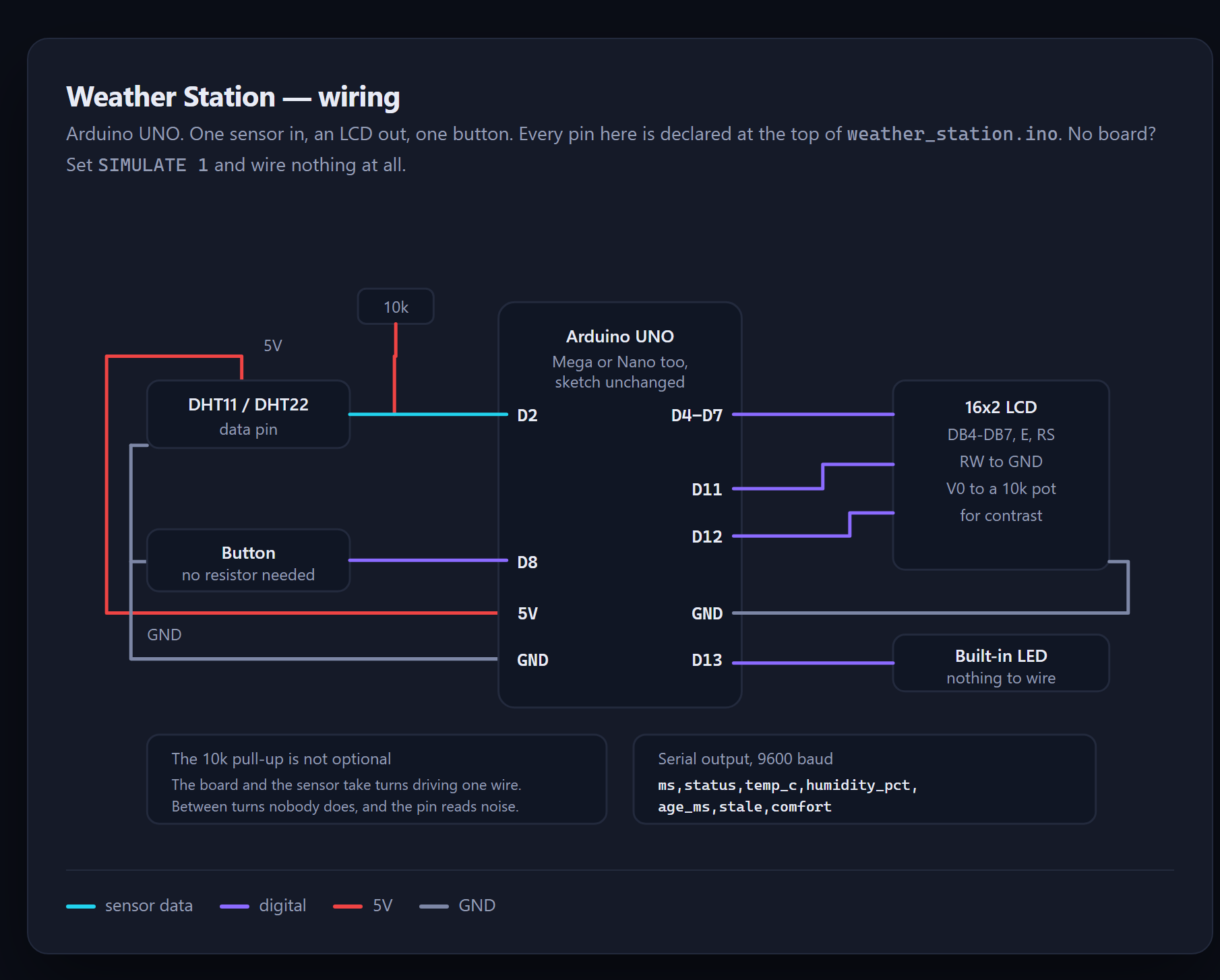
Free Weather Station
A sensor reading is not a fact — it is a measurement, and this one checks before it believes.
- Arduino
- C++
- DHT11
 Premium
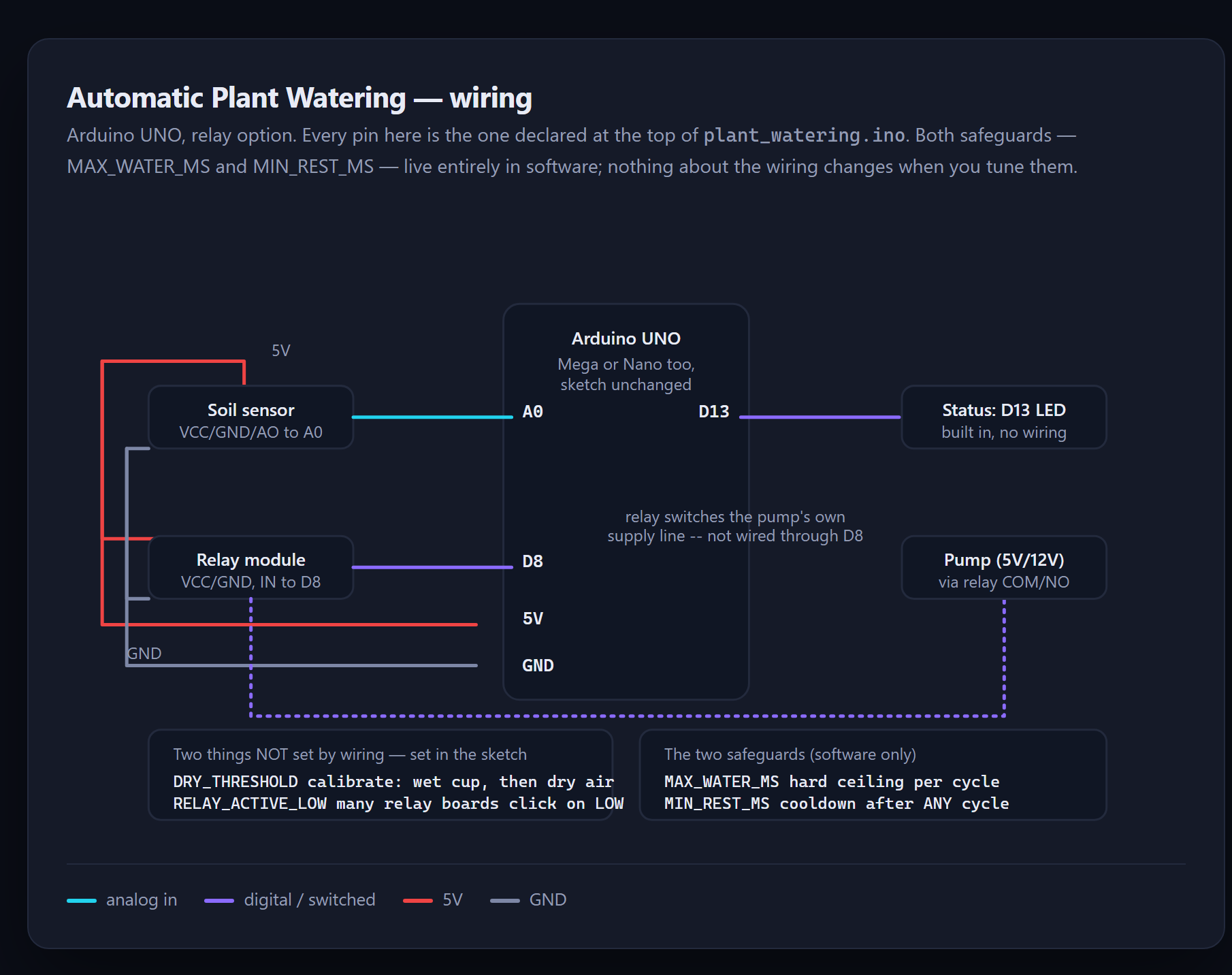
 Automatic Plant Watering
A stuck sensor does not mean "unsure" — it settles at one extreme and stays there. This sketch is built to survive that.
- Arduino
- C++
- Sensors
 Premium
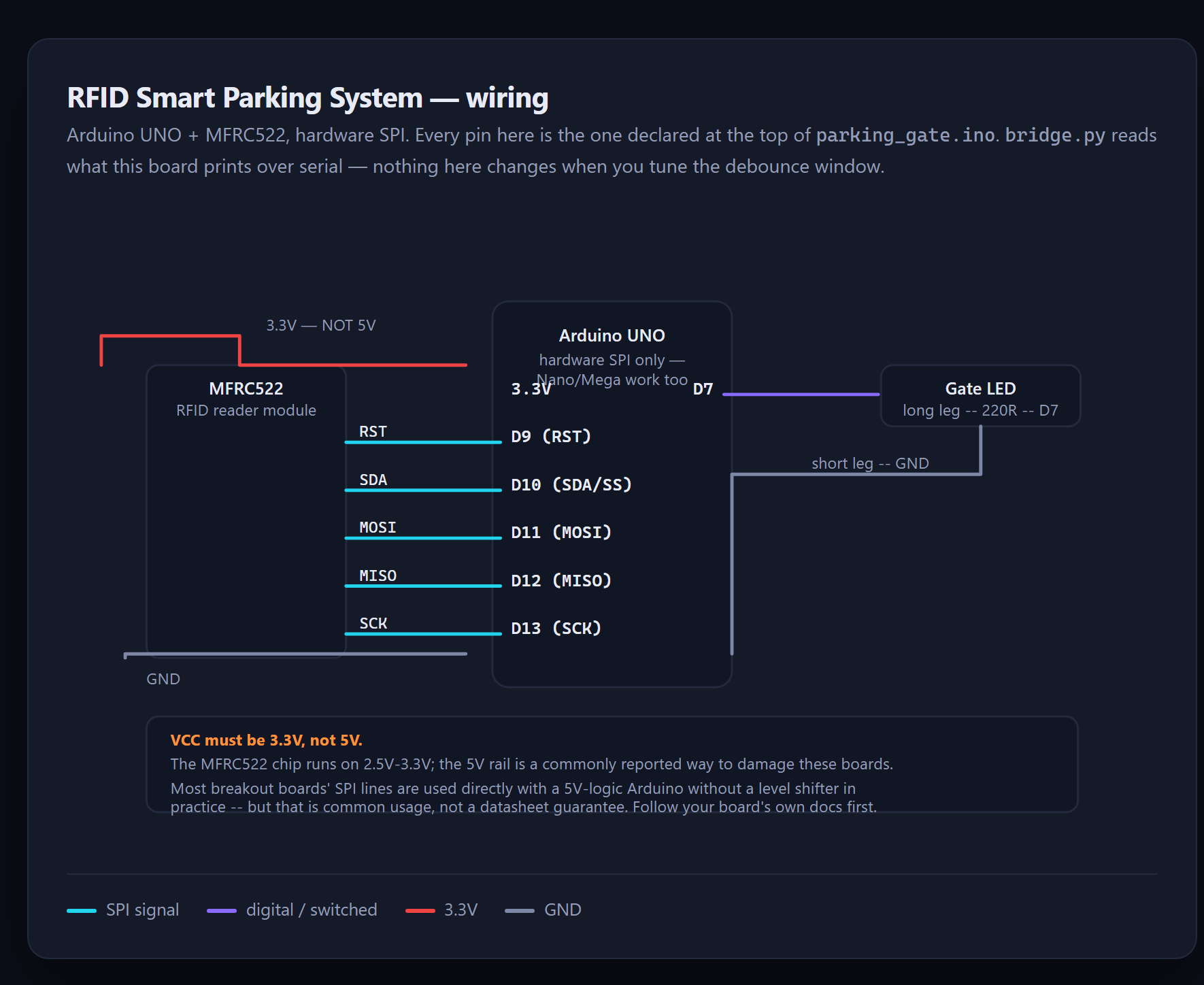
 RFID Smart Parking System
A reader does not report one tap — it reports a burst of reads, and only the database's own toggle can say what actually happened.
- Arduino
- RFID
- MySQL
 Premium
 Security Camera System
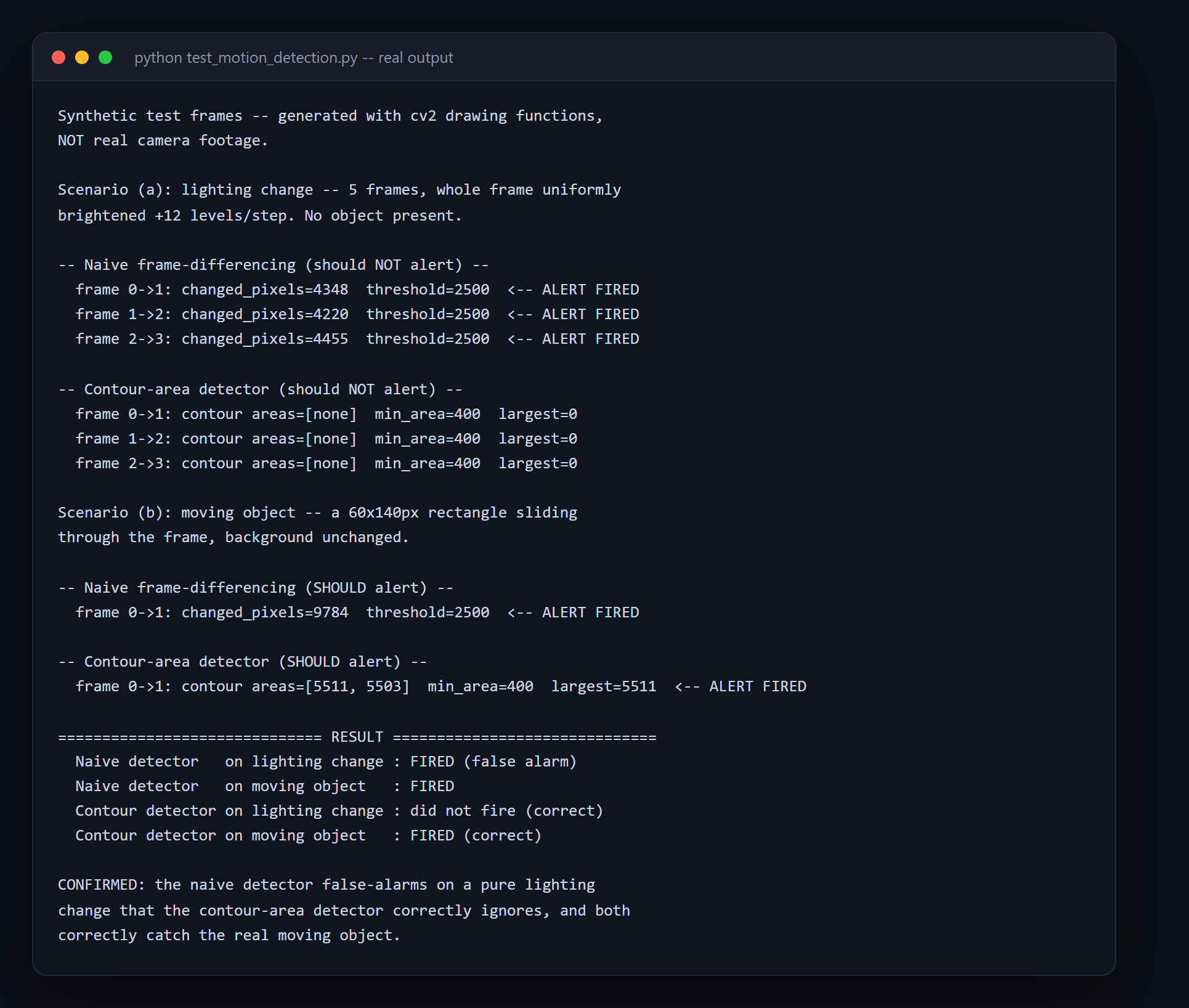
Counting HOW MANY pixels changed can't tell a cloud passing from a person walking through — counting WHERE they changed can.
- Raspberry Pi
- Python
- OpenCV