Security Camera System
Counting HOW MANY pixels changed can't tell a cloud passing from a person walking through — counting WHERE they changed can.
- Raspberry Pi
- Python
- OpenCV
About this project
A motion-triggered monitor: watch a video stream frame by frame, decide whether something genuinely moved, and write a real, timestamped event log when it does — optionally naming who it saw, using a face-recognition model you trained yourself. Written for a Raspberry Pi + Camera Module, but the detection logic itself is plain OpenCV against any video source: a webcam, a video file, or a Pi camera.
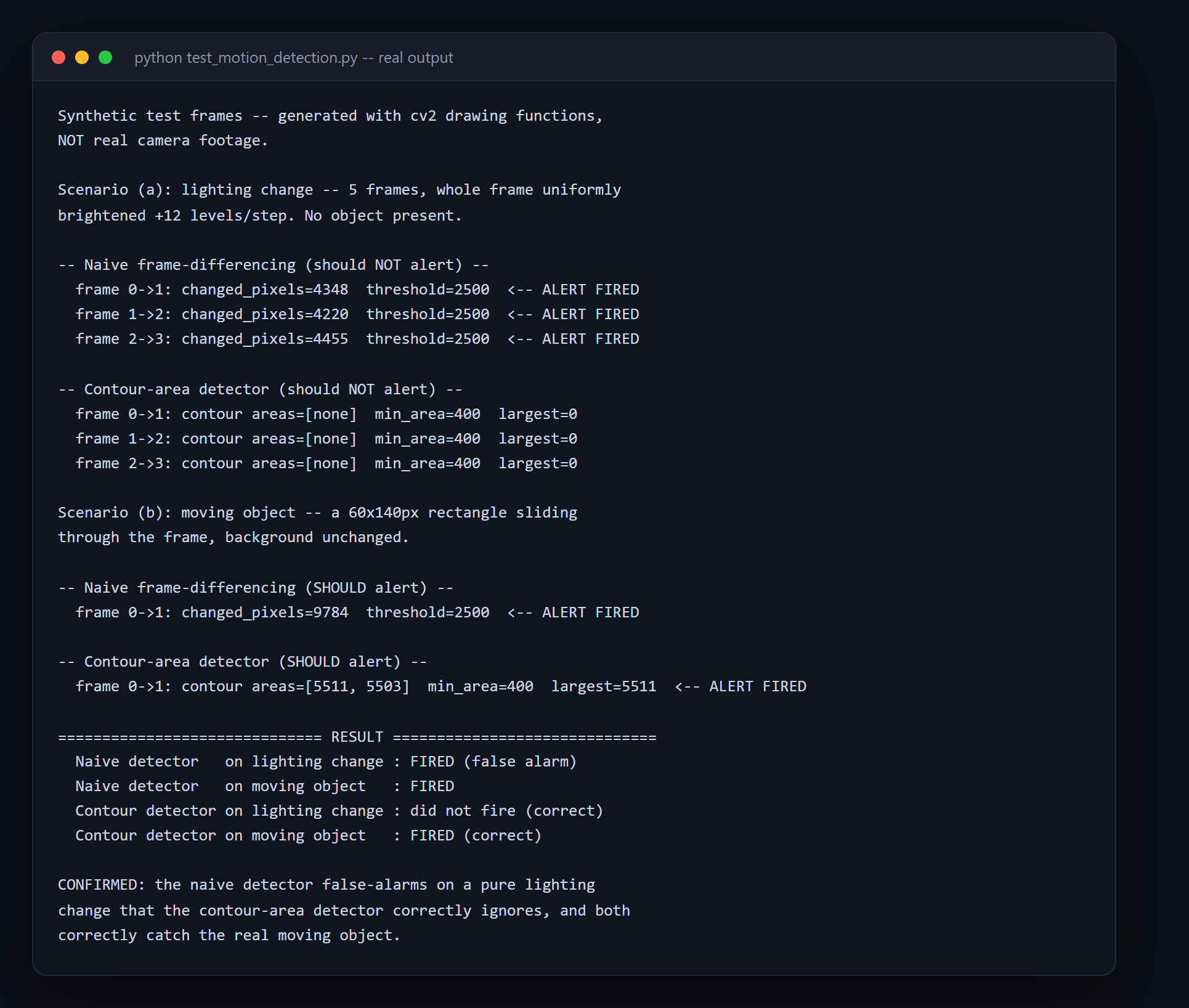
Naive motion detection counts how many pixels changed between two frames and alerts once that count crosses a threshold — which false-alarms constantly on lighting changes, because a cloud passing or auto-exposure adjusting shifts every pixel in the frame by a small amount, tripping the same total-count threshold as a real, spatially concentrated object. This project fixes it with contour detection: after thresholding the frame difference, it finds CONNECTED regions of change and only alerts when at least one region's area clears a calibrated minimum — a lighting change produces no region that large, real motion does. Proven with real synthetic frame sequences for both scenarios, and honestly limited: an abrupt, large lighting jump (a light switching on, not gradual auto-exposure) still fools the fix, and the README says exactly why and what a more complete solution would need.
What you will learn
- Understand why counting total changed pixels alone false-alarms on lighting changes
- Use contour detection to distinguish a spatially concentrated change from a frame-wide one
- Calibrate a real minimum contour area from measured synthetic scenarios, not a guessed number
- Recognise and honestly document a real limitation instead of overclaiming a fix's scope
- Reuse the same OpenCV motion-detection logic against a webcam, a video file, or a Pi camera unchanged
Before you start
- Python basics — functions, and reading OpenCV's array-based frame data
- Python 3.10+ — no camera or Raspberry Pi needed to install, verify, or read this project
- A webcam, video file, or Raspberry Pi Camera Module for live use
New to Raspberry Pi? The free Raspberry Pi course covers everything this project assumes.
Academic integrity notice
These projects are provided for learning, experimentation and reference. Understand the code, modify it for your own requirements, and acknowledge external work according to your institution’s academic policies. Priodemy does not supply work to be submitted as your own.
Features
- Two real detectors compared live: naive total-pixel-count vs. the fixed contour-area filter
- A calibrated minimum contour area, derived from measured synthetic lighting-change and motion scenarios
- An honestly documented known limitation — an abrupt whole-frame lighting jump still triggers a false alarm
- Runs against any cv2.VideoCapture source unchanged — webcam, video file, or a real Pi Camera Module
- Optional face identification on a detected event, using the same LBPH pattern as this catalogue's attendance project
- Runs fully with no camera: synthetic, explicitly-disclosed test frames exercise the entire detection pipeline
Technology stack
Track: IoT & Hardware · Level: Major project
What is included
- motion_detector.py, security_camera.py and enroll_faces.py — commented throughout
- A README on total-vs-localized change, the calibration, and the honestly disclosed known limitation
- test_motion_detection.py and test_face_recognition.py — the real proof scripts, runnable with zero camera hardware
Delivered as a 166 KB ZIP. SHA-256 published under Changelog so you can verify it.
System requirements
- Operating system
- Any (Raspberry Pi OS for real deployment)
- Runtime
- Python 3.10+. A webcam, video file, or Pi Camera Module for live use.
Licence
Learn from it, change it, and use it in your own coursework and personal projects. Do not resell it or pass it off as your own original work.
- Personal and educational use
- Modifying the code however you like
- Using it as the basis of your own coursework, with honest acknowledgement
- Putting your modified version in a portfolio or on your own GitHub
- Reselling or redistributing the project, modified or not
- Presenting it as your own original work
- Commercial deployment — see the Commercial licence
Support window: 6 months from download.
Frequently asked
Do I need a Raspberry Pi or a camera to try this?
No. Both proof scripts generate their own synthetic test frames with OpenCV and print a real, executed transcript — no hardware needed to install, verify, or read this project. The real webcam/Pi-camera code is genuine and works when you do have hardware; a video-file source needs no camera at all either.
Does the fix stop every kind of false alarm?
No, and the README says exactly where it does not: an abrupt, large lighting jump (a light switching on all at once) shifts nearly the whole frame in a way that still clears the contour-area threshold as one large region — the same shape a real object produces. The fix targets small/gradual whole-frame shifts being mistaken for objects; a more complete fix would need a frame-coverage check or a real background model, named honestly as a next step, not hidden.
Can this run on a real Raspberry Pi in production?
Yes — the detection logic is plain OpenCV against any cv2.VideoCapture source, and security_camera.py includes a real Pi Camera Module source path (picamera2) and GPIO alert output, both written for the real hardware even though neither could be exercised on the machine this was built on.
Changelog
- First release
SHA-256f5dbf8e3b82480bd7a98415ea9d1abad6101b500fde0f722895d7a06514d5686
You might also like
 Free
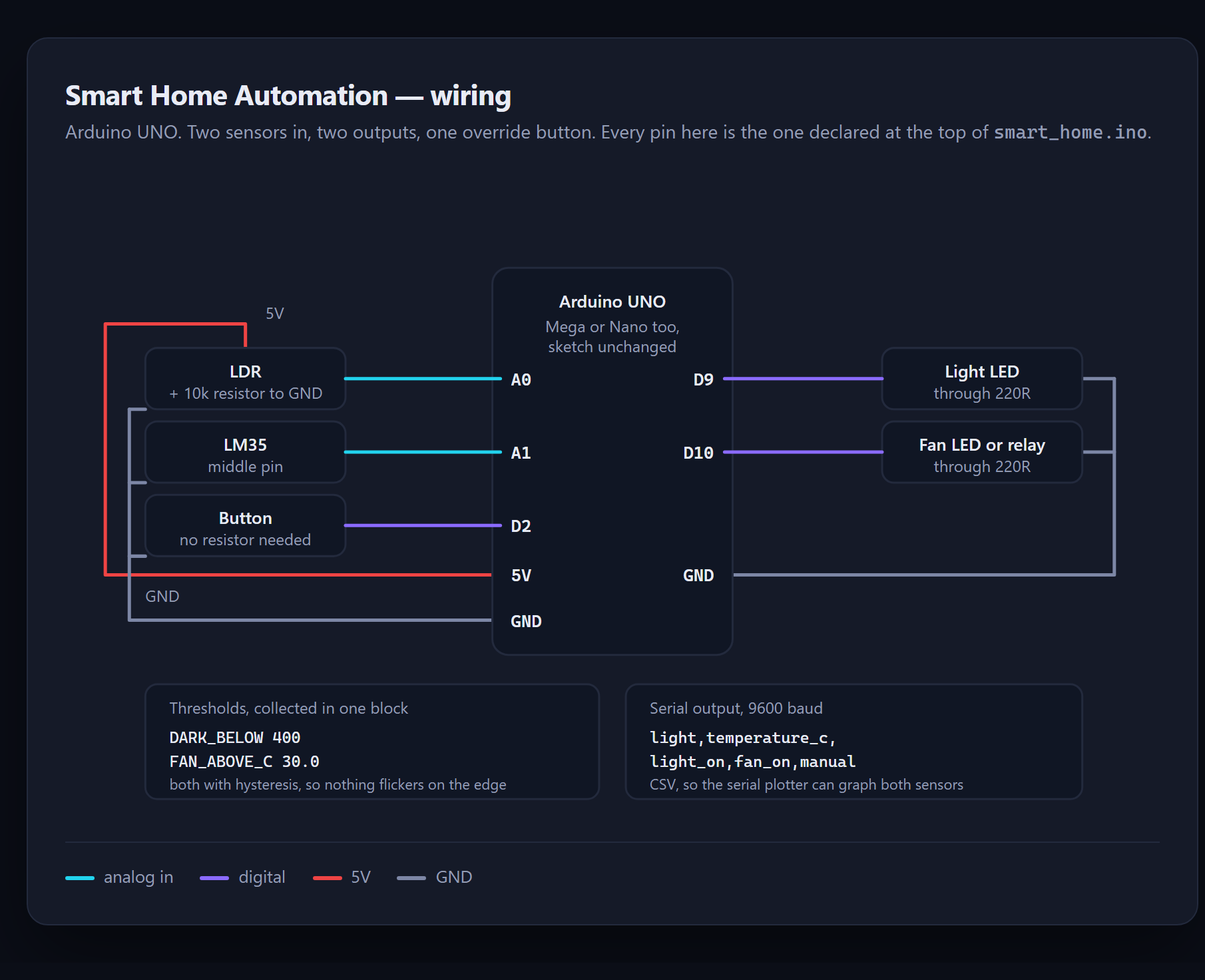
Free Smart Home Automation
Control lights and a fan from sensors — and run it without owning any hardware.
- Arduino
- C++
 Free
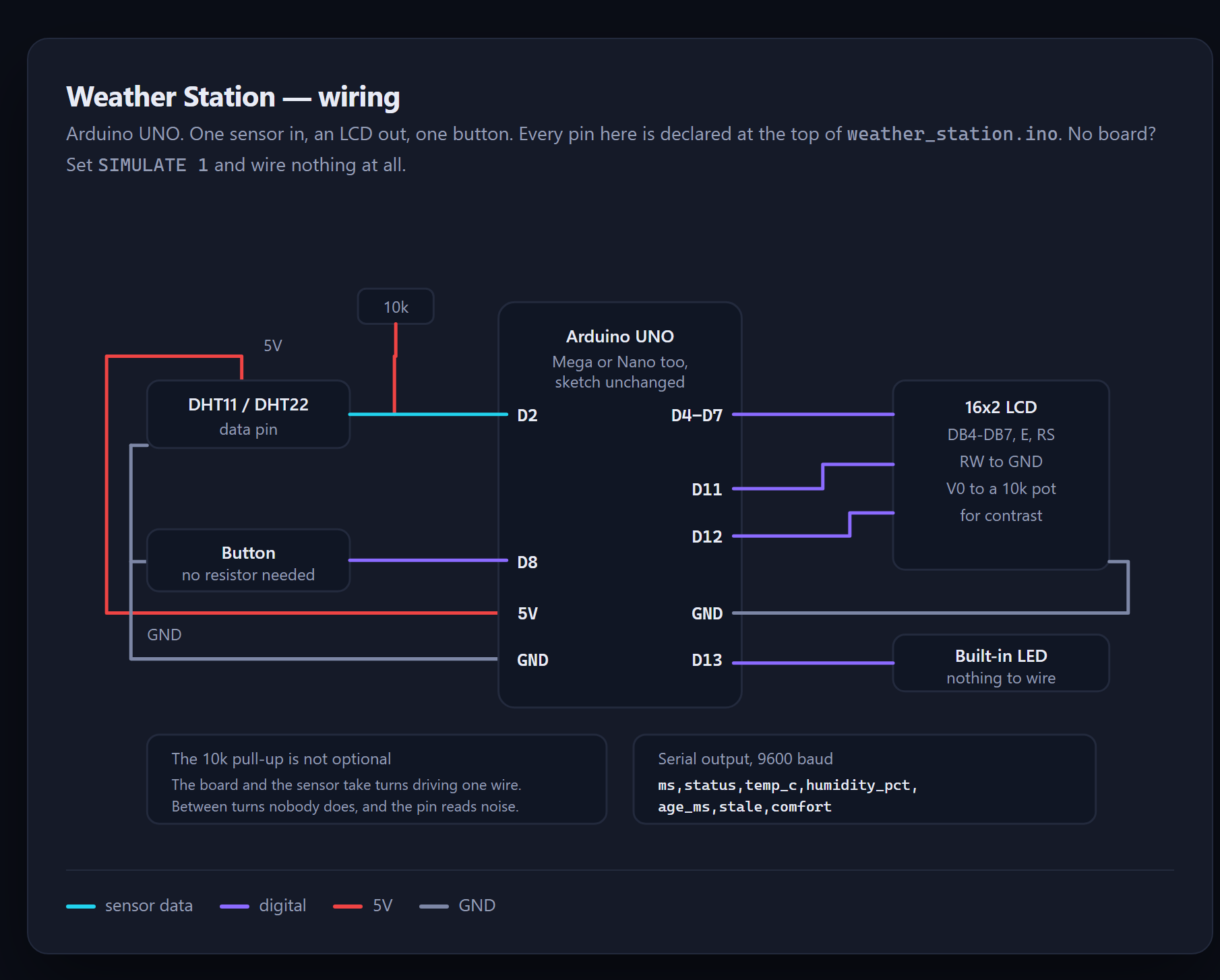
Free Weather Station
A sensor reading is not a fact — it is a measurement, and this one checks before it believes.
- Arduino
- C++
- DHT11
 Premium
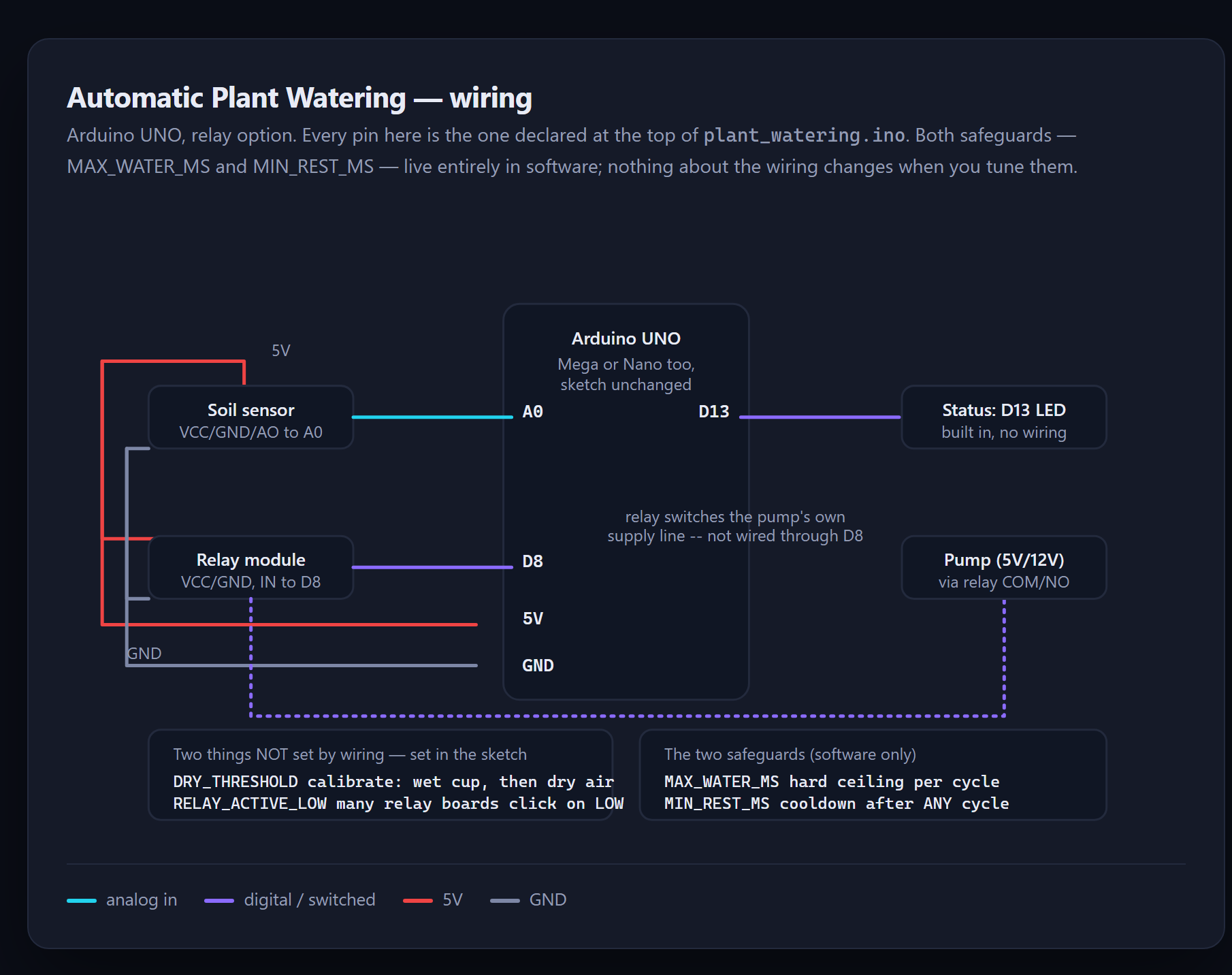
 Automatic Plant Watering
A stuck sensor does not mean "unsure" — it settles at one extreme and stays there. This sketch is built to survive that.
- Arduino
- C++
- Sensors
 Premium
 RFID Smart Parking System
A reader does not report one tap — it reports a burst of reads, and only the database's own toggle can say what actually happened.
- Arduino
- RFID
- MySQL