Calculator
A calculator project that is really about floating point, wearing a calculator costume.
- JavaScript
- CSS
- HTML
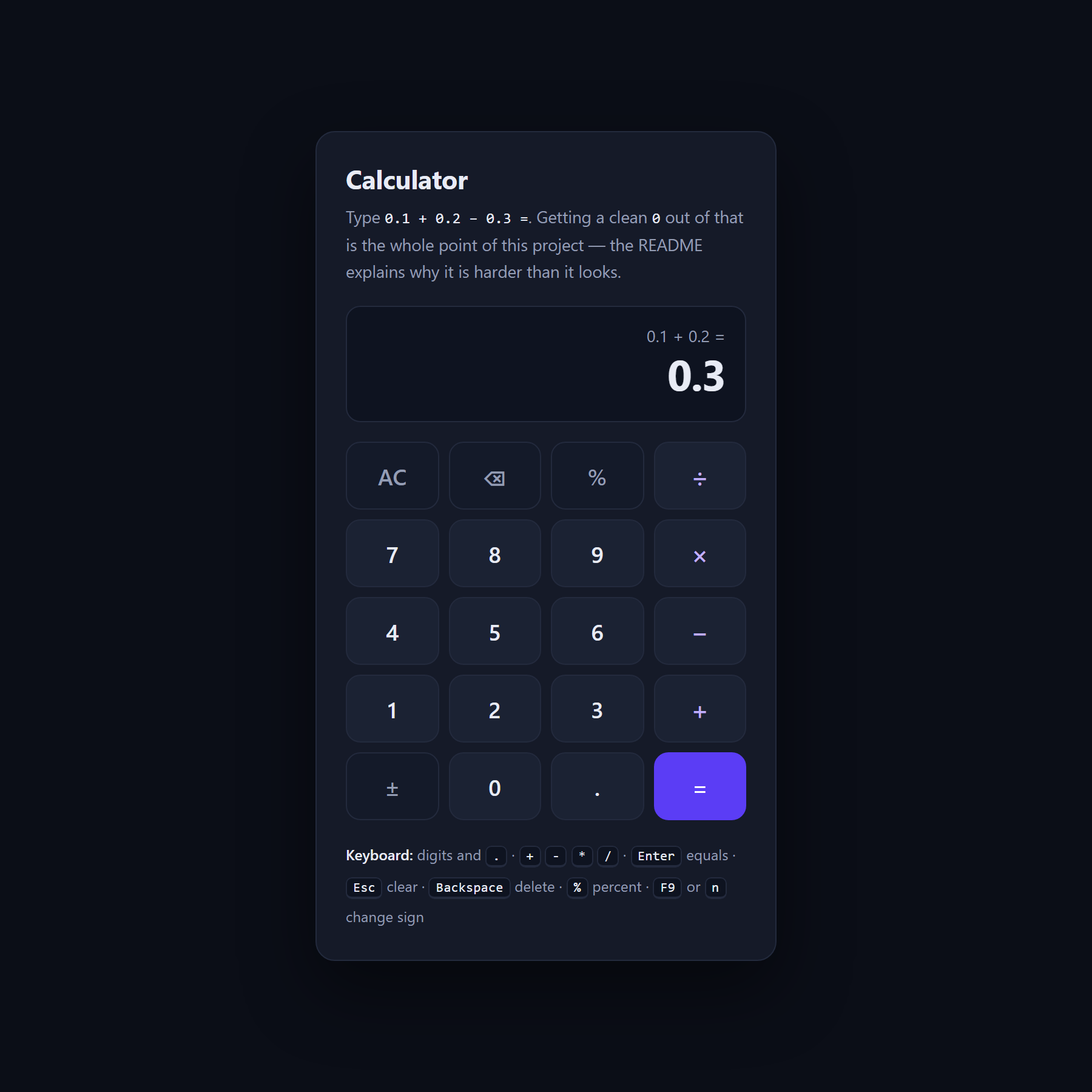
About this project
A calculator with digits, a decimal point, the four operators, percent, sign toggle, clear and backspace, full keyboard control, and a running expression above the current value.
It is really a project about floating point. Type 0.1 + 0.2 into any browser console and you get 0.30000000000000004 — not a JavaScript bug, but what every language with binary floating point does, because one tenth in binary repeats forever the way one third in decimal does.
A calculator therefore has a problem, and there are two easy ways to get it wrong. Show the raw number and the tool looks broken to everyone who is not a programmer. Round everything with toFixed and you start lying about values the machine had exactly right — and worse, the rounding gets stored, so the next operation continues from the lie. This calculator keeps the two jobs separate, which is the entire lesson, and the README is candid about where the approach gives up.
What you will learn
- Understand why 0.1 + 0.2 is not 0.3, in any language with binary floating point
- Separate the value you compute from the value you display, and keep the rounding out of the machine
- Use integer scaling to get exact results where it is safe, and detect when it is not
- Build a keypad that is fully keyboard-operable without duplicating the click handlers
- Evaluate arithmetic without eval(), using a small explicit state machine
Before you start
- JavaScript basics — variables, functions and events
- A browser and a text editor. Nothing to install.
New to JavaScript? The free JavaScript course covers everything this project assumes.
Academic integrity notice
These projects are provided for learning, experimentation and reference. Understand the code, modify it for your own requirements, and acknowledge external work according to your institution’s academic policies. Priodemy does not supply work to be submitted as your own.
Features
- Exact integer-scaled arithmetic where it is safe, with a documented fallback where it is not
- Display formatting kept strictly separate from the stored value
- Full keyboard control — digits, operators, Enter, Escape, Backspace
- A running expression line above the current value
- Percent, sign toggle, backspace and a divide-by-zero message rather than Infinity
- No eval() anywhere
Technology stack
Track: Web Development · Level: Starter
What is included
- index.html, style.css and script.js — commented throughout
- A README on binary floating point, the two wrong fixes, and the limits of the right one
- Suggested extensions, including a memory row and a history tape
Delivered as a 19 KB ZIP. SHA-256 published under Changelog so you can verify it.
System requirements
- Operating system
- Any
- Runtime
- Any modern browser. No install, no build step.
Licence
Learn from it, change it, and use it in your own coursework and personal projects. Do not resell it or pass it off as your own original work.
- Personal and educational use
- Modifying the code however you like
- Using it as the basis of your own coursework, with honest acknowledgement
- Putting your modified version in a portfolio or on your own GitHub
- Reselling or redistributing the project, modified or not
- Presenting it as your own original work
- Commercial deployment — see the Commercial licence
Support window: 6 months from download.
Frequently asked
Is 0.1 + 0.2 really broken in JavaScript?
It is not a JavaScript problem. Python, Java, C and your phone do the same thing, because a double stores binary fractions and one tenth is not one of them. What differs between calculators is only how honestly they handle it.
Why not just use toFixed()?
Because it lies about numbers the machine had right — an eighth is stored perfectly, and toFixed(2) turns it into 0.13. Worse, the rounded value gets stored, so multiplying by 8 next gives 1.04 instead of 1. At that point the calculator has stopped reporting your arithmetic and started reporting its own.
Does the exact arithmetic always work?
No, and the README says exactly where it stops. Integer scaling is only safe while the scaled value stays inside the exact integer range, and values that JavaScript prints in exponential notation are outside what the approach handles. Both limits are documented with the inputs that trigger them.
Changelog
- First release
SHA-256edcedb4eff8bad96771331cd5848462e1e57d1a514db6f7af48e2fb31342476d
You might also like
 Free
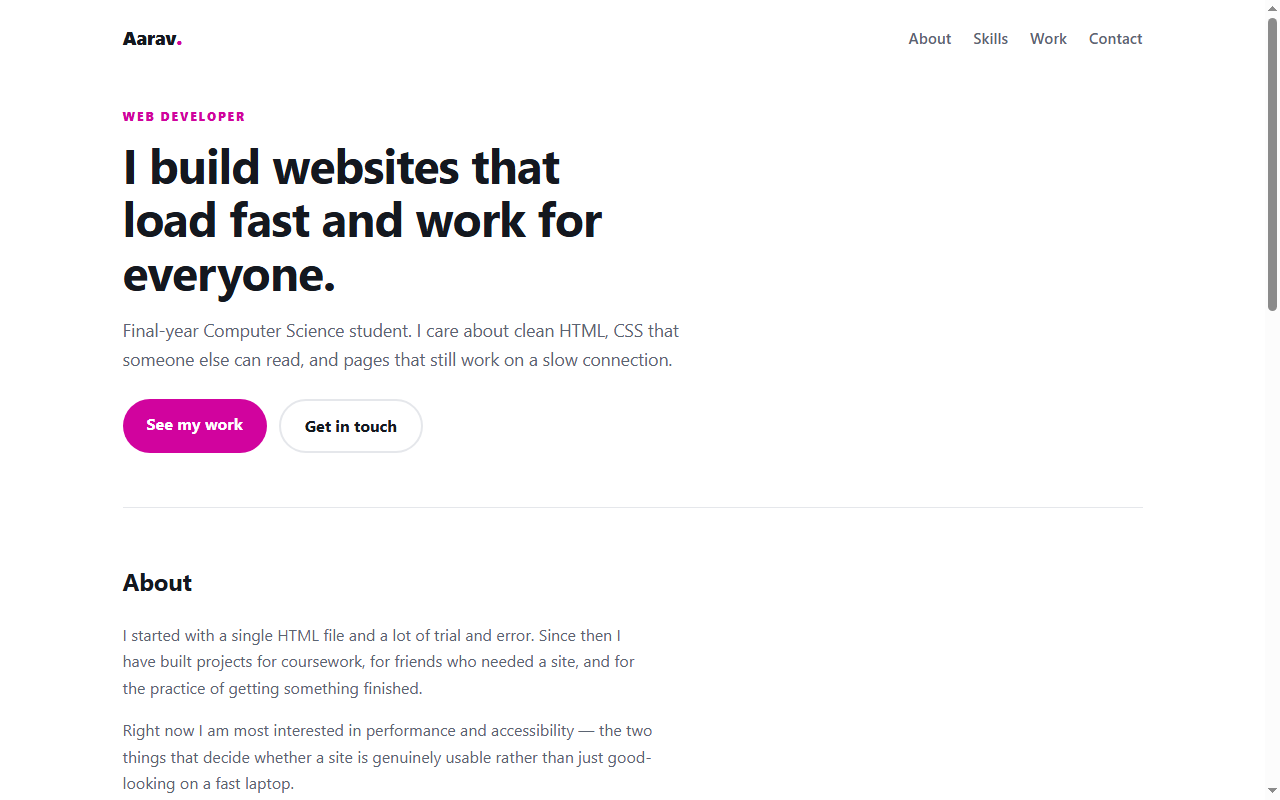
Free Personal Portfolio Website
A responsive portfolio in plain HTML and CSS — no framework, no build step.
- HTML
- CSS
 Free
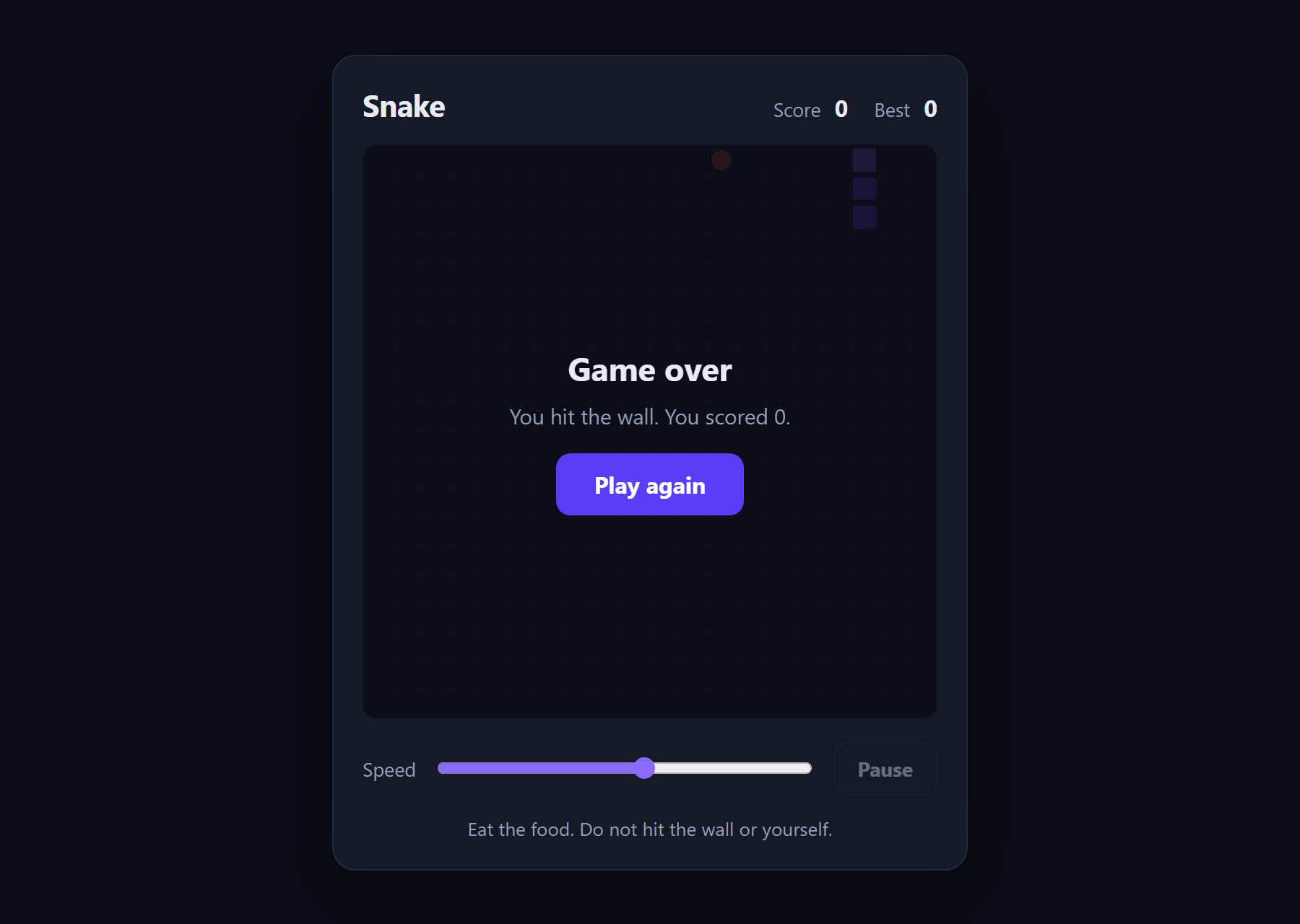
Free Snake Game
The classic game in about 180 lines of plain JavaScript and a canvas.
- JavaScript
- Canvas
- HTML
 Free
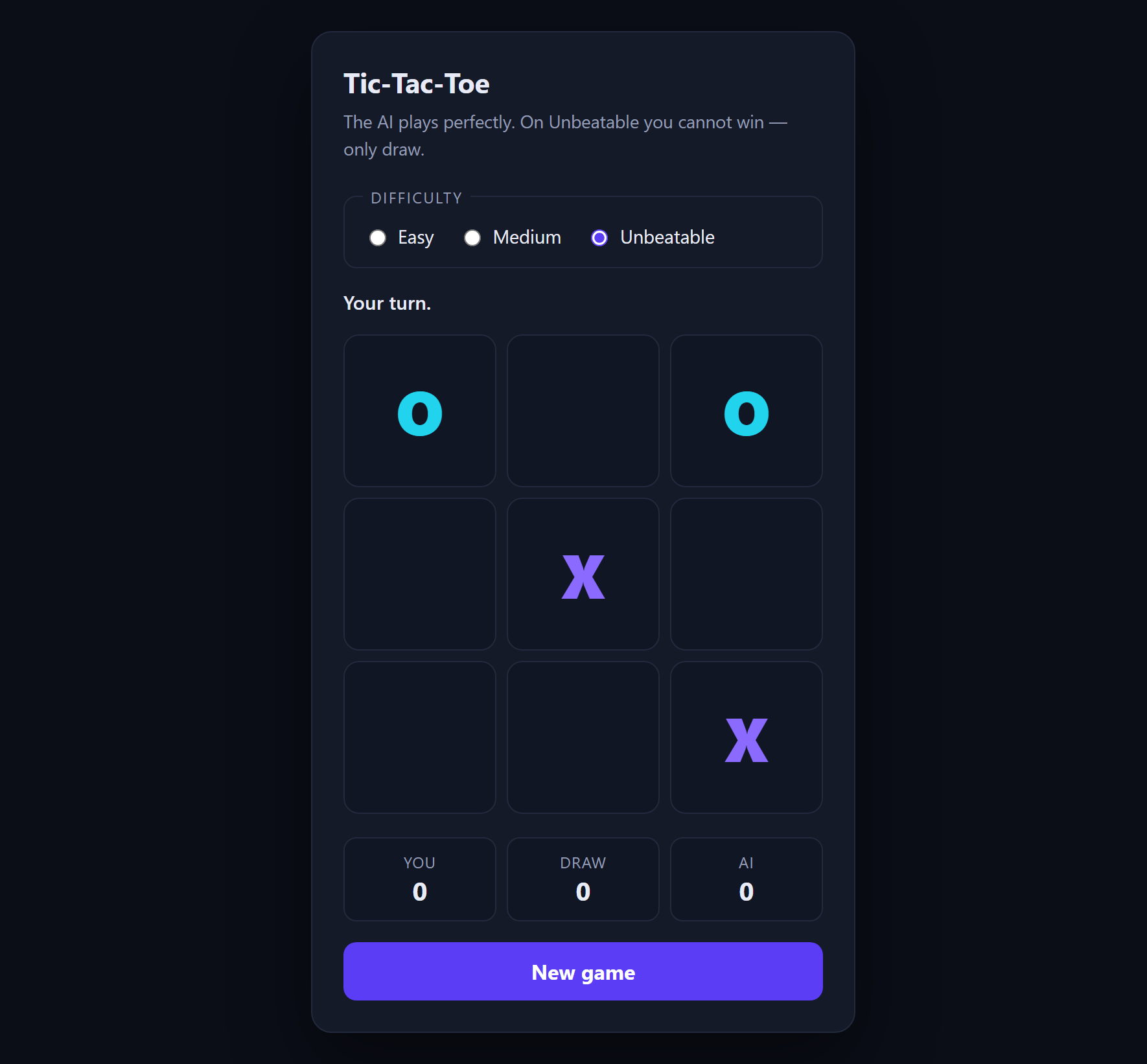
Free Tic-Tac-Toe with AI
An opponent that plays perfectly, using minimax with alpha-beta pruning.
- JavaScript
- Minimax
- HTML
 Free
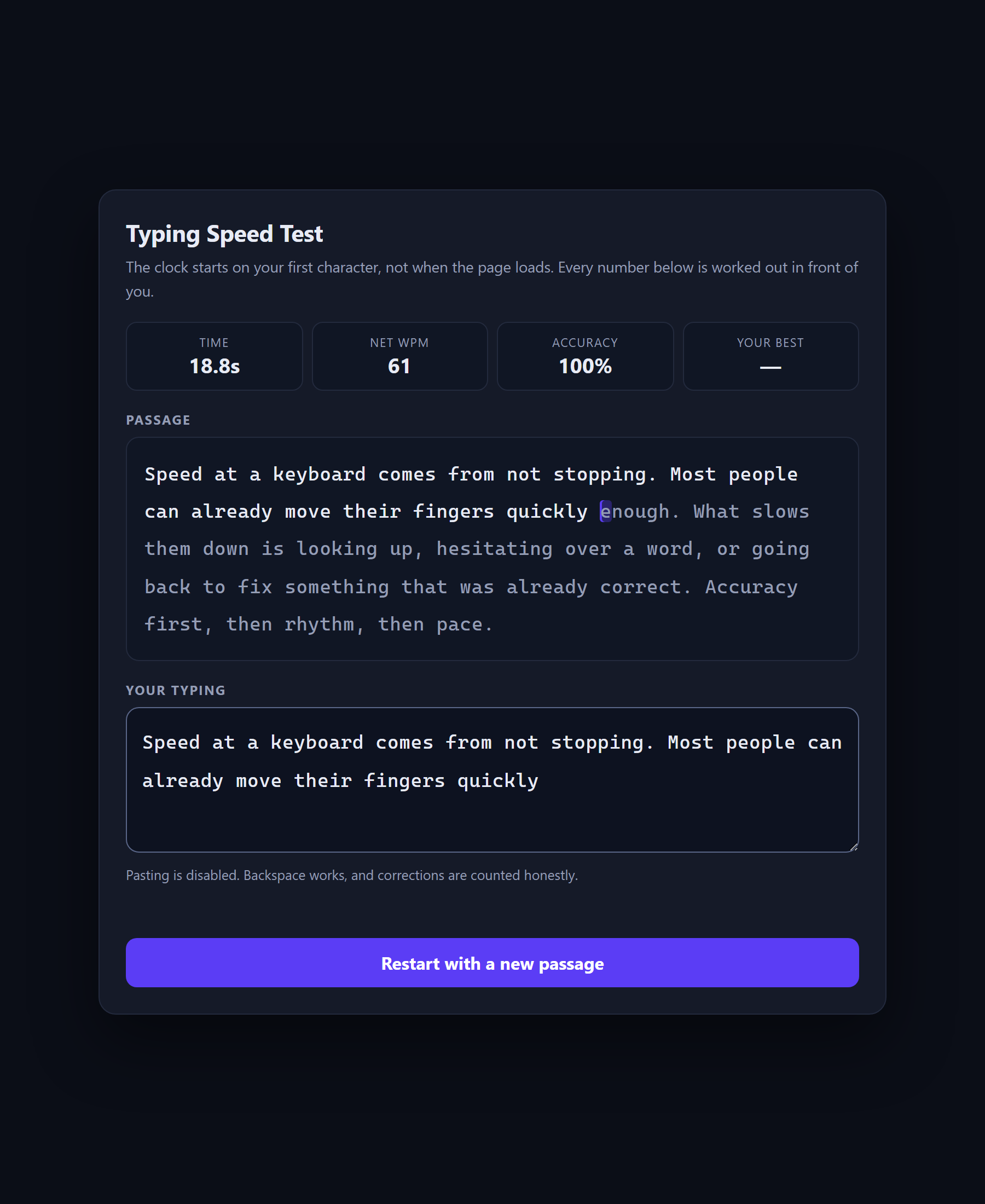
Free Typing Speed Test
A speed test that shows its own arithmetic, because WPM is a definition rather than a measurement.
- JavaScript
- CSS
- HTML