Construction Contractor Website
A dashed service-area radius drawn in inline SVG cut straight through its own pin labels — caught in a screenshot, not in the code, and fixed by re-anchoring the text rather than redrawing the circle.
- Bootstrap 5
- HTML
- CSS
- JavaScript
About this project
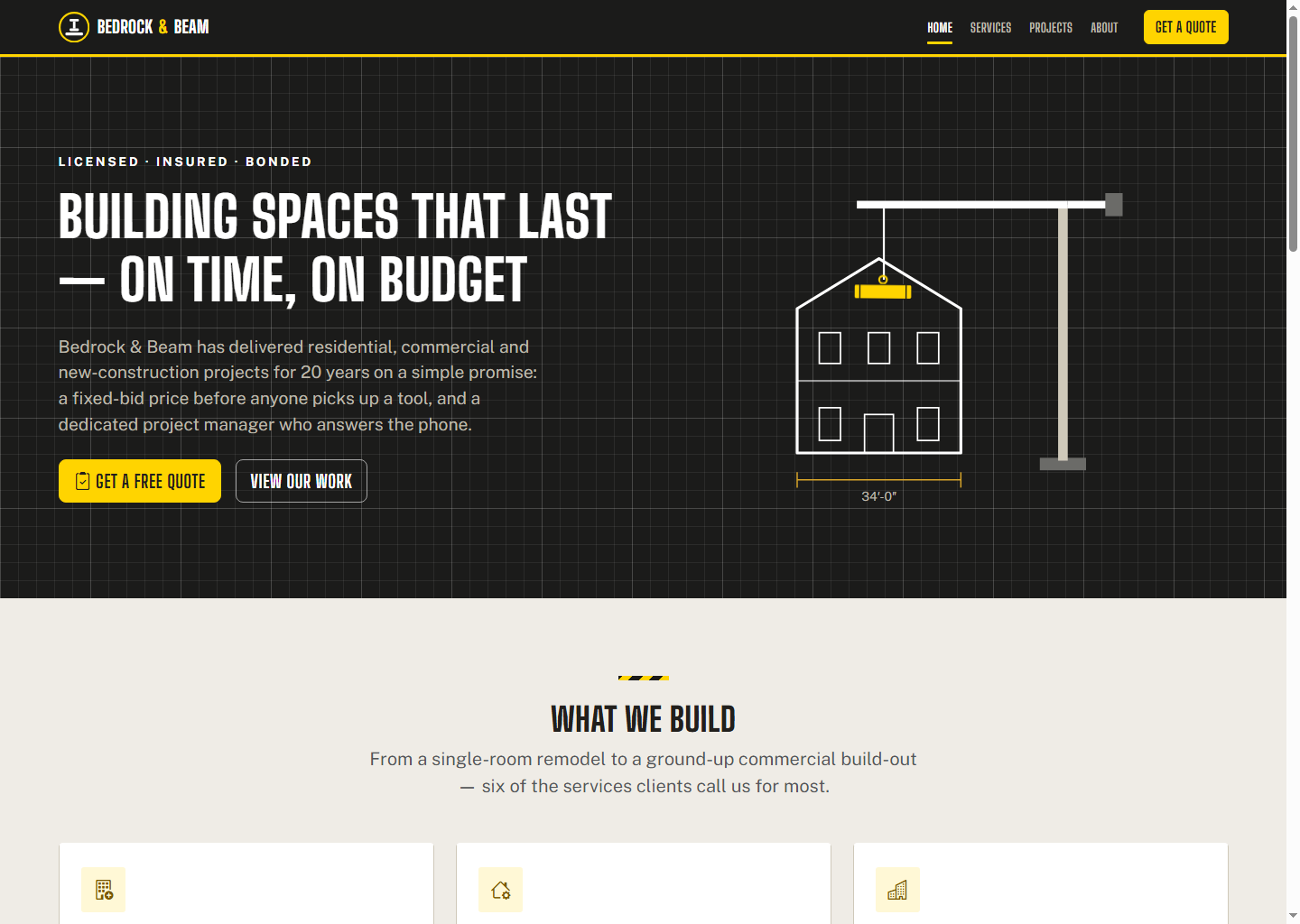
A five-page site for a fictional contractor, "Bedrock & Beam Construction." Like the other Bootstrap design templates in this catalogue, this is a pure visual-design product — no backend, no database. The register is industrial and bold, deliberately differentiated from this catalogue’s other industrial template (the auto-repair garage): warm concrete-grey neutrals instead of cool steel-grey, safety-yellow instead of safety-orange, Big Shoulders Display + Public Sans instead of Oswald/Barlow, sharper near-rectilinear corners instead of rounded cards, and a blueprint-grid texture with hand-drawn dimension-marker illustrations instead of a rotating gear/tire motif. Zero photography anywhere — all six featured past projects are illustrated with distinct hand-drawn blueprint-style inline SVG (a house elevation, an office floor plan, a storefront elevation, a roof plan, a foundation cross-section, a clinic floor plan), each with real dimension lines, tick marks and a yellow scope-highlight.
Safety-yellow is a harsh colour to use well: the raw accent measures just 1.21:1 directly on a light background and 1.43:1 as white text on yellow — both confirmed unusable and confirmed never used that way anywhere in the CSS. It’s used correctly instead as a background fill paired with dark charcoal text (11.48:1) or as a decorative accent on dark backgrounds.
One real layout bug surfaced only in a screenshot, not in any automated check: the contact page’s hand-drawn service-area "map" — a dashed 45-mile-radius circle with six town pins, built entirely in inline SVG — had the radius circle visually crossing through several pin labels and the legend text. Nothing in the markup or CSS was technically wrong; the shapes just overlapped once actually rendered. Fixed by shrinking the circle, re-anchoring the affected labels, and nudging the legend text clear — confirmed with a before/after screenshot comparison.
What you will learn
- Build a bold, industrial five-page contractor site on Bootstrap 5 without hand-editing the framework itself
- Illustrate past projects with hand-drawn blueprint-style SVG (dimension lines, tick marks, scope highlights) instead of photography
- Handle a harsh safety-yellow accent correctly — confirmed unusable as text or icon colour on light backgrounds, restricted to button fills and dark-background accents
- Catch a layout defect that only shows up visually (a decorative SVG element crossing through real text) rather than in any automated check
- Run a real WCAG contrast check and a real multi-breakpoint overflow check instead of eyeballing either
Before you start
- HTML and CSS fundamentals — this is a design product, not a framework tutorial
- Any modern browser. No Node, no build step, no server required to use it
- Comfortable editing raw HTML/CSS directly, since there is no CMS or config file
New to Bootstrap 5? The free Bootstrap 5 course covers everything this project assumes.
Academic integrity notice
These projects are provided for learning, experimentation and reference. Understand the code, modify it for your own requirements, and acknowledge external work according to your institution’s academic policies. Priodemy does not supply work to be submitted as your own.
Features
- Six past projects illustrated with distinct hand-drawn blueprint-style inline SVG (dimension lines, tick marks, scope highlights), not photography
- A hand-drawn CSS/SVG service-area map with a 45-mile radius and six town pins, built as a deliberate non-embed, matching the dark industrial design register
- A "Get a Quote" form with full HTML5 validation and a JS-driven confirmation panel with a generated reference code, plus `?project=slug` hand-off from each service card
- Safety-yellow confirmed unusable as text/icon colour on light backgrounds (1.21–1.43:1) and correctly restricted to button fills and dark-background accents
- A visual-only layout bug — a decorative SVG radius circle crossing through real pin labels — caught in a screenshot and fixed, documented honestly in the README
Technology stack
Track: Web Development · Level: Mini project
What is included
- All 5 HTML pages, fully commented custom.css, main.js and contact.js
- A written contrast-ratio table and a responsive-check writeup in the README, not just a pass/fail claim
- A "Customizing this" map pointing at exactly where to change the company name, services, projects and copy
Delivered as a 44 KB ZIP. SHA-256 published under Changelog so you can verify it.
System requirements
- Operating system
- Any
- Runtime
- Any modern browser. No server, no build step, no dependencies to install.
Licence
Learn from it, change it, and use it in your own coursework and personal projects. Do not resell it or pass it off as your own original work.
- Personal and educational use
- Modifying the code however you like
- Using it as the basis of your own coursework, with honest acknowledgement
- Putting your modified version in a portfolio or on your own GitHub
- Reselling or redistributing the project, modified or not
- Presenting it as your own original work
- Commercial deployment — see the Commercial licence
Support window: 6 months from download.
Frequently asked
Is safety-yellow actually usable anywhere on this template?
Not as text or icon colour on a light background — the raw accent measures 1.21:1 there and 1.43:1 as white text on yellow, both far below any usable threshold, and both confirmed to never occur anywhere in the shipped CSS. It’s used correctly as a button/badge background paired with dark charcoal text (11.48:1) and as a decorative accent against dark backgrounds.
What was the service-area map bug?
The contact page’s hand-drawn SVG "map" — a dashed 45-mile radius circle with six town pins — had the radius circle visually crossing through several pin labels and the legend text once actually rendered, even though nothing in the markup was technically broken. It was caught by reviewing a screenshot, not by any automated check, and fixed by shrinking the circle, re-anchoring the affected labels, and moving the legend text clear.
Can I use this for a real construction or contracting company?
Yes — replace the fictional Bedrock & Beam branding, services, projects and copy with your own (the README’s "Customizing this" table lists every spot). The quote form has no backend wired up; connecting it to a real CRM or inbox is left to you. The Educational licence covers learning and coursework; a Commercial licence is available for shipping it as a real company’s site.
Changelog
- First release
SHA-256337d55c1d3aa47f028c21545b4fa995977a760d2a965258217b3881fddf44fd0
You might also like
 Free
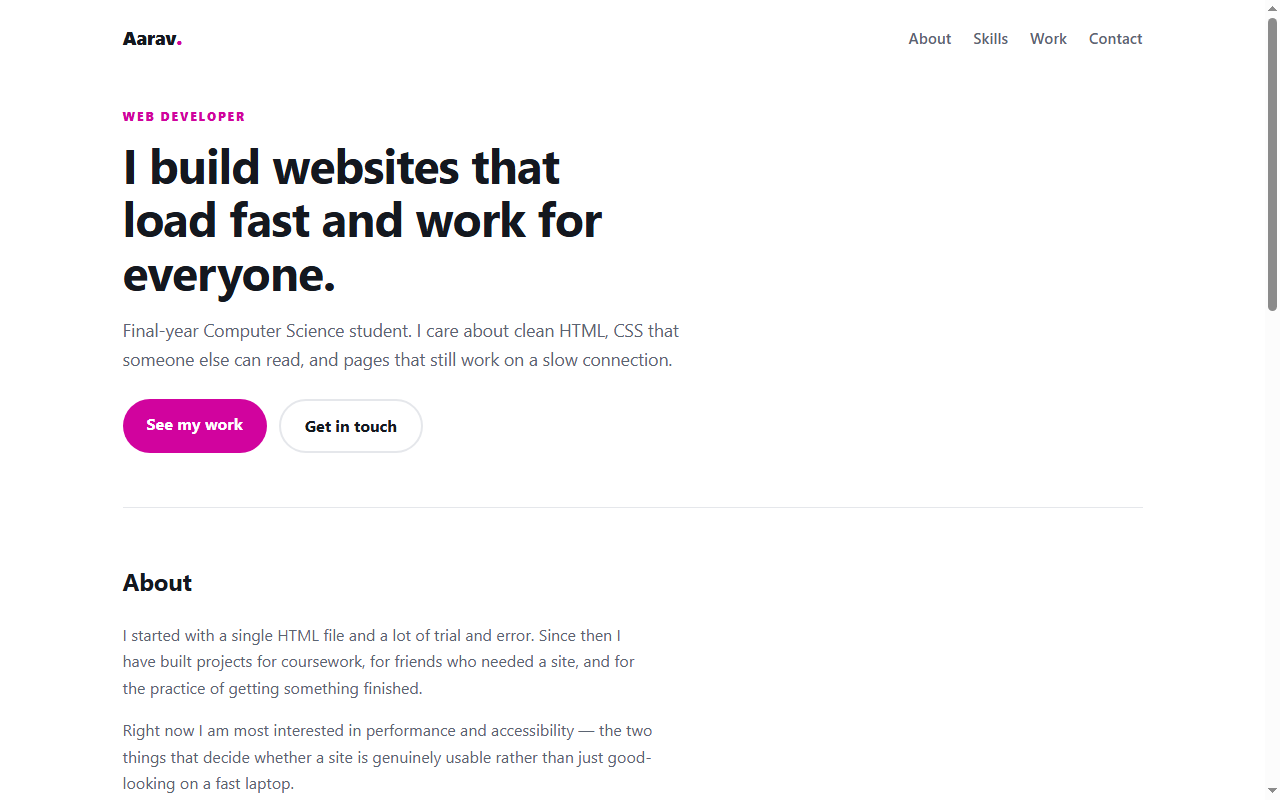
Personal Portfolio Website
A responsive portfolio in plain HTML and CSS — no framework, no build step.
- HTML
- CSS
 Free
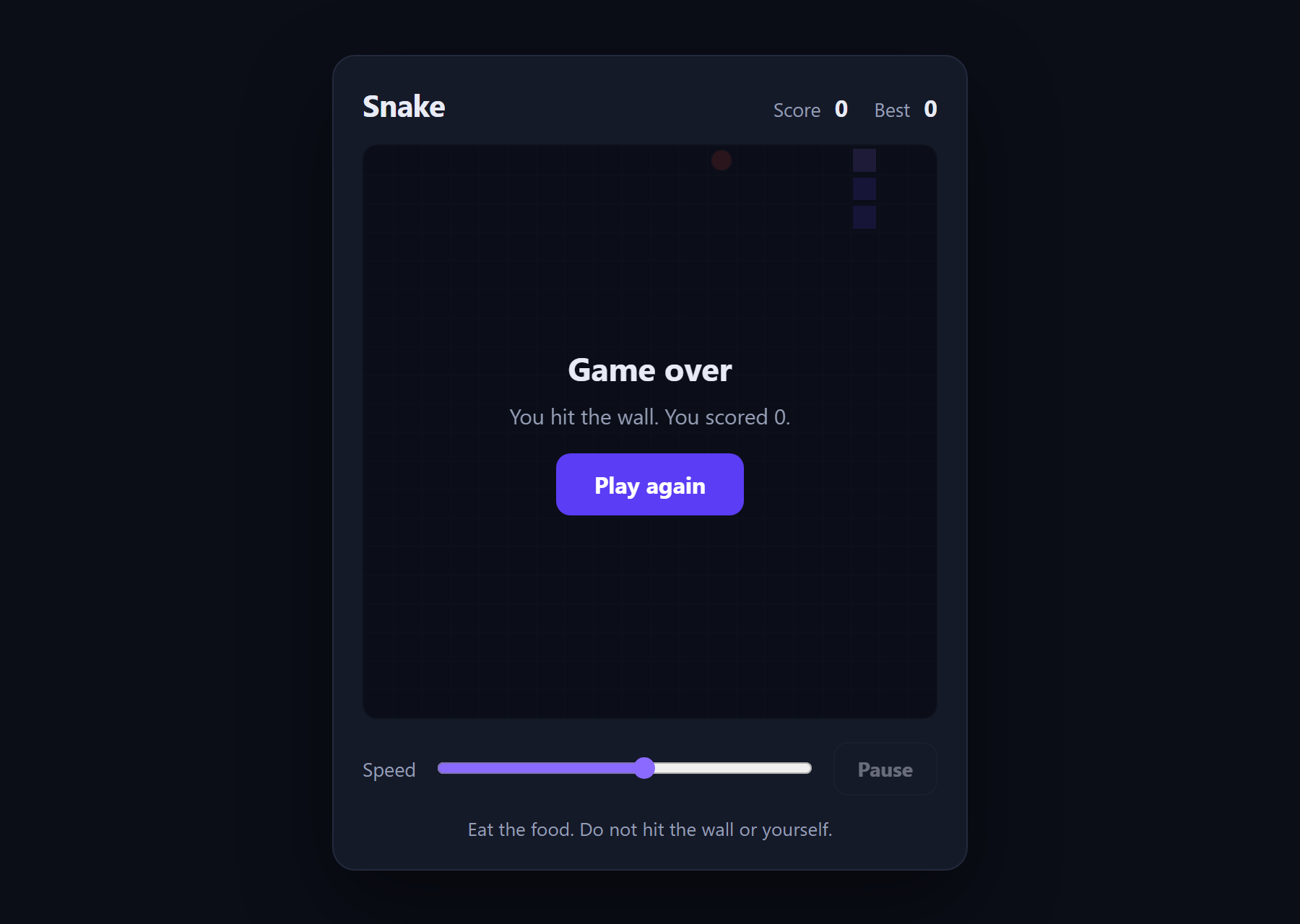
Snake Game
The classic game in about 180 lines of plain JavaScript and a canvas.
- JavaScript
- Canvas
- HTML
 Free
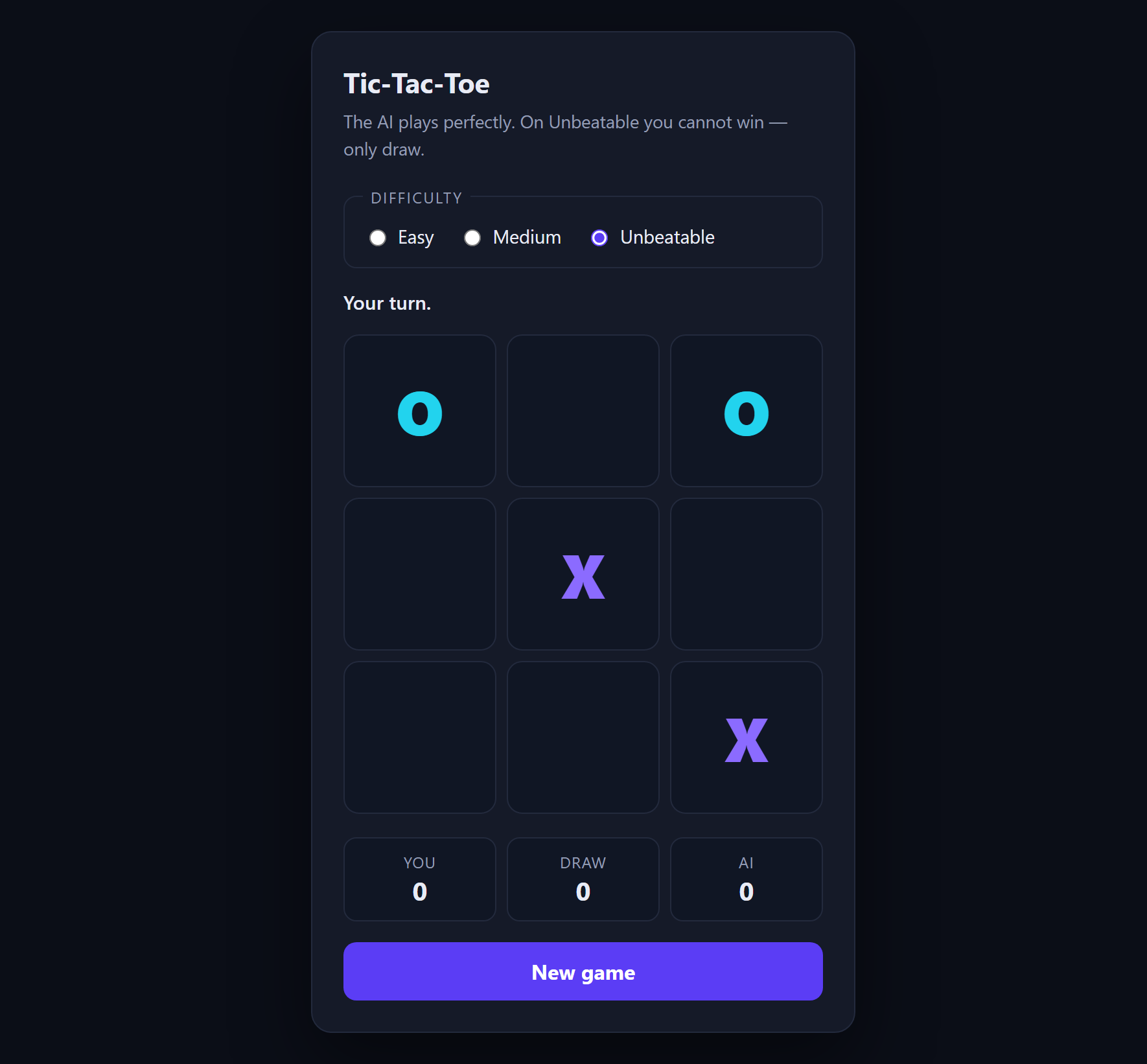
Tic-Tac-Toe with AI
An opponent that plays perfectly, using minimax with alpha-beta pruning.
- JavaScript
- Minimax
- HTML
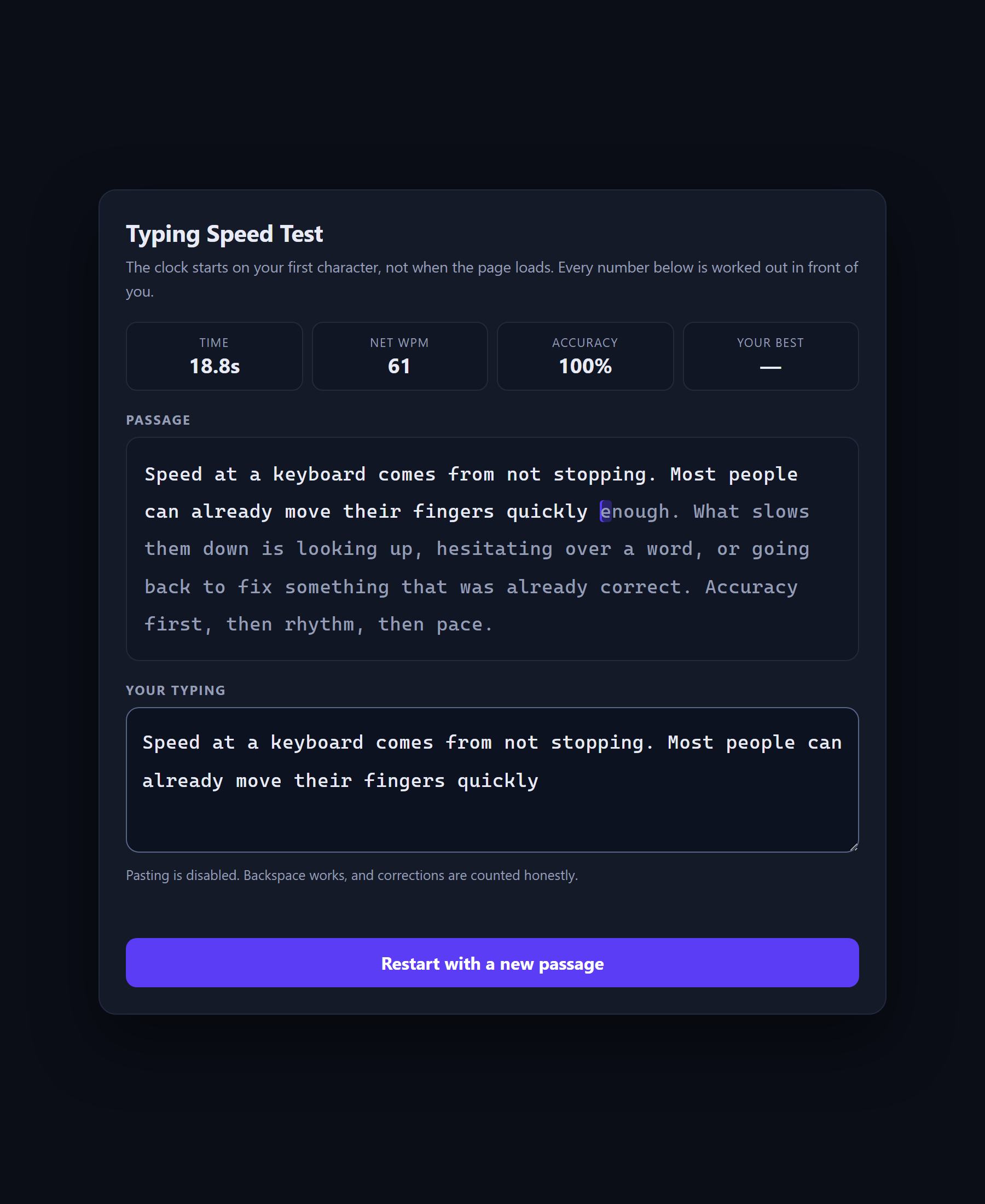 Free
Typing Speed Test
A speed test that shows its own arithmetic, because WPM is a definition rather than a measurement.
- JavaScript
- CSS
- HTML