Expense Manager (Python CLI)
The totals belong in the database, not in a Python loop — and the project times both to prove it.
- Python
- SQLite
- SQL
About this project
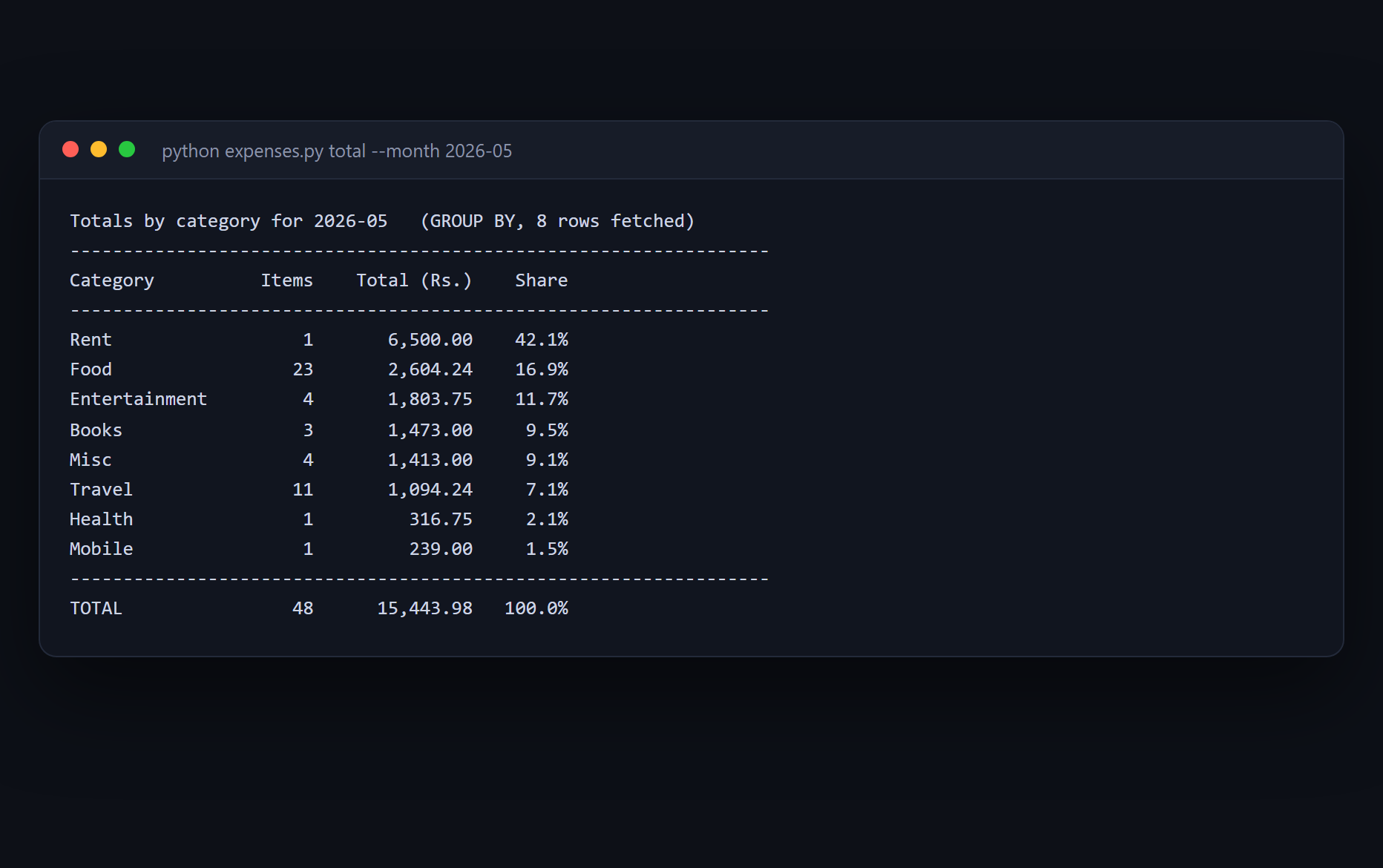
A command-line expense manager backed by SQLite, which ships with Python — nothing to install and no server to run. Add an expense, list and filter by month or category, and see totals per category and per month.
The idea it is built around is that the aggregation belongs in the database. Most beginner versions of this project select every row and add them up in a Python loop. That is fine on fifty rows and wrong in shape, and the project settles it by measurement rather than assertion: `python expenses.py bench` builds a throwaway database, prints the query plans, and times the loop against GROUP BY at four table sizes. The gap widens as the table grows, which is the actual argument.
The second theme is money. Amounts are stored as whole paise, never as a float, and `python expenses.py floats` demonstrates why with live arithmetic — including the fact that reading a typed "8.70" through float() gives you 869 paise rather than 870, so the money is gone before the database has even been opened.
What you will learn
- Let the database aggregate with GROUP BY instead of pulling every row into Python
- Read an EXPLAIN QUERY PLAN and see what an index changes
- Store money as whole paise, and see what a float column does to a running total
- Build a real command-line interface with argparse and subcommands
- Validate dates and amounts before they reach the database, with errors a person can act on
Before you start
- Python basics — functions, lists and dictionaries
- Python 3.10 or newer. SQLite comes with Python, so there is nothing to install.
New to Python? The free Python course covers everything this project assumes.
Academic integrity notice
These projects are provided for learning, experimentation and reference. Understand the code, modify it for your own requirements, and acknowledge external work according to your institution’s academic policies. Priodemy does not supply work to be submitted as your own.
Features
- SQLite storage with a schema, indexes and parameterised queries throughout
- Totals per category and per month, computed with GROUP BY
- A built-in benchmark that times the Python loop against GROUP BY and shows both query plans
- A built-in demonstration of what a float column does to money
- Sample data — about six months of a hostel student's spending, from a fixed seed
- argparse subcommands, with validation that rejects impossible dates like 30 February
Technology stack
Track: Python & AI/ML · Level: Starter
What is included
- expenses.py, storage.py and sample_data.py — commented throughout
- A README on GROUP BY, indexes, and why money is stored as integer paise
- Suggested extensions, including budgets per category and a CSV export
Delivered as a 24 KB ZIP. SHA-256 published under Changelog so you can verify it.
System requirements
- Operating system
- Any
- Runtime
- Python 3.10 or newer. SQLite is part of the standard library.
Licence
Learn from it, change it, and use it in your own coursework and personal projects. Do not resell it or pass it off as your own original work.
- Personal and educational use
- Modifying the code however you like
- Using it as the basis of your own coursework, with honest acknowledgement
- Putting your modified version in a portfolio or on your own GitHub
- Reselling or redistributing the project, modified or not
- Presenting it as your own original work
- Commercial deployment — see the Commercial licence
Support window: 6 months from download.
Frequently asked
Why SQLite instead of MySQL?
Because SQLite is part of Python, so this project runs the moment you unzip it — no server, no root password, no connector to install. The SQL you write here is the same SQL, and the README notes the few places MySQL would differ if your syllabus requires it.
Is the benchmark honest?
It runs on your machine, not ours. It builds a scratch database, runs both versions alternately and reports the best of several runs, so a background process cannot flatter one of them. Your absolute timings will differ from the README's; the ratio is the point, and that reproduces.
Why not just store rupees as a float?
Run `python expenses.py floats` and it will show you. Adding ten paise a thousand times to a float column leaves 99.9999999999986 in the database, which prints as 100.00 and is not 100. Integer paise cannot drift, because integers do not.
Changelog
- First release
SHA-2565ac7c88006fa35d98232641ebbeae79c2bc18307850fdf59eade2f670f4049cd
You might also like
 Free
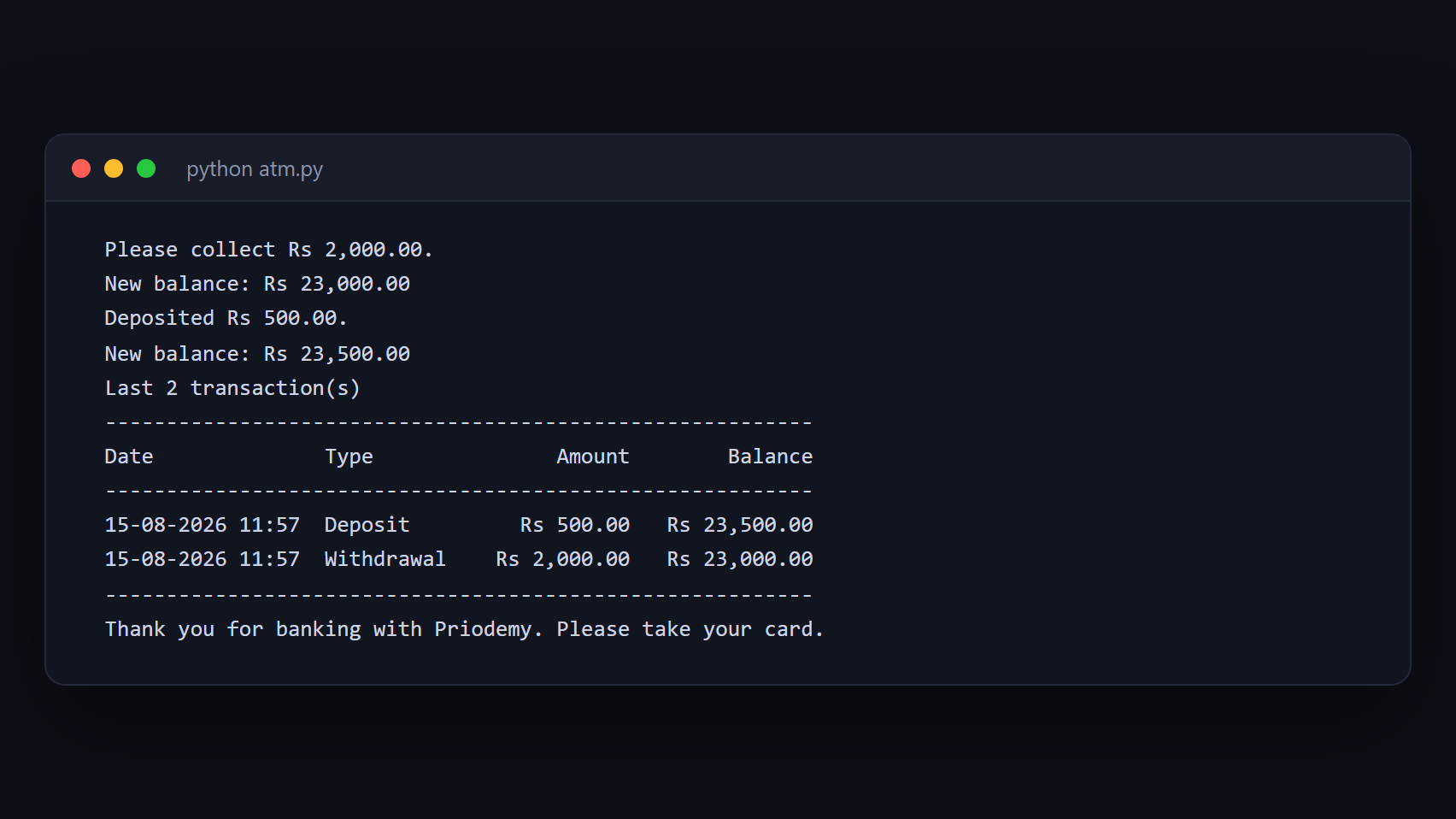
Free ATM Simulation System
A working cash machine in Python and MySQL — balance, withdrawal, deposit and a transaction history.
- Python
- MySQL
- mysql-connector
 Free
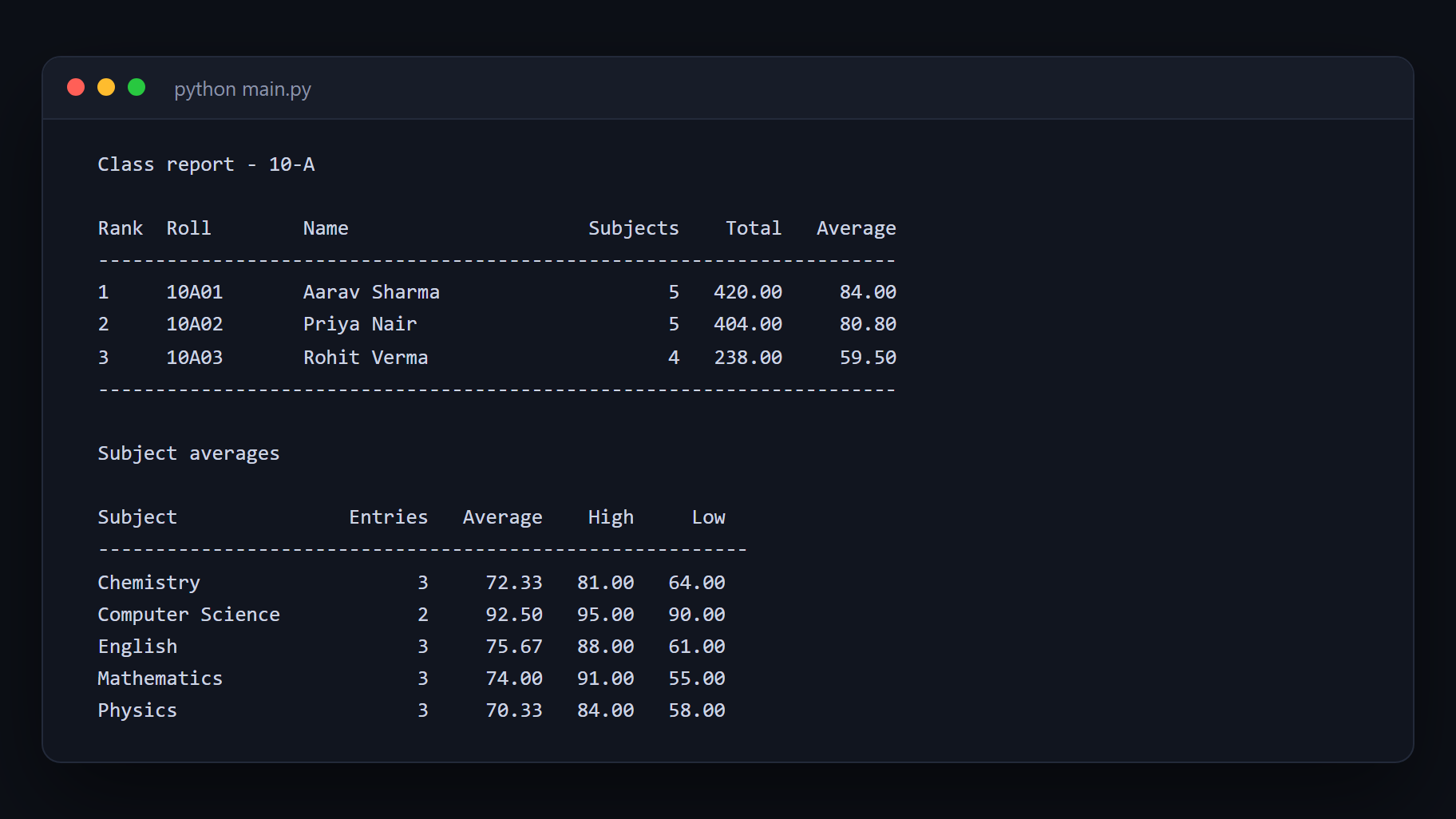
Free Student Management System
Add, search, update and report on student records with Python and MySQL.
- Python
- MySQL
- mysql-connector
 Free
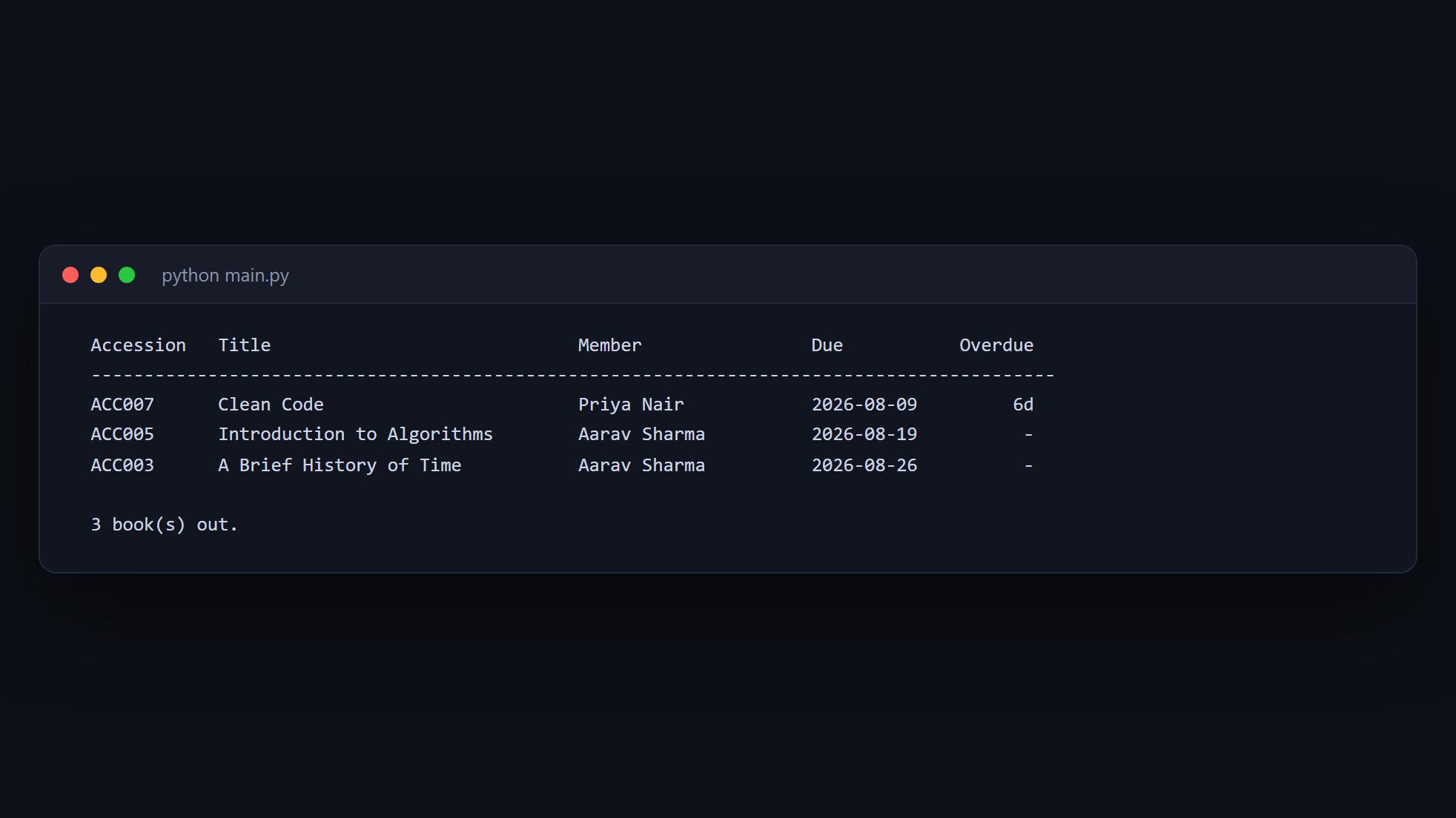
Free Library Management System
Issue and return books, track members, and calculate fines — Python and MySQL.
- Python
- MySQL
- mysql-connector
 Free
Free Automatic File Organizer
A tool that moves your files has to show you what it will do before it does it.
- Python