Student Management System
Add, search, update and report on student records with Python and MySQL.
- Python
- MySQL
- mysql-connector
About this project
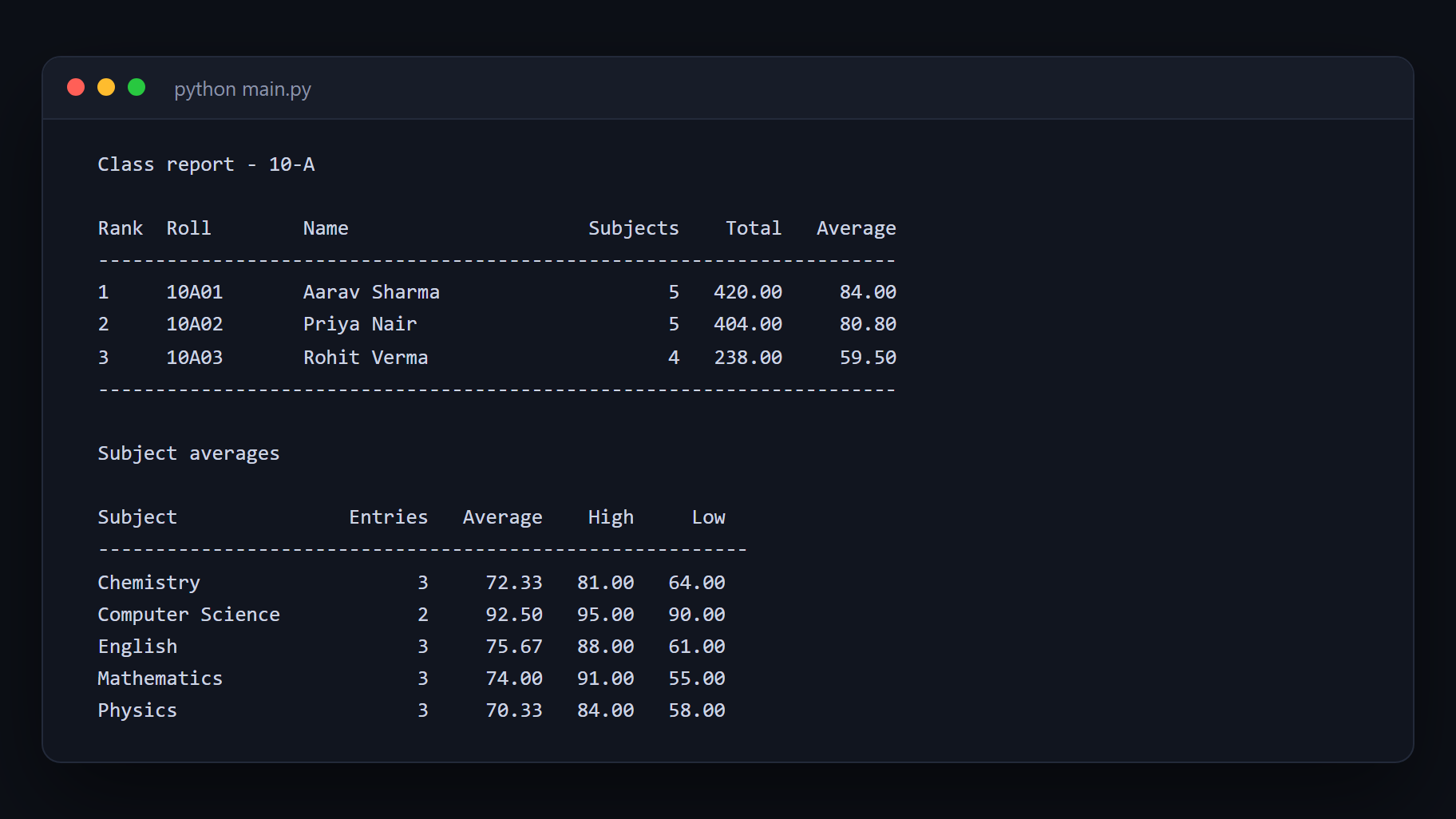
A menu-driven student records program: add students, search by roll number or name, update details, record marks across subjects, and print class reports. It is written to the shape the CBSE Class 12 Computer Science practical expects — Python talking to MySQL through mysql-connector — and the same structure works for a BCA or Diploma mini project.
The lesson here is the seam between a program and a database. Most first attempts scatter SQL strings through the input handling and break the moment a name contains an apostrophe. In this one the database work lives in its own module, every query is parameterised, and the menu code never sees SQL at all.
Be clear about what this is: a single-operator console program, on one machine, for one class list. It is a learning exercise, not school software.
What you will learn
- Connect a Python program to MySQL and run queries safely with parameters
- Design a small relational schema and explain why each column is there
- Separate database code from interface code so either can change alone
- Handle the errors that actually happen — duplicate roll numbers, missing records, a dropped connection
- Produce class and subject reports with SQL aggregation instead of Python loops
Before you start
- Python basics — variables, loops, functions
- A little SQL: SELECT, INSERT, UPDATE, DELETE
- MySQL installed locally, or access to any MySQL server
New to Python? The free Python course covers everything this project assumes.
Academic integrity notice
These projects are provided for learning, experimentation and reference. Understand the code, modify it for your own requirements, and acknowledge external work according to your institution’s academic policies. Priodemy does not supply work to be submitted as your own.
Features
- Add, search, update and delete student records
- Marks entry across multiple subjects, with validation
- Class report and subject-wise averages computed in SQL
- Search by roll number, name or class
- Parameterised queries throughout — no string concatenation into SQL
- Database module cleanly separated from the menu interface
- Seed script with sample data so it runs the moment you connect
Technology stack
Track: Python & AI/ML · Level: Mini project
What is included
- Full Python source, commented
- MySQL schema (.sql) with sample data
- Setup and installation guide
- A note on the database design and why each table looks the way it does
- Sample output for every menu option
Delivered as a 12 KB ZIP. SHA-256 published under Changelog so you can verify it.
System requirements
- Operating system
- Windows, macOS or Linux
- Runtime
- Python 3.10 or newer
- Database
- MySQL 8.0 or newer
Licence
Learn from it, change it, and use it in your own coursework and personal projects. Do not resell it or pass it off as your own original work.
- Personal and educational use
- Modifying the code however you like
- Using it as the basis of your own coursework, with honest acknowledgement
- Putting your modified version in a portfolio or on your own GitHub
- Reselling or redistributing the project, modified or not
- Presenting it as your own original work
- Commercial deployment — see the Commercial licence
Support window: 6 months from download.
Frequently asked
Is this the CBSE Class 12 Computer Science project?
It is built to the shape the board practical expects — Python with MySQL through mysql-connector, menu driven, with a report. It is a reference implementation to learn from, not something to submit unchanged. Read the code, change the schema to your own requirements, and write your own report.
Can our school use this to actually manage students?
No, and please do not try. This is a single-user console program with no logins, no permissions, no backups and no audit trail — fine for learning, wrong for real student data. If you need an actual system, that is what Priodemy EduSuite is for.
Can I use SQLite instead of MySQL?
Yes, with small changes. The database module is separate precisely so the connection and queries can be swapped without touching the menu code. The setup guide explains what changes.
Do I need to know SQL already?
A little. If you can write a SELECT with a WHERE clause you will follow it. The included notes explain each query as it appears, and the free SQL course on Priodemy covers the rest.
It says "Access denied for user" when I run it.
That is MySQL rejecting the credentials in the config file, not a fault in the project. The usual cause is a root password set during installation and never copied into the config. The setup guide has a section on it.
Changelog
- First release
SHA-2561fe05ec5b03c9c691d43e6b598dfce5513f49180bf2d8affb2731d4ea1e2c33b
You might also like
 Free
Free ATM Simulation System
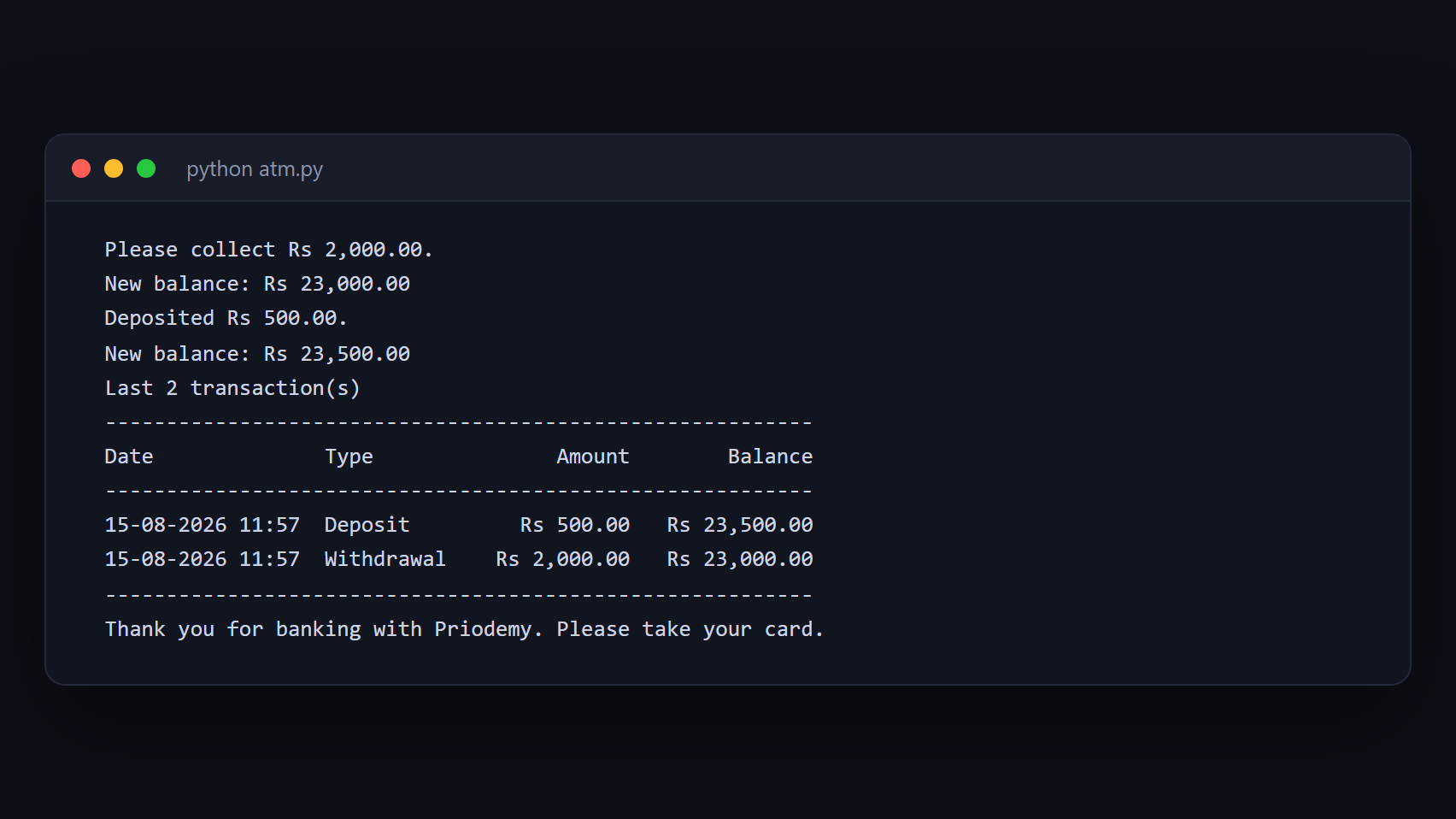
A working cash machine in Python and MySQL — balance, withdrawal, deposit and a transaction history.
- Python
- MySQL
- mysql-connector
 Free
Free Library Management System
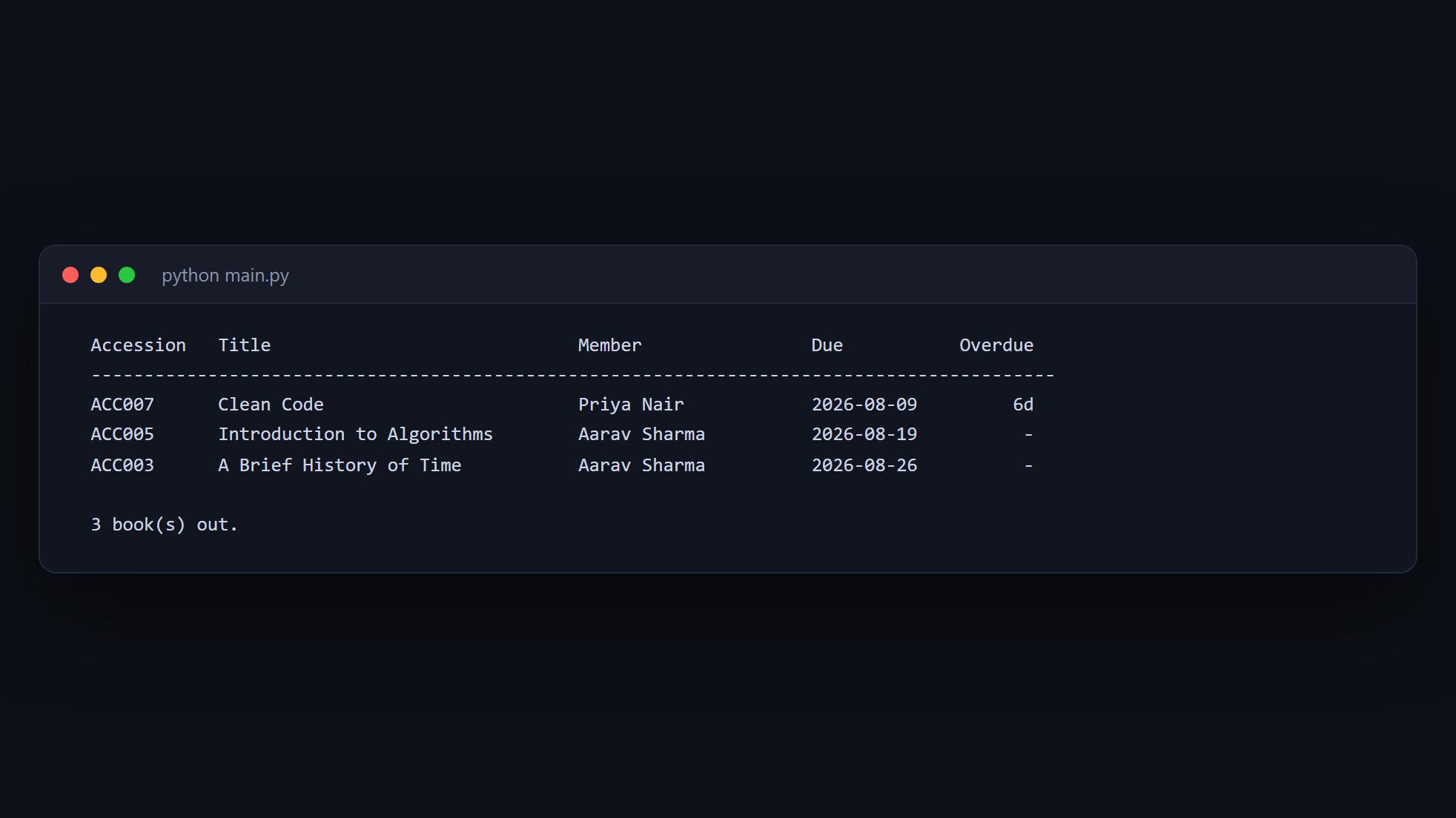
Issue and return books, track members, and calculate fines — Python and MySQL.
- Python
- MySQL
- mysql-connector
 Free
Free Expense Manager (Python CLI)
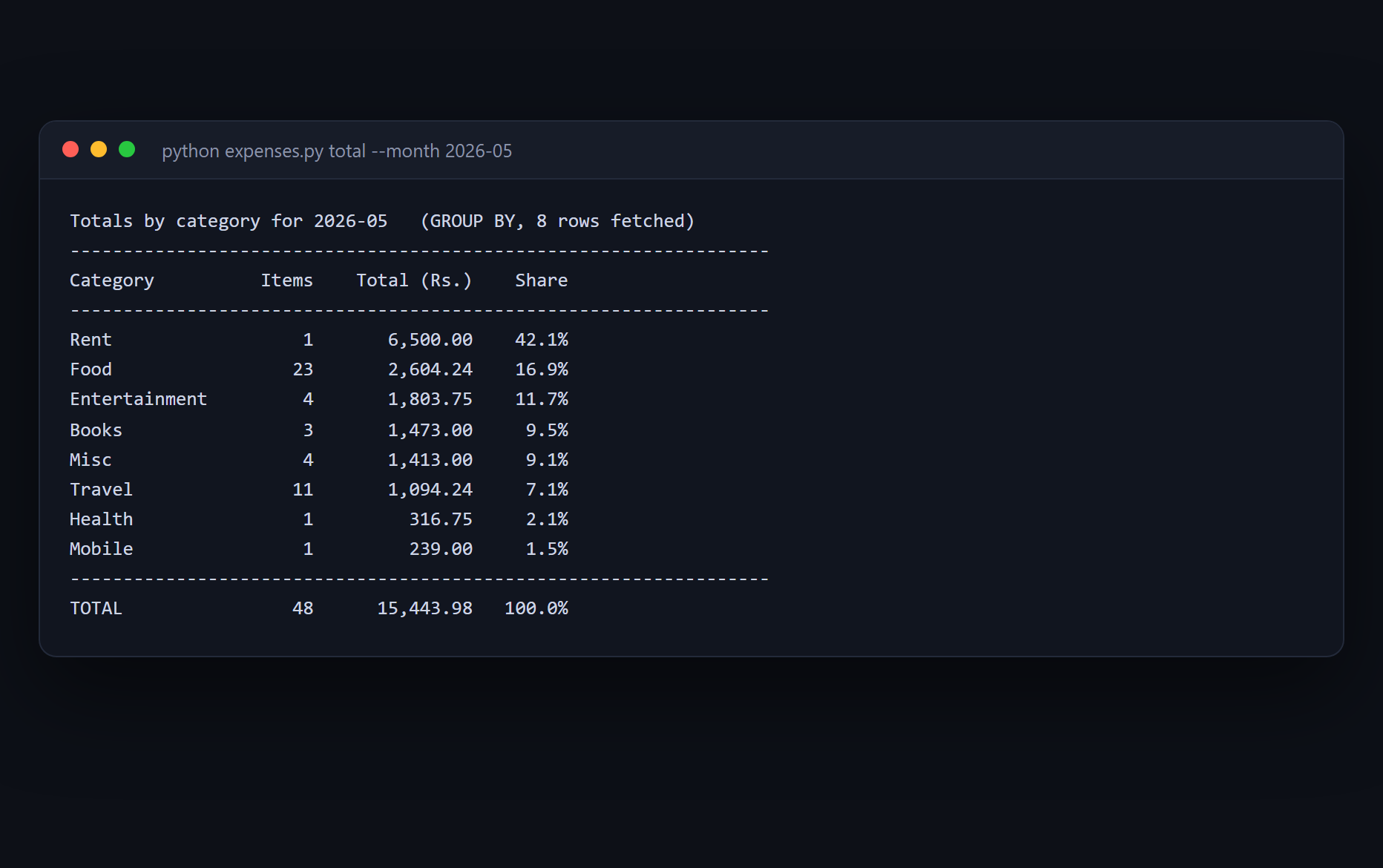
The totals belong in the database, not in a Python loop — and the project times both to prove it.
- Python
- SQLite
- SQL
 Free
Free Automatic File Organizer
A tool that moves your files has to show you what it will do before it does it.
- Python