Automatic File Organizer
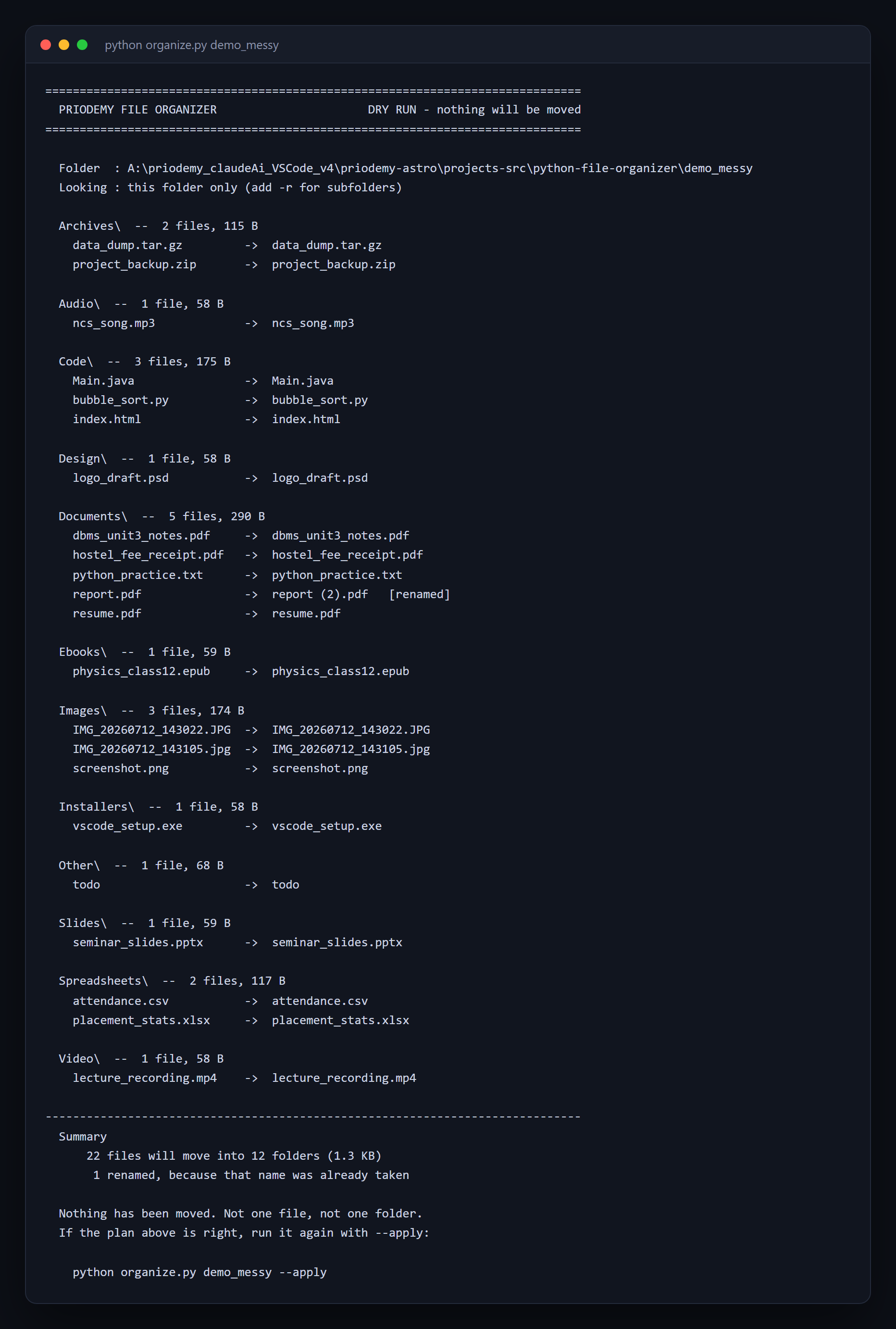
A tool that moves your files has to show you what it will do before it does it.
- Python
About this project
A script that sorts a messy folder — Downloads, a project folder, a phone dump — into subfolders by file type. Standard library only, so there is nothing to install.
The idea it is built around is that a tool which moves a person's files must show them what it will do first. Running it prints a plan and moves nothing; actually moving anything requires an explicit `--apply`. That is the whole safety model, and it is one flag.
Beyond that it handles the two things naive versions get wrong. Name collisions: two files called report.pdf from different folders do not overwrite each other, the second becomes "report (2).pdf". And the fact that os.rename raises OSError when the destination is on a different drive while shutil.move quietly copies and deletes instead — a difference that only shows up on the day someone organises a folder onto another disk. Nothing is ever deleted.
What you will learn
- Make the safe thing the default: a dry run that requires an explicit flag to act
- Handle name collisions without ever overwriting a file
- Know when os.rename fails and shutil.move does not, and why
- Walk a directory tree with pathlib and classify files by extension
- Write a command-line tool that refuses clearly instead of failing obscurely
Before you start
- Python basics — functions, loops and dictionaries
- Python 3.10 or newer. Standard library only.
New to Python? The free Python course covers everything this project assumes.
Academic integrity notice
These projects are provided for learning, experimentation and reference. Understand the code, modify it for your own requirements, and acknowledge external work according to your institution’s academic policies. Priodemy does not supply work to be submitted as your own.
Features
- Dry run by default; --apply is required before anything moves
- Collision-safe renaming, so no file is ever overwritten
- Configurable extension table in rules.py, printable with --list-rules
- Optional recursion into subfolders, and a --into flag to sort somewhere else
- Hidden and configuration files left alone
- A --demo flag that builds a messy folder to practise on, so you never test on your own files
Technology stack
Track: Python & AI/ML · Level: Starter
What is included
- organize.py and rules.py — commented throughout
- A README on dry-run design, collision handling and os.rename versus shutil.move
- Suggested extensions, including sorting by date and an undo log
Delivered as a 21 KB ZIP. SHA-256 published under Changelog so you can verify it.
System requirements
- Operating system
- Windows, macOS or Linux
- Runtime
- Python 3.10 or newer. Standard library only.
Licence
Learn from it, change it, and use it in your own coursework and personal projects. Do not resell it or pass it off as your own original work.
- Personal and educational use
- Modifying the code however you like
- Using it as the basis of your own coursework, with honest acknowledgement
- Putting your modified version in a portfolio or on your own GitHub
- Reselling or redistributing the project, modified or not
- Presenting it as your own original work
- Commercial deployment — see the Commercial licence
Support window: 6 months from download.
Frequently asked
Can it delete my files?
No. There is no delete anywhere in the code. It moves files and it renames on collision, and with no flags it does neither — it only prints what it would do. Use --demo to practise on a folder it creates for you.
What happens when two files have the same name?
The second becomes "report (2).pdf" and both survive. Overwriting is the obvious implementation and it silently destroys data, which is why the README treats it as the main hazard rather than an edge case.
Why not just use os.rename everywhere?
Because it fails across drives. On Windows it raises OSError with errno 18, "The system cannot move the file to a different disk drive". shutil.move falls back to copy-then-delete. The README shows the actual error and explains what each one guarantees.
Changelog
- First release
SHA-256139145e14d247a1c63f46210101dacaaa54d3593d45632c262d020b871048c98
You might also like
 Free
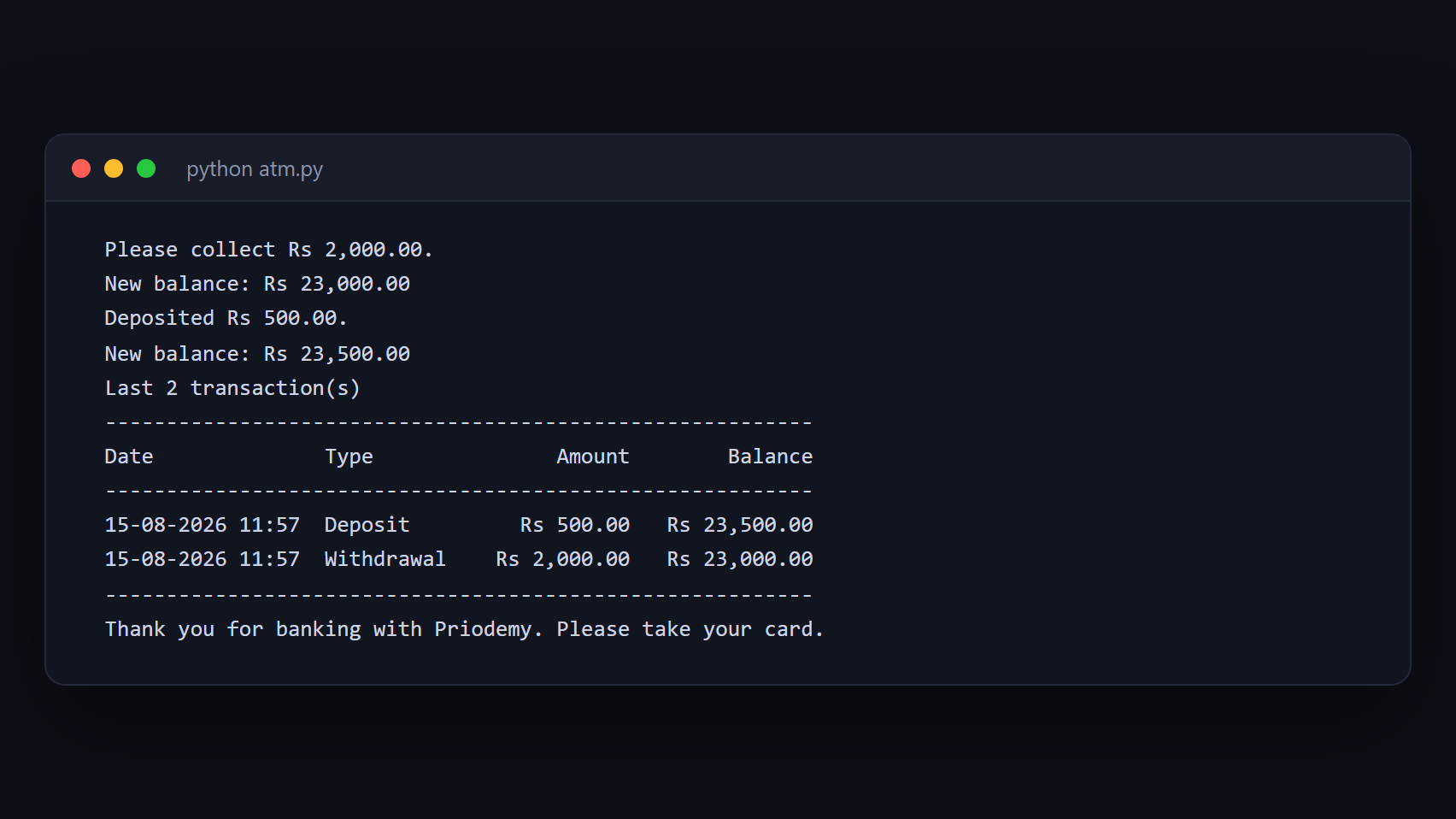
Free ATM Simulation System
A working cash machine in Python and MySQL — balance, withdrawal, deposit and a transaction history.
- Python
- MySQL
- mysql-connector
 Free
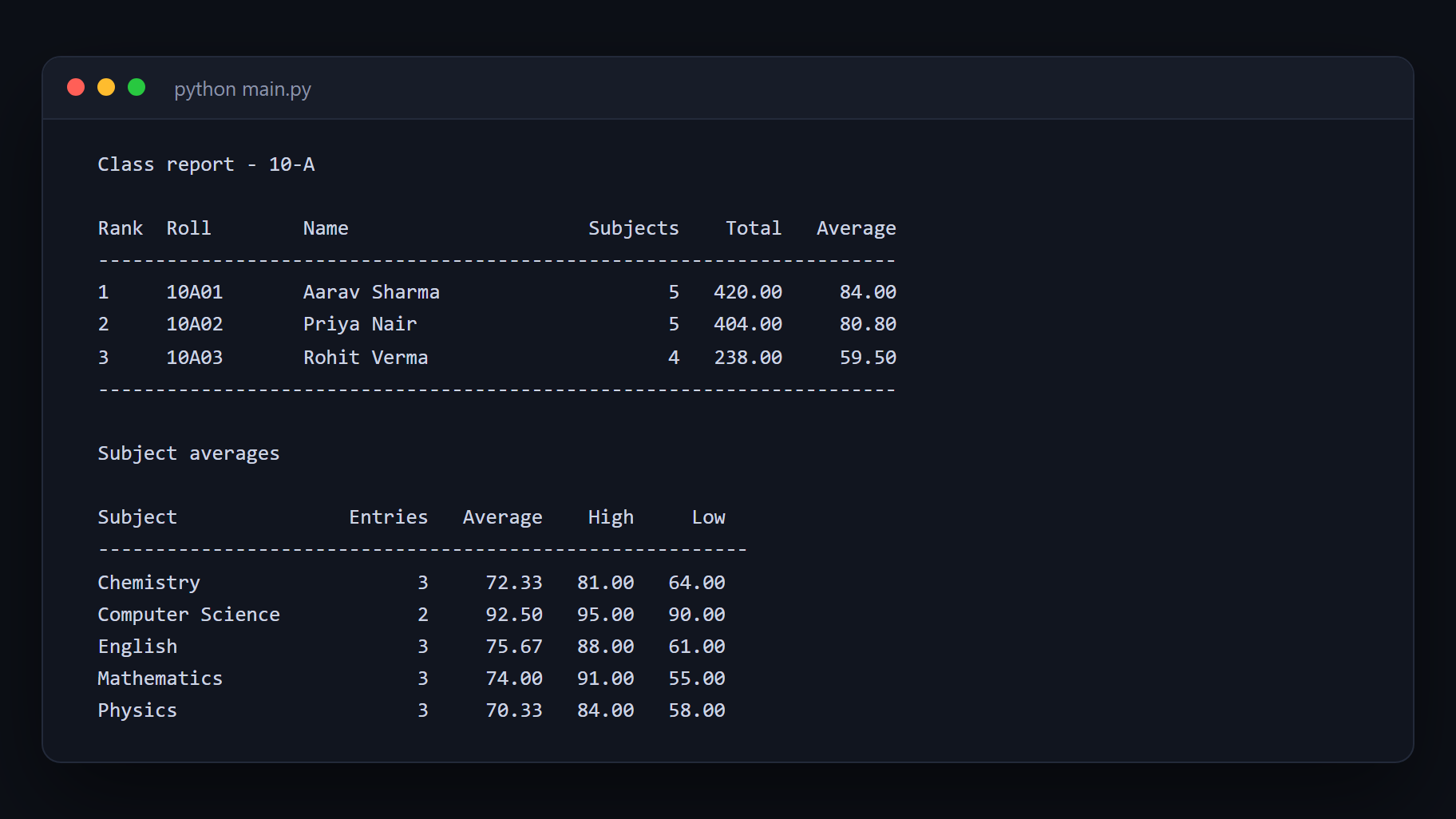
Free Student Management System
Add, search, update and report on student records with Python and MySQL.
- Python
- MySQL
- mysql-connector
 Free
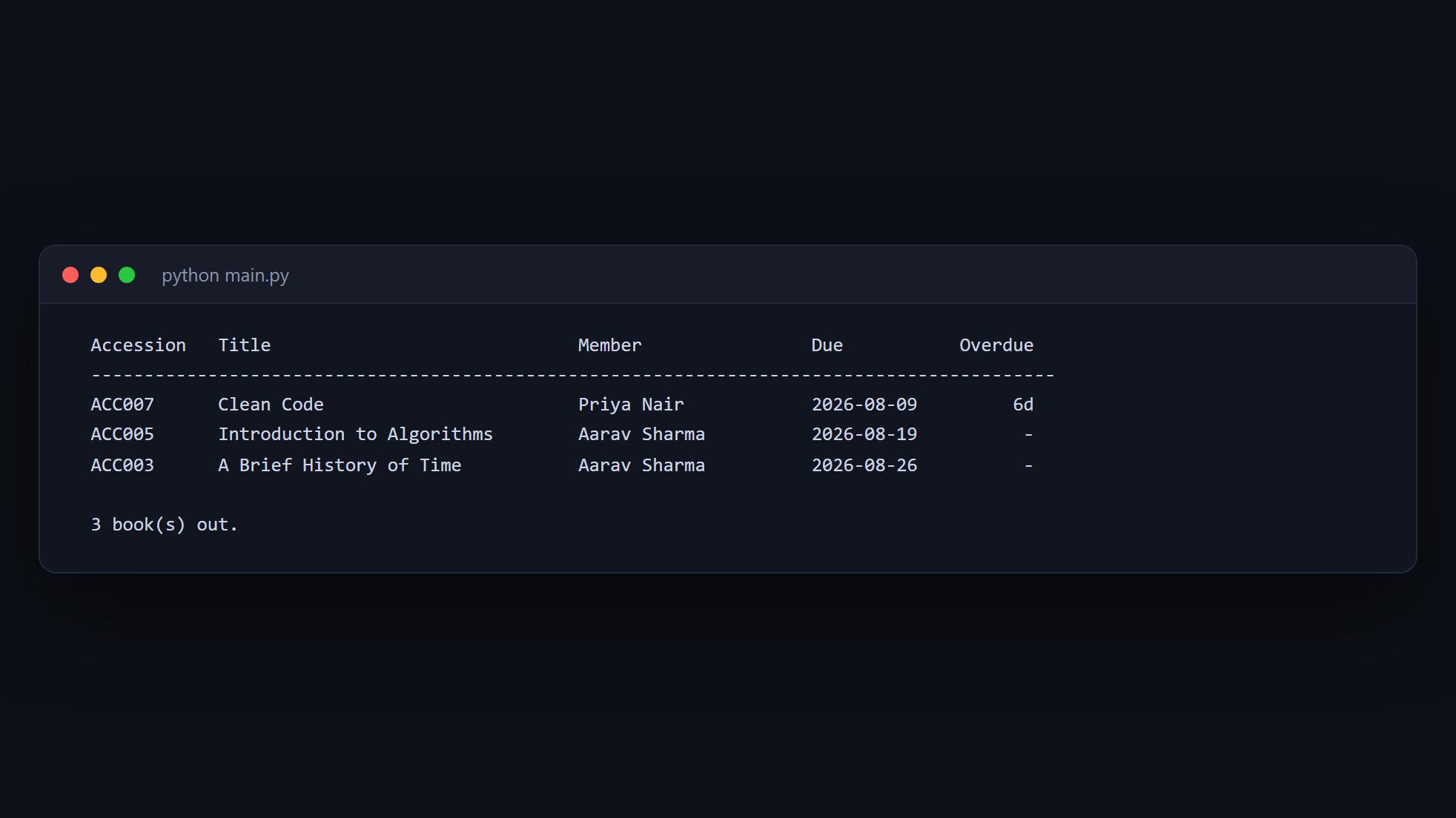
Free Library Management System
Issue and return books, track members, and calculate fines — Python and MySQL.
- Python
- MySQL
- mysql-connector
 Free
Free Expense Manager (Python CLI)
The totals belong in the database, not in a Python loop — and the project times both to prove it.
- Python
- SQLite
- SQL