Fine Dining Restaurant Website
Bootstrap’s default muted-text colour went nearly invisible the moment the whole site went dark — caught by looking at a screenshot, not by any passing automated number.
- Bootstrap 5
- HTML
- CSS
- JavaScript
About this project
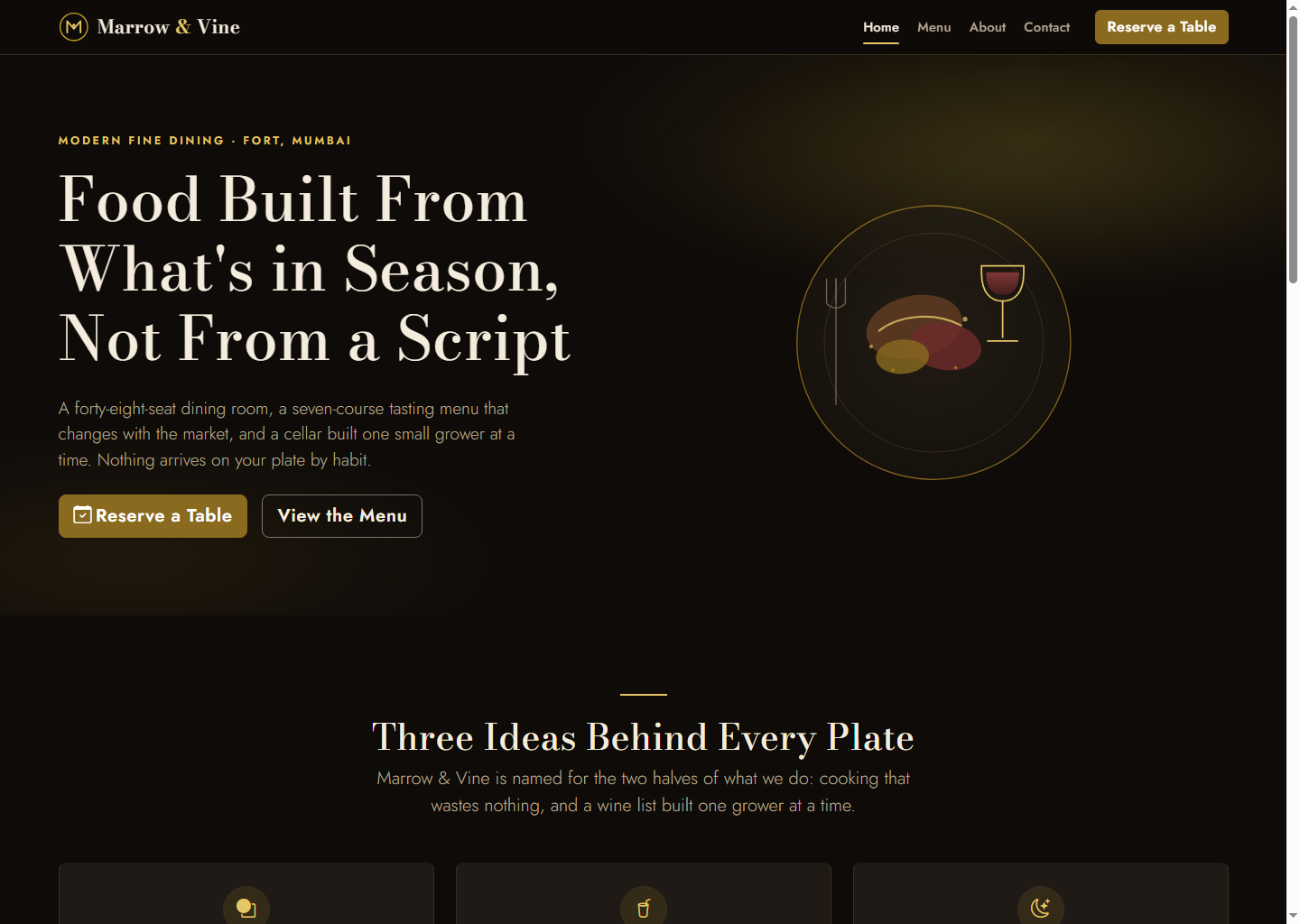
A five-page site for a fictional restaurant, "Marrow & Vine." Like the other Bootstrap design templates in this catalogue, this is a pure visual-design product — no backend, no database. The register is dark, moody and elegant across every page, not just the navbar and footer: a near-black warm charcoal base, Bodoni Moda (display serif) paired with Jost (geometric sans), and a four-role gold accent system. Zero photography anywhere — the hero is a hand-built inline-SVG abstract plated-dish-and-wine-glass composition, team and testimonials use colour-circle initials avatars, and the contact page’s "map" is stylised inline-SVG line art with a pin, not a real embed. The menu page is the one deliberately light surface in the template — its a la carte tabs sit on a warm "parchment" card so it reads like an actual printed menu against the otherwise all-dark site.
The most instructive bug here wasn’t caught by any automated metric: because the whole site is dark by design without using Bootstrap’s own `data-bs-theme="dark"` attribute, `.text-body-secondary` (used for most body copy site-wide) was still silently resolving to Bootstrap’s light-theme default colour — a very dark, low-opacity grey that is nearly invisible against the `#0e0b09` background. Every automated contrast check that only tested the template’s OWN declared colour tokens would have passed, because the bug was in a Bootstrap default nobody had overridden. It was caught only by actually looking at a rendered screenshot, not by a passing number, and fixed by remapping the real underlying Bootstrap CSS variables (`--bs-secondary-color`, `--bs-border-color`, `--bs-link-color`, and others) to the template’s own palette.
What you will learn
- Build a dark, moody, all-pages fine-dining restaurant site on Bootstrap 5 without hand-editing the framework itself
- Understand why Bootstrap’s light-theme CSS variables need remapping, not just a few overridden classes, when a whole site goes dark
- Build a tabbed menu page (Bootstrap nav-pills) with real keyboard activation and hash-based deep-linking into a specific tab
- Build a reservation form that echoes the submitted details back in its own confirmation panel, verified with real form fills
- Run a real WCAG contrast check and a real multi-breakpoint overflow check instead of eyeballing either
Before you start
- HTML and CSS fundamentals — this is a design product, not a framework tutorial
- Any modern browser. No Node, no build step, no server required to use it
- Comfortable editing raw HTML/CSS directly, since there is no CMS or config file
New to Bootstrap 5? The free Bootstrap 5 course covers everything this project assumes.
Academic integrity notice
These projects are provided for learning, experimentation and reference. Understand the code, modify it for your own requirements, and acknowledge external work according to your institution’s academic policies. Priodemy does not supply work to be submitted as your own.
Features
- A fully dark, moody design across all five pages (not just chrome/footer), with a parchment-light menu card as a deliberate contrast
- A tabbed menu page (Tasting Menu / Starters / Mains / Desserts / Wine Pairing) with real keyboard tab activation and hash-based deep-linking into a specific tab
- A reservation form with full HTML5 validation and a confirmation panel that echoes back the exact submitted details, plus an "Edit Request" path back to the form
- A real Bootstrap-light-theme-default bug caught only by viewing a screenshot — every automated check of the template’s own colours was passing while the bug was live
- Zero photography anywhere — hero, team, testimonials and the contact "map" are all inline SVG or colour-circle avatars
Technology stack
Track: Web Development · Level: Mini project
What is included
- All 5 HTML pages, fully commented custom.css, main.js, reservation-form.js and contact-form.js
- A written contrast-ratio table and a responsive-check writeup in the README, not just a pass/fail claim
- A "Customizing this" map pointing at exactly where to change the restaurant name, menu, team and copy
Delivered as a 45 KB ZIP. SHA-256 published under Changelog so you can verify it.
System requirements
- Operating system
- Any
- Runtime
- Any modern browser. No server, no build step, no dependencies to install.
Licence
Learn from it, change it, and use it in your own coursework and personal projects. Do not resell it or pass it off as your own original work.
- Personal and educational use
- Modifying the code however you like
- Using it as the basis of your own coursework, with honest acknowledgement
- Putting your modified version in a portfolio or on your own GitHub
- Reselling or redistributing the project, modified or not
- Presenting it as your own original work
- Commercial deployment — see the Commercial licence
Support window: 6 months from download.
Frequently asked
What was the dark-theme bug, and why didn’t the contrast checker catch it?
Bootstrap’s `.text-body-secondary` class, used for most body copy, resolves by default to a dark, low-opacity grey meant for light pages. This whole site is dark by design, but without Bootstrap’s own `data-bs-theme="dark"` attribute set, that class kept resolving to its light-theme default — nearly invisible against the near-black background. A contrast check of the template’s own declared colour tokens would still have passed, because the bug lived in an un-overridden Bootstrap default, not in the template’s own CSS. It was only caught by looking at an actual rendered screenshot, and fixed by remapping the underlying Bootstrap CSS variables to the template’s palette.
Does the menu page’s tab deep-linking actually work?
Yes — opening `menu.html#wine` activates the Wine Pairing tab directly on page load, and all five tabs (Tasting Menu / Starters / Mains / Desserts / Wine Pairing) are keyboard-operable with Tab and Enter, not just mouse-clickable.
Can I use this for a real restaurant?
Yes — replace the fictional Marrow & Vine branding, menu, team and copy with your own (the README’s "Customizing this" table lists every spot). The reservation and contact forms have no backend wired up; the README includes instructions for connecting them to a real backend. The Educational licence covers learning and coursework; a Commercial licence is available for shipping it as a real restaurant’s site.
Changelog
- First release
SHA-2565aea91932c5eab36d9e9b1a4e1742a6692058d7c59fff3b56d7b419e6bf96840
You might also like
 Free
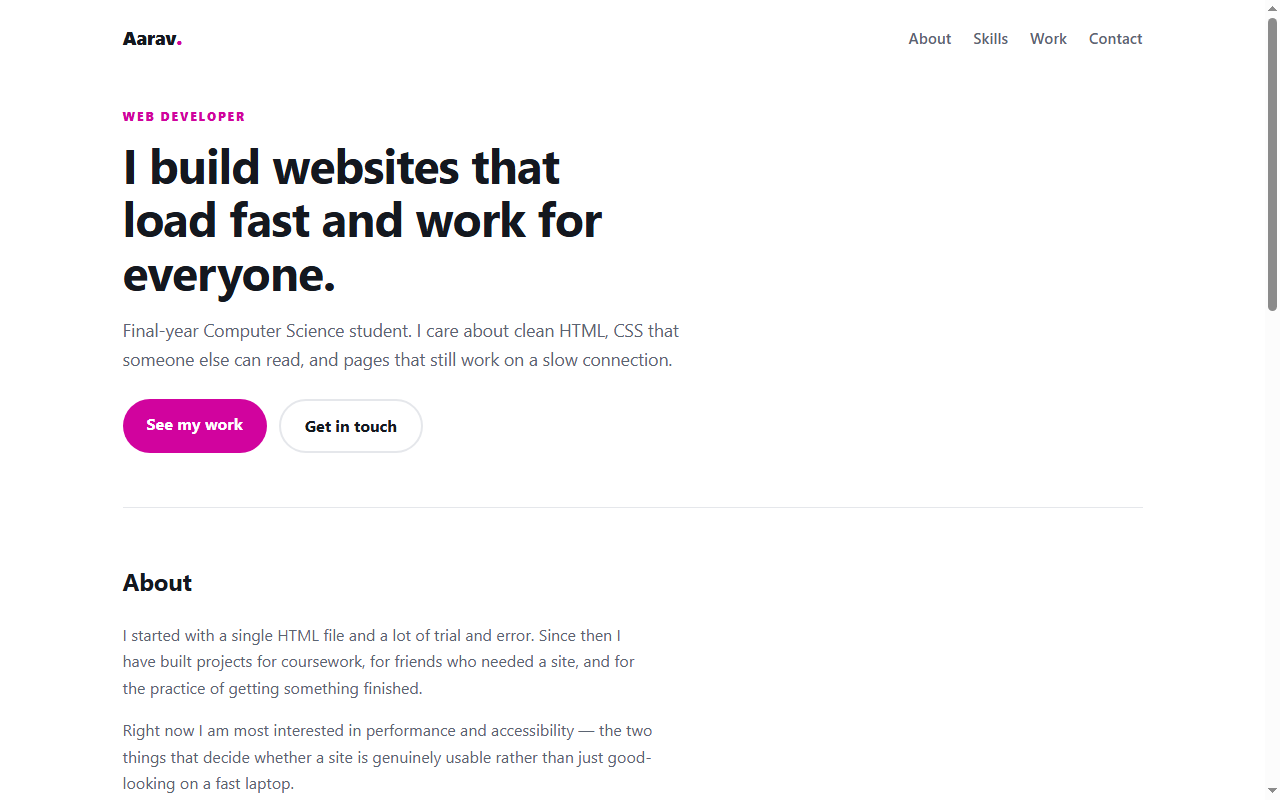
Personal Portfolio Website
A responsive portfolio in plain HTML and CSS — no framework, no build step.
- HTML
- CSS
 Free
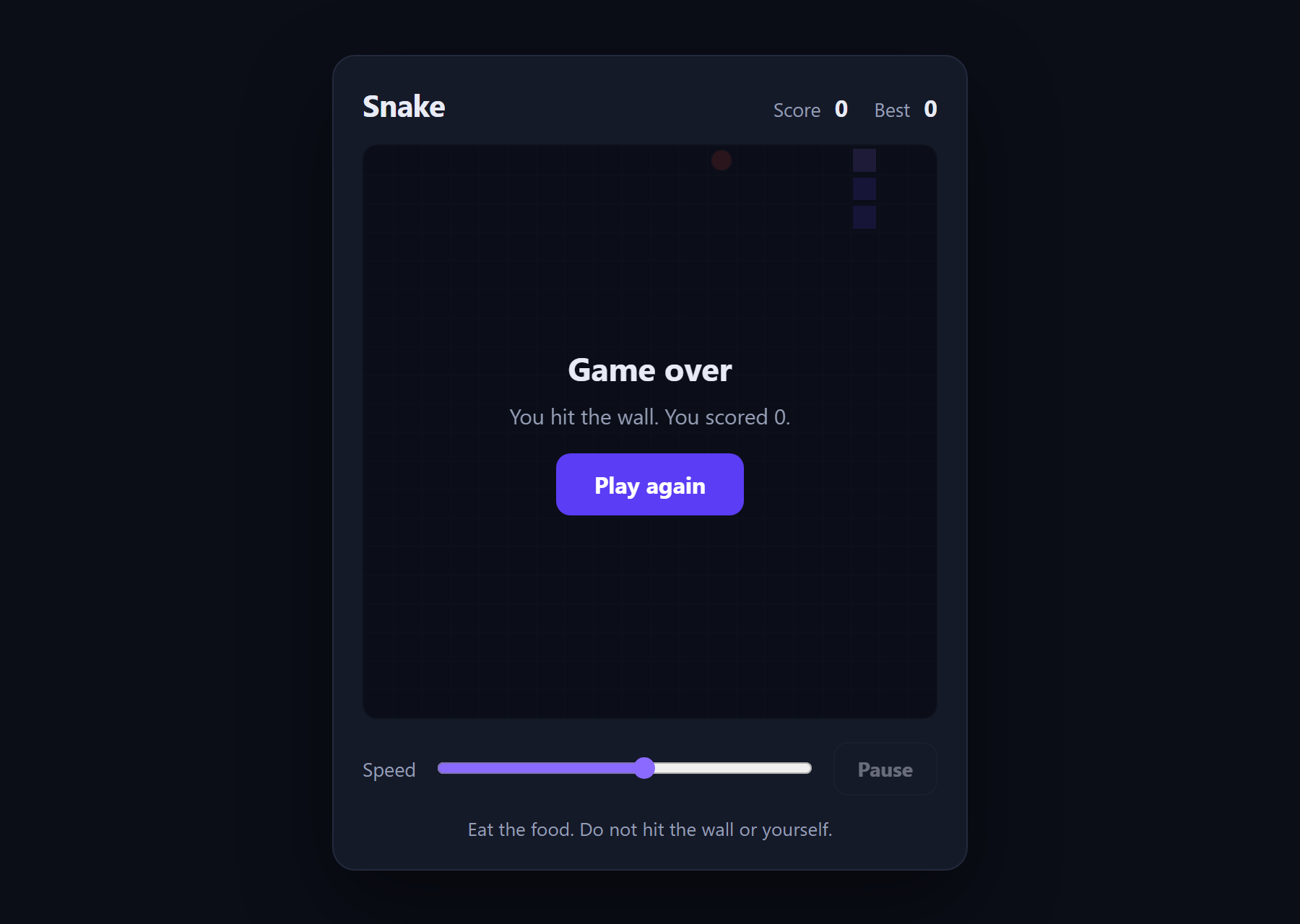
Snake Game
The classic game in about 180 lines of plain JavaScript and a canvas.
- JavaScript
- Canvas
- HTML
 Free
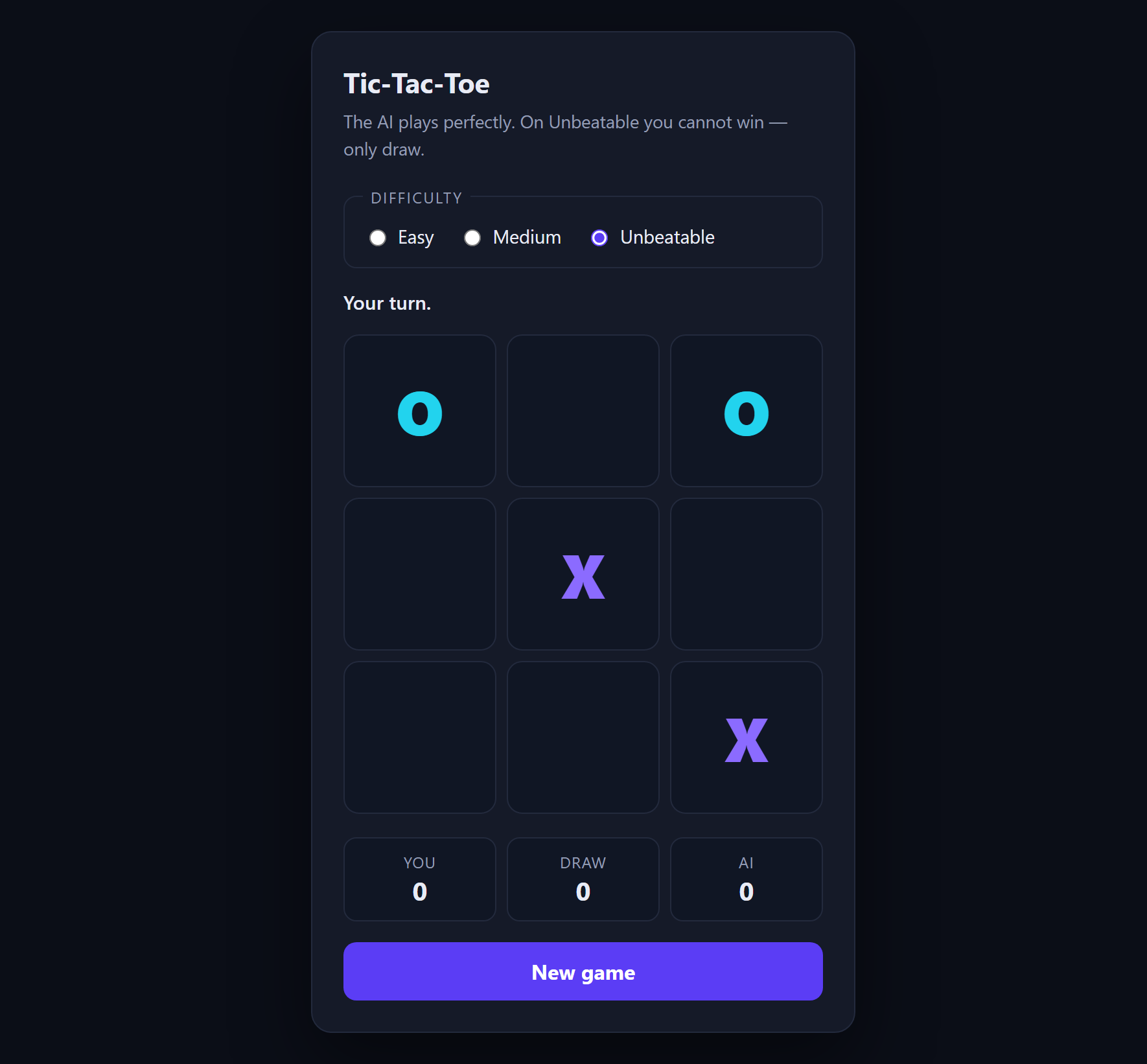
Tic-Tac-Toe with AI
An opponent that plays perfectly, using minimax with alpha-beta pruning.
- JavaScript
- Minimax
- HTML
 Free
Typing Speed Test
A speed test that shows its own arithmetic, because WPM is a definition rather than a measurement.
- JavaScript
- CSS
- HTML