Weather App with React
A network request has four states, not two — and the race is the fifth problem.
- React
- Vite
- REST API
About this project
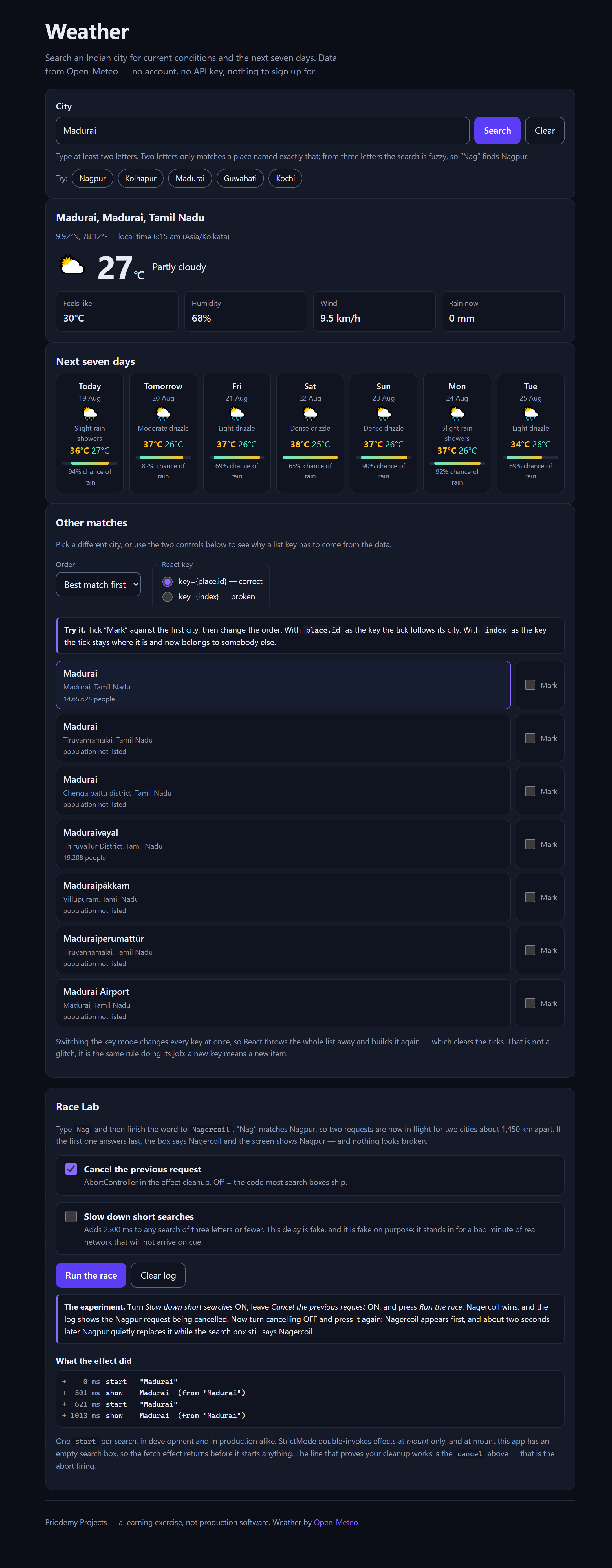
Search an Indian city and see current conditions and a seven-day forecast. Data from Open-Meteo — no account, no API key, nothing to sign up for.
The idea it is built around is that a network request has four states, not two. Beginners write loading and success; the two they forget are error and empty, which are the ones users actually hit. Underneath those is a fifth problem: type "Del", then finish "Delhi" quickly, and two requests are in flight — if the first resolves last, the screen shows the wrong city and nothing looks broken. The app models the whole thing as one state value rather than three booleans, and explains why three booleans permit eight combinations of which five are nonsense. That is exactly where a spinner on top of an error message comes from.
Rather than describe the race, the app ships a Race Lab that runs it in front of you, with a switch to turn the AbortController cleanup off and a log showing the cancel firing or not firing. The React key demonstration works the same way: tick a row, reorder the list, and watch the tick follow its city or stay behind, depending on whether the key came from the data or from the index.
What you will learn
- Model async work as one state that can only be idle, loading, success, error or empty
- See why three booleans allow eight combinations of which five are nonsense
- Cancel a superseded request with AbortController, and watch the race without it
- Write an effect that cleans up after itself, and understand the dependency array
- Use a key that comes from the data, and see exactly what an index key breaks
Before you start
- JavaScript basics, and a little React — components, props and useState
- Node 18 or newer, then one npm install
New to React? The free React course covers everything this project assumes.
Academic integrity notice
These projects are provided for learning, experimentation and reference. Understand the code, modify it for your own requirements, and acknowledge external work according to your institution’s academic policies. Priodemy does not supply work to be submitted as your own.
Features
- One state machine for the request, not a pile of booleans
- A Race Lab that reproduces the overlapping-request bug on demand, with cleanup switchable
- A key demonstration you can operate: place.id against index, with a tick that follows or does not
- Seven-day forecast with highs, lows and chance of rain
- Offline, city-not-found and a bad response all handled as normal outcomes
- React 19 and Vite 6, pinned by a lockfile so you install the versions the README documents
Technology stack
Track: Web Development · Level: Mini project
What is included
- A complete Vite project — components, API layer and styles, commented throughout
- A README on the four states, the race, effect cleanup and keys
- package-lock.json, so the versions you get are the versions this was written against
Delivered as a 51 KB ZIP. SHA-256 published under Changelog so you can verify it.
System requirements
- Operating system
- Any
- Runtime
- Node 18 or newer. npm install, then npm run dev.
Licence
Learn from it, change it, and use it in your own coursework and personal projects. Do not resell it or pass it off as your own original work.
- Personal and educational use
- Modifying the code however you like
- Using it as the basis of your own coursework, with honest acknowledgement
- Putting your modified version in a portfolio or on your own GitHub
- Reselling or redistributing the project, modified or not
- Presenting it as your own original work
- Commercial deployment — see the Commercial licence
Support window: 6 months from download.
Frequently asked
Do I need an API key?
No. Open-Meteo needs no account, no key and no card, which is why it was chosen. Nothing in this project asks you to sign up for anything.
What is the Race Lab for?
To make a bug you would otherwise never catch reproduce on demand. Two overlapping searches where the slower one wins looks like nothing is wrong — the app just shows a different city than the box says. The panel runs that on demand and lets you switch the cleanup off to watch it happen.
Why does the tick jump to the wrong city in the list?
Only when you choose the index key, which is the point of that control. A key tells React which item is which across a re-render; an index says "the thing in position 3", so reordering makes position 3 somebody else. Switch to place.id and the tick follows its city.
Changelog
- First release
SHA-25651f43d34addbe96a6d09b4158194ee4532139dccc468e0a06abfed6d82686b6a
You might also like
 Free
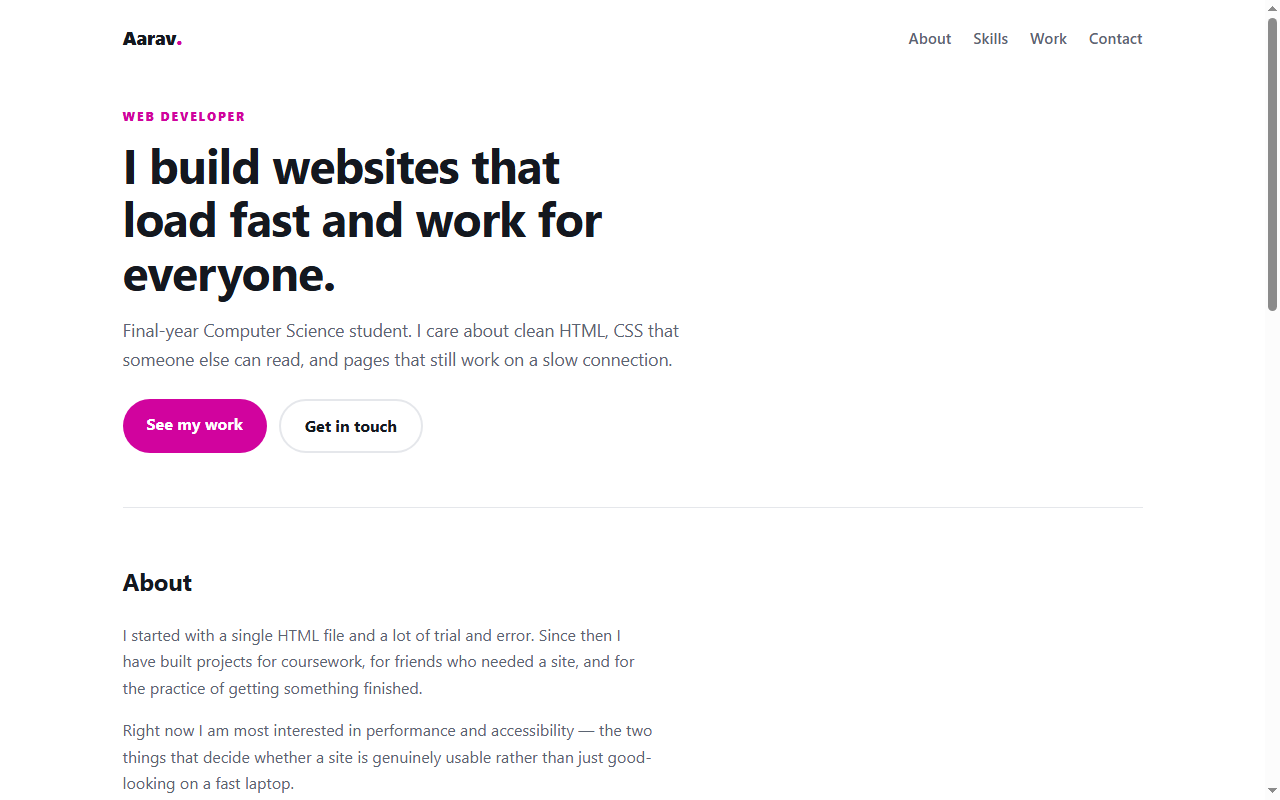
Free Personal Portfolio Website
A responsive portfolio in plain HTML and CSS — no framework, no build step.
- HTML
- CSS
 Free
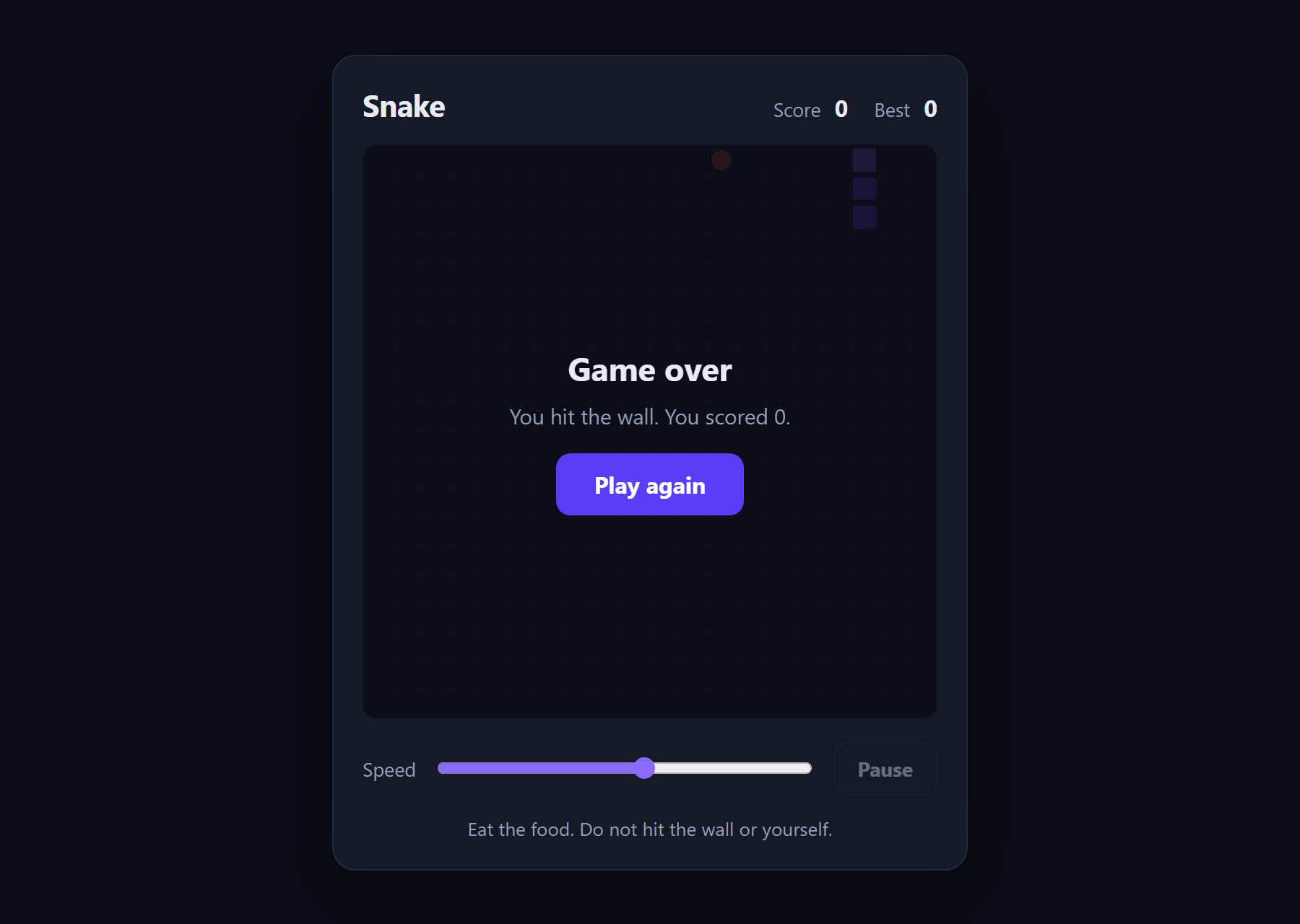
Free Snake Game
The classic game in about 180 lines of plain JavaScript and a canvas.
- JavaScript
- Canvas
- HTML
 Free
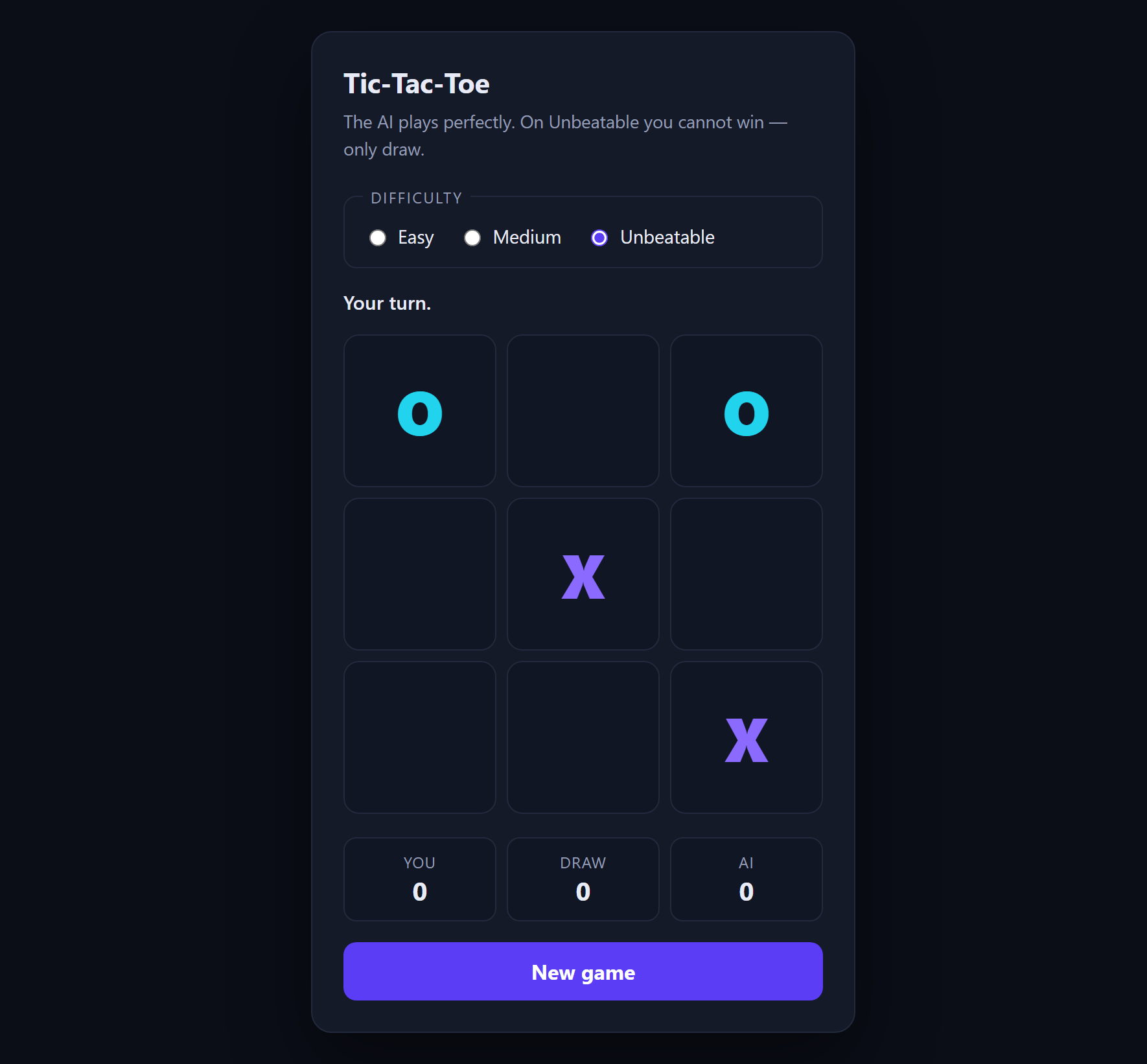
Free Tic-Tac-Toe with AI
An opponent that plays perfectly, using minimax with alpha-beta pruning.
- JavaScript
- Minimax
- HTML
 Free
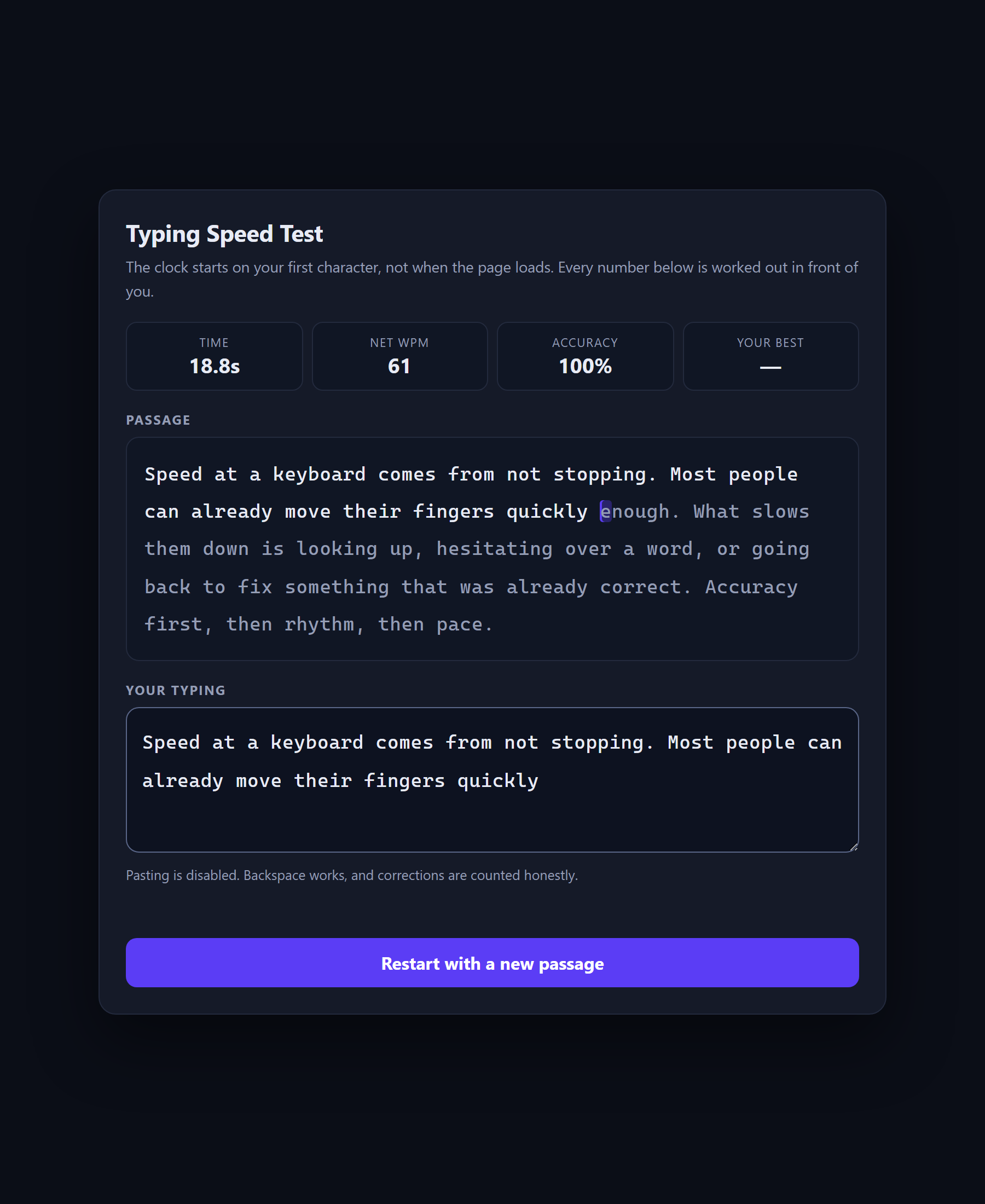
Free Typing Speed Test
A speed test that shows its own arithmetic, because WPM is a definition rather than a measurement.
- JavaScript
- CSS
- HTML